Most refurbished laptops last 3-7 years, but the devil's in the detail. That 2016 MacBook Pro Touch Bar might look tempting on price, but it's already showing its age in ways that'll cost you later.
The lifespan question isn't just about years—it's about performance degradation, software support cuts, and when repair costs exceed replacement value. After testing hundreds of refurbished units since 2011 (Companies House No. 07830466), we've tracked which models age gracefully and which become expensive paperweights.
The Battery Reality Check
Laptop batteries degrade roughly 20% per year under normal use. A 2019 machine arriving with 80% battery health will hit 60% within two years of purchase—still usable, but noticeably shorter runtime.
Apple's newer machines handle this better. The MacBook Pro 13" M1 typically arrives with 85-90% battery health and maintains performance longer due to the M1's efficiency. You're looking at 5-6 years of solid use.
Intel MacBooks are harsher on batteries. That MacBook Pro 13" Touch Bar 2019 might seem like excellent value, but Intel's power hunger means you'll likely need a battery replacement (£150-200) within 18 months.
Software Support: The Silent Killer
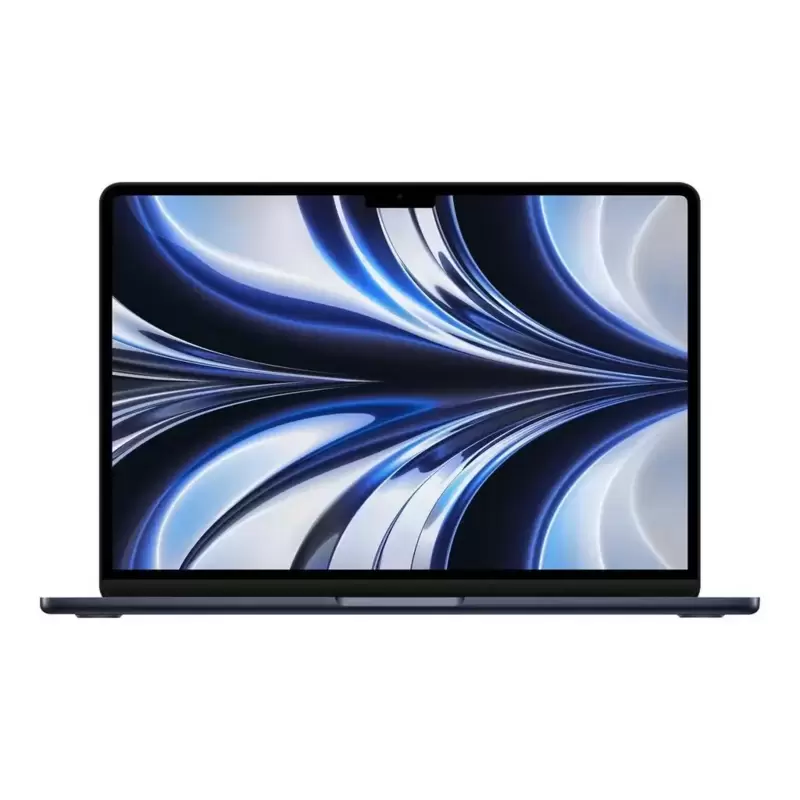
✅ MacBook Air M2 13"
The M2 MacBook Air launched in 2022, and Apple lists the MacBook Air (M2, 2022) as compatible with macOS 27 Golden Gate, the latest major version of macOS. Combined with the M2's performance headroom, this machine will comfortably last 6-7 years.
✅ MacBook Pro 13" M1
Launched late 2020, and Apple lists the MacBook Pro (13-inch, M1, 2020) as compatible with macOS 27 Golden Gate, the latest major version of macOS. The M1's performance means it won't struggle with future updates. Expect 5-6 years of strong performance.
❌ MacBook Pro 13" Touch Bar 2016
Apple dropped support for 2016 models in macOS Ventura. You're stuck on macOS Monterey, whose last Apple security update was macOS Monterey 12.7.6 in July 2024. Maximum realistic lifespan: 2-3 years.
✅ Surface Laptop 3
Microsoft ended Surface firmware and driver updates for the Surface Laptop 3 on 30 July 2024; after that, Microsoft says devices continue to receive Windows feature and security updates under the Windows lifecycle policy. However, the AMD Ryzen processor shows its age in demanding tasks. Realistic lifespan: 3-4 years for general use.
Performance Degradation Timeline
Years 1-2: Minimal performance loss. SSD speeds remain consistent, processors handle current software well.
Years 3-4: Noticeable slowdown in demanding applications. Video editing becomes frustrating, multiple browser tabs cause stuttering on older machines.
Years 5-6: Usable for basic tasks only. Modern web browsers struggle, video calls may lag.
Years 7+: Only the most efficient processors (M1/M2) remain genuinely usable for anything beyond document editing.
The Windows vs Mac Longevity Battle
✅ HP EliteBook 840 G6
Business-grade build quality means these machines age well physically. The 8th-gen Intel processor handles Windows 11 competently. Expect 4-5 years of solid performance, though battery life will decline noticeably after year 3.
✅ HP ProBook 640 G8
The newer 11th-gen Intel processor provides better efficiency and performance. This machine should comfortably last 4-5 years, with the business-grade build surviving daily use better than consumer laptops.
✅ Lenovo ThinkPad P15 Gen 2
Workstation-class machines like this are built for 5+ year lifecycles. The high-end specs mean it won't struggle with demanding software for years. However, at this price point, you're approaching new laptop territory.
Windows machines generally offer better repairability—RAM upgrades, SSD replacements, even screen repairs are more feasible than with modern MacBooks.
Red Flags: When Refurbished Becomes Risky
Machines over 6 years old: That 2017 iMac looks tempting, but laptop equivalents from this era struggle with modern demands.
First-generation anything: Early Touch Bar MacBooks, first-gen Surface Books, initial Ryzen laptops—these often have design flaws that become expensive problems.
Ultra-thin models: Slim laptops sacrifice cooling and repairability. They age less gracefully than thicker, better-ventilated designs.
Maximising Your Investment
Choose machines with:
- At least 16GB RAM (8GB is barely adequate for modern use)
- SSD storage (any remaining HDD machines are false economy)
- Recent processors (nothing older than 2019 Intel, any Apple Silicon)
- Good software support runway (check manufacturer support schedules)
Our 12-month warranty covers component failures, but not gradual performance decline or battery degradation beyond 50% of original capacity.
The Honest Verdict
Buy the MacBook Pro 13" M1 for the best longevity-to-price ratio. You'll get 5-6 years of strong performance with excellent battery life.
For Windows users, the HP ProBook 640 G8 offers 4-5 years of reliable service with better repairability than Apple alternatives.
Avoid anything pre-2019 Intel unless you need a short-term machine. That 2016 Touch Bar MacBook might work today, but Apple's macOS support for it already ended at Monterey, and repair costs will exceed its value within two years.
Refurbished laptops can absolutely last as long as new ones—if you choose wisely. Focus on recent processors, adequate RAM, and remaining software support rather than just the sticker price.