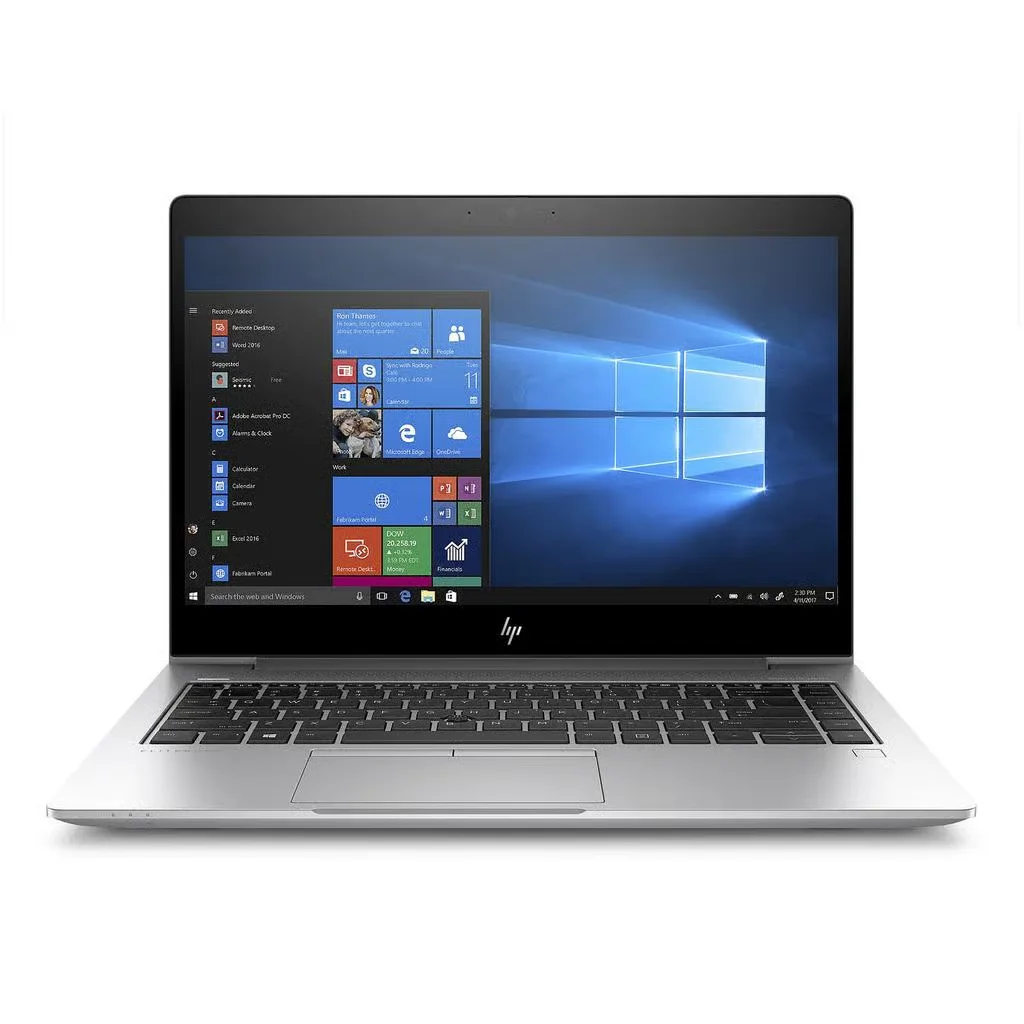
If your laptop still runs Windows 10, you have probably had a year of pop-ups telling you to upgrade. Microsoft ended standard support for Windows 10 on 14 October 20251, and plenty of advice online jumped straight to "buy a new laptop". That skips two free options most people qualify for. This guide covers how to keep getting security updates until October 2027, how to check in five minutes whether your laptop can take Windows 11, and how to decide if replacing it is the right call.
Quick answer
Your Windows 10 laptop keeps working. To stay protected, enrol it in Microsoft's consumer Extended Security Updates (ESU) programme, which now runs until 12 October 2027 and has a no-cost option if you back up your settings with Windows Backup1. Then run Microsoft's PC Health Check app. If your laptop meets the Windows 11 requirements, upgrade for free. If it doesn't, you have about a year to replace it on your own terms, not in a panic.
What changed, and what didn't
Nothing switched off in October 2025. Windows 10 still starts, your files are still there and your apps still open. What ended was Microsoft's standard, automatic security patching for everyone.
Microsoft replaced that with consumer ESU. It was due to finish on 13 October 2026. In June 2026 Microsoft quietly extended it by a year, to 12 October 202712. That matters, because a lot of articles written last year (and a lot of shop assistants) still quote the old date.
| ESU option | Cost | Covers |
|---|---|---|
| Sync your PC settings with Windows Backup | No cost | Updates to 12 Oct 2027 |
| Redeem 1,000 Microsoft Rewards points | Points only | Updates to 12 Oct 2027 |
| One-off purchase | $30 or local equivalent, plus tax | Up to 10 devices, to 12 Oct 2027 |
Microsoft says enrolment options can vary by region1, so check exactly what Windows Update offers on your own PC. ESU delivers security fixes only. You won't get new features, and it is a bridge to your next machine, not a permanent plan.
How to get free Windows 10 security updates until 2027
- Check your version. Press Windows key + R, type
winverand press Enter. You need version 22H22. - Install every pending update. Go to Settings > Update & Security > Windows Update and keep clicking "Check for updates" until nothing is left.
- Sign in with a Microsoft account that is an administrator on the PC2. A local account on its own won't do.
- Enrol. On eligible PCs, Windows Update shows an option to enrol in Extended Security Updates. Choose the Windows Backup option if you want the no-cost route.
Work laptops managed by an IT department are handled through a separate business programme, so leave those to your IT team.
Can your laptop run Windows 11?
This has little to do with how old the laptop feels. Windows 11 has fixed minimum requirements3:
| Requirement | Minimum |
|---|---|
| Processor | 64-bit, 2+ cores, 1 GHz, on Microsoft's supported list |
| Memory | 4 GB RAM |
| Storage | 64 GB |
| Firmware | UEFI, Secure Boot capable |
| Security chip | TPM 2.0 |
| Graphics | DirectX 12, WDDM 2.0 driver |
Work through these checks in order:
- Run PC Health Check. Download it from Microsoft and click "Check now"3. It tells you which requirement fails, if any.
- If it fails on TPM, look again before giving up. Press Windows key + R, type
tpm.mscand press Enter. If it says no compatible TPM was found, the chip may simply be switched off. Microsoft notes that many PCs capable of TPM 2.0 aren't set up to use it, and it is turned on in the UEFI/BIOS settings4 (often labelled Intel PTT or AMD fTPM). - If it fails on the processor, there is no setting to change. To read an Intel model number, look at the digits after "i5-" or "i7-". The first one or two digits are the generation: i5-8250U is 8th gen, i5-10210U is 10th gen, i5-1135G7 is 11th gen. Microsoft's list broadly starts at Intel 8th gen and AMD Ryzen 2000 series5, but check your exact chip on the list.
Should you force Windows 11 onto an unsupported laptop?
Not on a machine you rely on. There are workarounds that skip the checks, but Microsoft is clear that devices installed this way "aren't guaranteed to receive updates, including but not limited to security updates", and damage caused by incompatibility isn't covered by the manufacturer's warranty6. Getting security updates was the whole reason to move off Windows 10, so this defeats the purpose.
Your options side by side
| Option | Cost | How long it lasts | Best for |
|---|---|---|---|
| Stay on Windows 10 with ESU | No cost via Windows Backup | Until 12 Oct 2027 | Laptops that still do the job but fail the Windows 11 check |
| Upgrade to Windows 11 | Free | Ongoing | Laptops that pass PC Health Check |
| Replace with a refurbished Windows 11 laptop | Varies by model | Ongoing | Slow, worn or unsupported machines |
| Replace with a new laptop | Highest | Ongoing | Buyers who want the latest model and full new-product pricing |
refurbished Windows laptops in stock
When replacing makes sense
ESU buys time, so use it to decide calmly. Replacing is worth it when:
- The processor fails the Windows 11 check and you'll still need the laptop after October 2027.
- The hardware is tired. A battery that won't last a meeting, a sticky keyboard or an old spinning hard drive will frustrate you more than any update prompt.
- You run a small business with several Windows 10 machines. Replacing them in planned batches over the next twelve months costs less stress than replacing them all in September 2027.
If you're weighing refurbished against new, our refurbished vs new laptop comparison walks through the trade-offs.
Buying refurbished from Buyer Area
We've refurbished laptops in our High Wycombe workshop since 2011. Every Windows laptop we sell is factory reset with all user data permanently removed, and the latest compatible operating system is installed clean and activated. We test the screen, keyboard, trackpad, ports, battery health, RAM and SSD, plus Wi-Fi, Bluetooth, camera, microphone and speakers. Grades describe cosmetic condition, and you can see exactly what each one means in our refurbished grades guide. Every grade comes with a 12-month warranty, 30-day returns and free UK delivery. Check the listing shows Windows 11 if that's what you need, or ask us before you order.
shop refurbished Windows 11 laptops
FAQ
Will my laptop stop working now Windows 10 support has ended?
No. It carries on exactly as before. What stopped in October 2025 was Microsoft's standard security patching. You can restore those security updates until 12 October 2027 by enrolling in the consumer Extended Security Updates programme, which has a no-cost option through Windows Backup.
Is Windows 10 Extended Security Updates free?
Microsoft offers a no-cost route if you sync your PC settings with Windows Backup, an option using 1,000 Microsoft Rewards points, and a paid option of $30 or the local equivalent. Microsoft says options can vary by region, so check what Windows Update offers on your PC.
How do I check if my laptop can run Windows 11?
Run Microsoft's free PC Health Check app. If it fails on TPM, open tpm.msc and check whether TPM is simply switched off in your UEFI/BIOS settings. If it fails on the processor, there is no supported fix, and you'll need a different laptop to run Windows 11.
What happens when Windows 10 ESU ends in October 2027?
Security updates for consumer Windows 10 stop on 12 October 2027 unless Microsoft announces another change. Plan to move to Windows 11, either on your current laptop if it qualifies or on a replacement, before that date.
Sources
- Microsoft, "Windows 10 Consumer Extended Security Updates (ESU)". https://www.microsoft.com/en-us/windows/extended-security-updates (checked 2026-09-16) ↩
- Help Net Security, "Microsoft gives Windows 10 users an unexpected extra year of free security updates", 26 June 2026. https://www.helpnetsecurity.com/2026/06/26/microsoft-windows-10-free-security-updates-esu-program/ (checked 2026-09-16) ↩
- Microsoft, "Windows 11 specifications". https://www.microsoft.com/en-gb/windows/windows-11-specifications (checked 2026-09-16) ↩
- Microsoft Support, "Enable TPM 2.0 on your PC". https://support.microsoft.com/en-us/windows/enable-tpm-2-0-on-your-pc-1fd5a332-360d-4f46-a1e7-ae6b0c90645c (checked 2026-09-16) ↩
- Microsoft Learn, "Windows 11 supported Intel processors". https://learn.microsoft.com/en-us/windows-hardware/design/minimum/supported/windows-11-supported-intel-processors (checked 2026-09-16) ↩
- Microsoft Support, "Windows 11 on devices that don't meet minimum system requirements". https://support.microsoft.com/en-us/windows/experience/compatibility/windows-11-on-devices-that-don-t-meet-minimum-system-requirements (checked 2026-09-16) ↩