
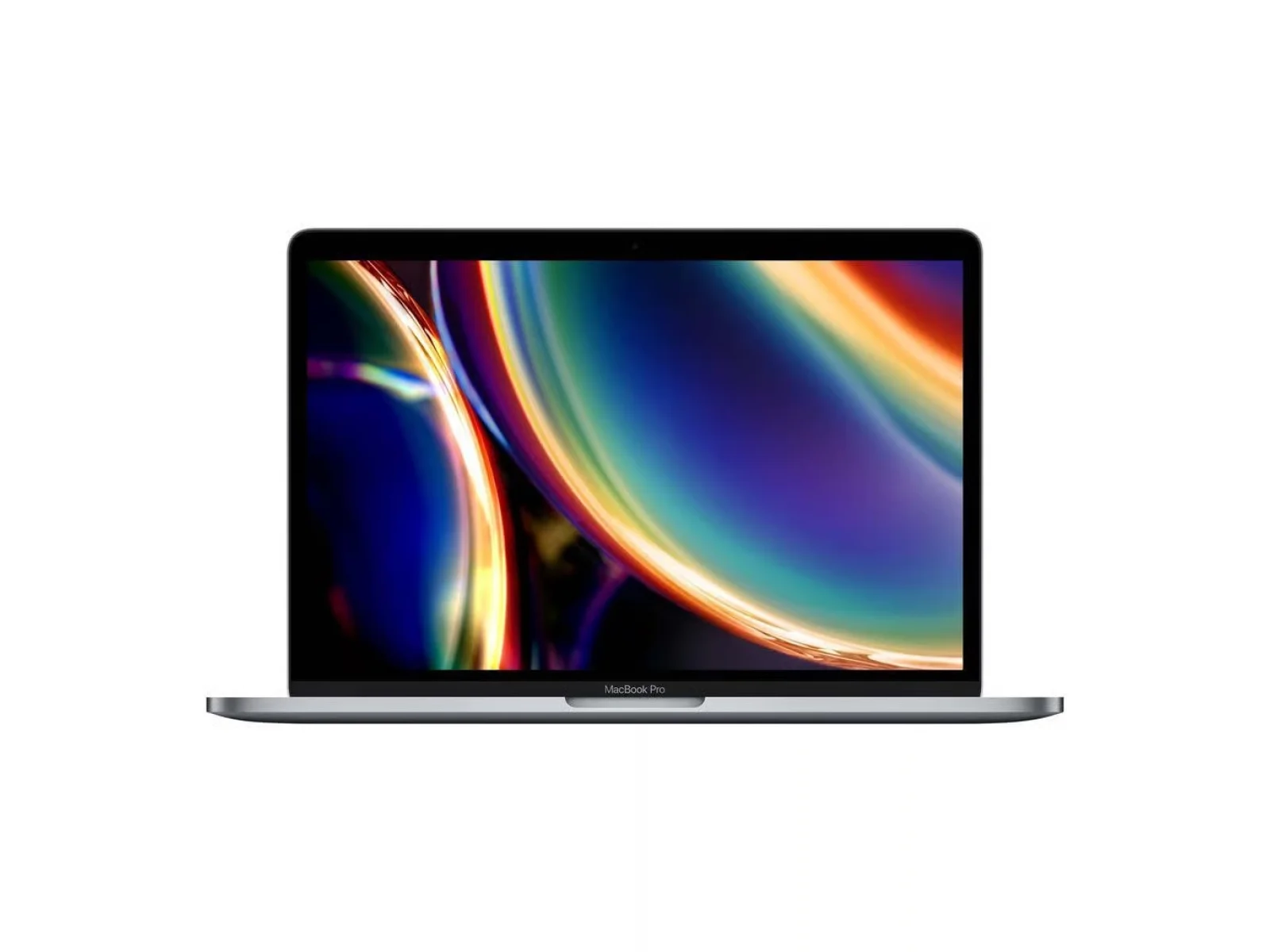
When you buy a refurbished laptop, the grade tells you how it looks. It does not tell you how it works: every device we sell is fully tested and works the same whatever its grade. This guide explains what grades A, B and C mean for each type of device and how to choose the right one for you.
Quick answer
- Grade A (Excellent): looks close to new.
- Grade B (Good): light marks you can see at arm’s length.
- Grade C (Fair): visible wear, the lowest price.
Every grade is fully tested, has the same 12-month warranty and the same 30-day returns.
The three grades at a glance
Every refurbished device is tested and given a cosmetic grade: A, B or C. The grade describes how it looks. Every grade works fully and has the same 12-month warranty.
Grade A: Excellent condition
Minimal or no signs of use. Virtually indistinguishable from new. Screens are pristine and chassis are clean with no significant marks. The best choice when appearance matters.
Grade B: Good condition, best value
Light cosmetic wear: minor scratches on the lid or base. Screens are fully clean. Our most popular grade: excellent performance at a lower price.
Grade C: Fair condition, maximum saving
Visible cosmetic wear: scratches and scuffs clearly noticeable on the exterior. All hardware is fully tested and functional. Ideal when performance and budget matter more than cosmetics.
Every grade is tested, data-wiped and reset, with a 12-month warranty, 30-day returns and free mainland UK delivery. Because the grade is about cosmetic condition, a grade C device works the same as a grade A device of the same specification. Each listing states the unit’s grade. New and open-box items are not graded; they are listed as “New – open box, unused”.
Below is what each grade looks like on each type of device.
Grades for MacBooks and laptops
Grade A
Looks close to new. At most a few faint marks you’d only see up close. Screen free of scratches.
Grade B
Light scratches or scuffs on the lid or base that you can see at arm’s length. Screen clean when switched on.
Grade C
Visible scratches, scuffs or small dents on the case. Screen may have light marks. Works exactly like A and B.
Grades for iMac and desktops
Grade A
Screen and stand look close to new, with no marks you’d notice in normal use.
Grade B
Light marks on the stand, back or casing. Screen clean when switched on.
Grade C
Visible wear on the casing or stand. Screen may have light marks. Fully working.
Grades for Surface, tablets and monitors
Grade A
Looks close to new. Touchscreen and display free of scratches.
Grade B
Light marks on the back or frame. Display clean when switched on.
Grade C
Visible wear on the frame or back. Display may have light marks. Fully working.
Grade A vs grade B refurbished: which should you choose?
The difference between grade A and grade B is purely cosmetic. A grade A laptop is the closest to new you can get refurbished; a grade B laptop has light marks that you will notice at arm’s length but that do not affect how it works. If the laptop is a gift, or you simply want it to look as good as possible, grade A is the one to choose. If you want the best value and do not mind a few light marks, grade B is usually the sweet spot.
When grade C makes sense
Grade C is the lowest price for each model. The case will show visible wear, and the screen may have light marks, but the laptop is tested and works exactly like grades A and B. Grade C suits people who will put a laptop in a case, use it at a desk, or simply care more about the price than the looks.
What the grade does not change
- Testing: every grade goes through the same tests in our own UK workshop.
- Data wipe: every device is securely wiped and reinstalled with a fresh copy of macOS or Windows.
- Warranty: every grade has the same 12-month warranty from the day it arrives.
- Returns: every grade has 30-day returns.
- What is in the box: listed on each product page. Laptops come with a compatible charger whatever the grade.
You can see how every device is checked on our how we refurbish page, and how the warranty works on our warranty page.
How to choose your grade
- Decide on the model first. Choose the laptop, MacBook or monitor that fits what you need: screen size, processor, memory and storage.
- Compare the prices by grade. Each product page shows the grades in stock and the live price for each.
- Pick the grade that matches how you will use it. Grade A for looks, grade B for value, grade C for the lowest price.
Our full grading guide, with a comparison table, is on the refurbished grades explained page. Browse refurbished MacBooks or refurbished Windows laptops to compare grades and prices on the models in stock now.
Frequently asked questions
What is the difference between grade A and grade B refurbished?
Grade A looks close to new, with at most a few faint marks. Grade B has light scratches or scuffs you can see at arm’s length. Both work the same and have the same 12-month warranty.
Does the grade affect how the laptop works?
No. Grades describe looks only. Every grade is fully tested and works exactly the same.
Is grade C refurbished worth buying?
Yes, if you care more about price than looks. Grade C has visible wear on the case but works exactly like grades A and B and has the same warranty.
Do all grades get the same warranty?
Yes. Every grade comes with a 12-month warranty and 30-day returns.