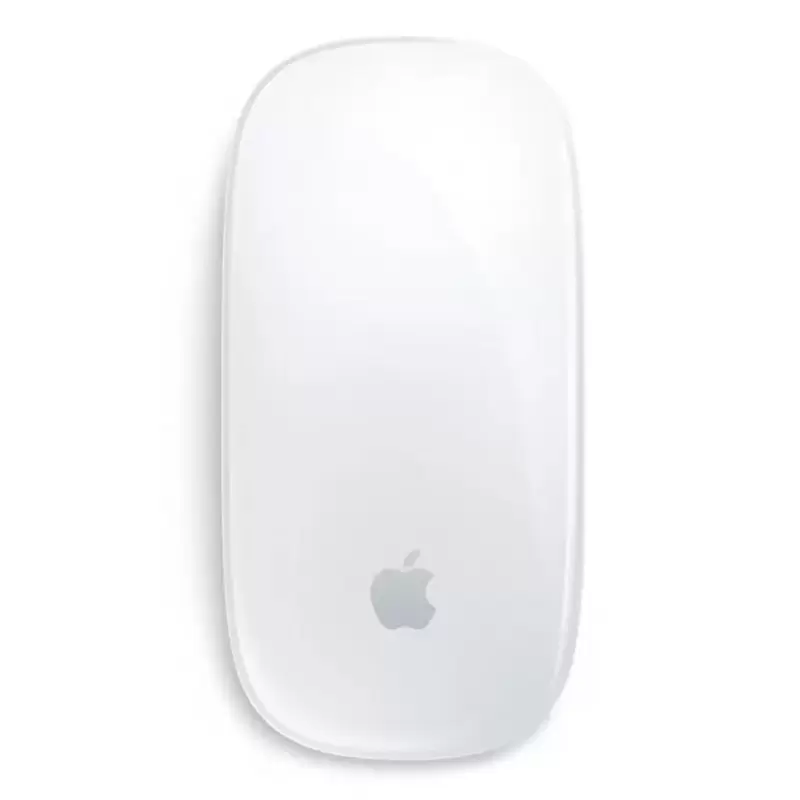
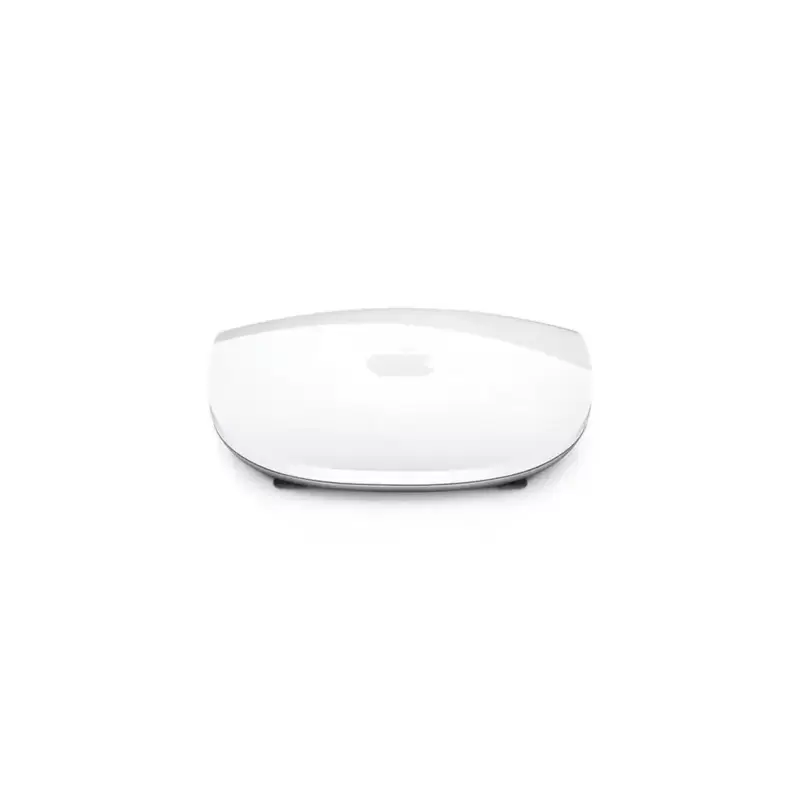
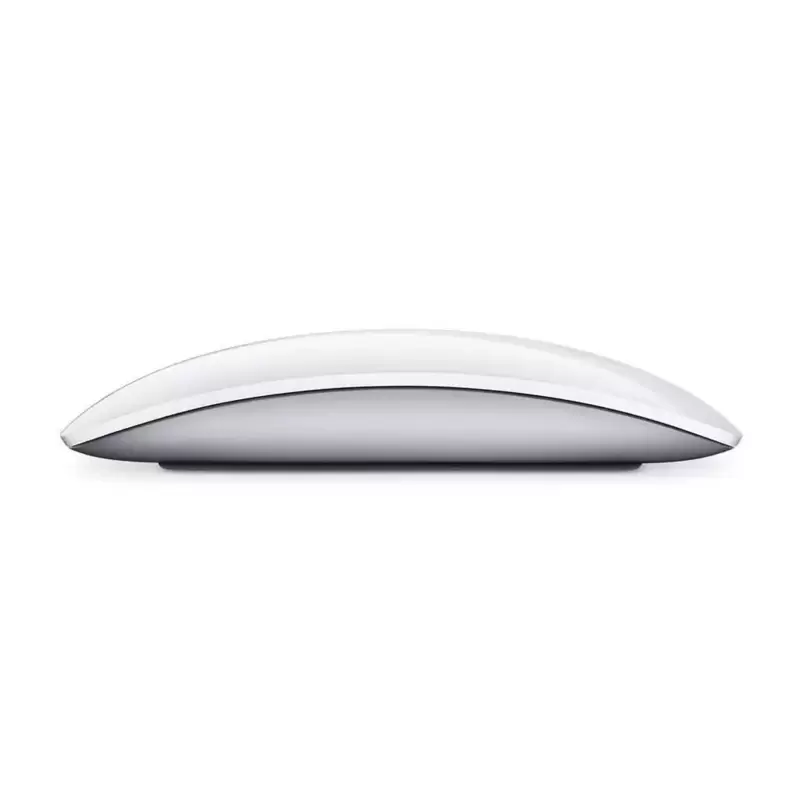
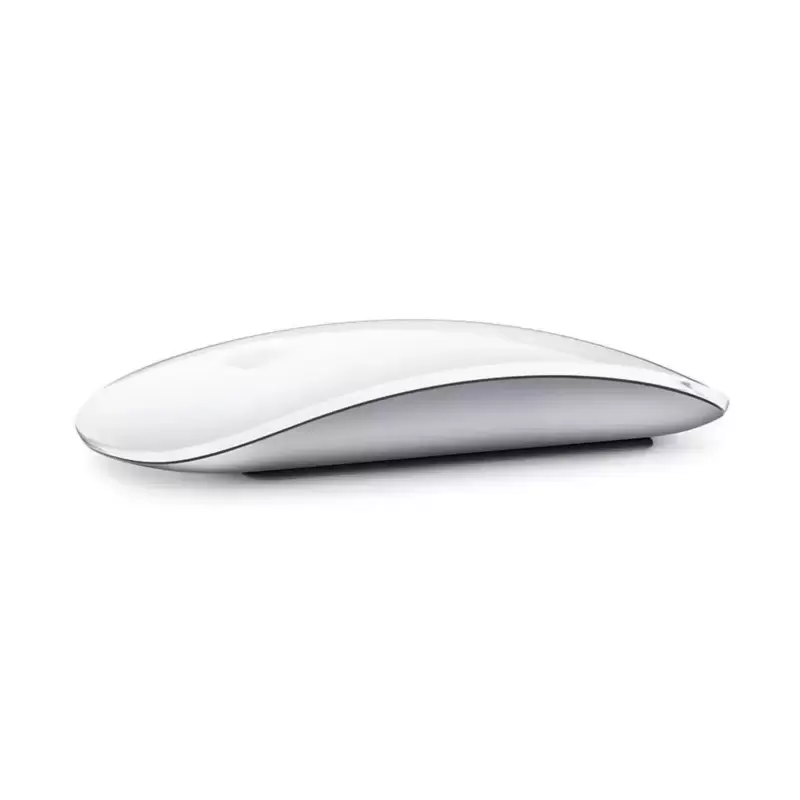
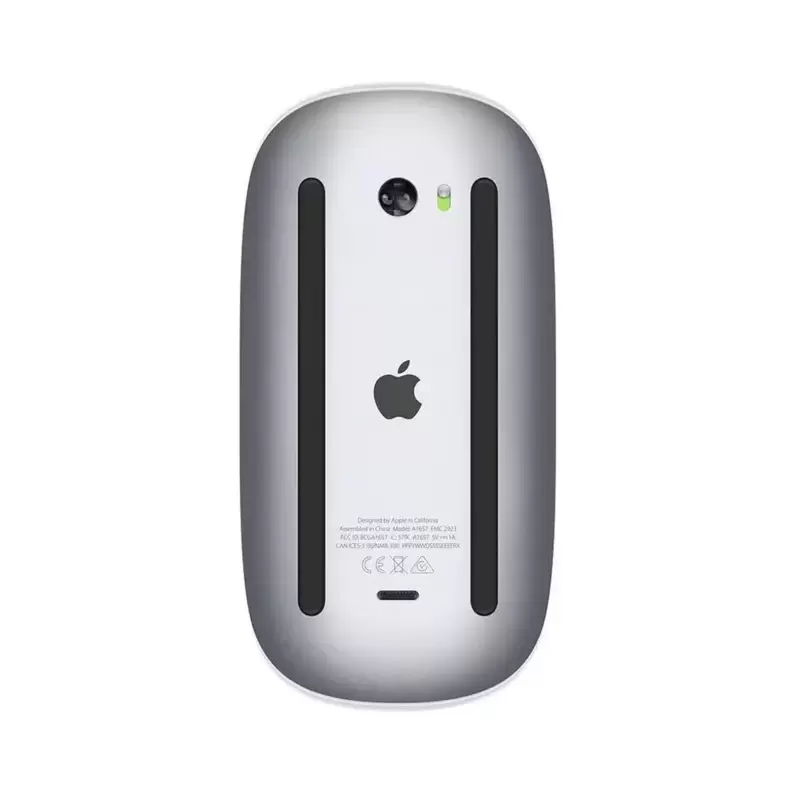
This is an Apple Magic Mouse 2, a wireless mouse that connects to your computer. The model A1657 is Apple's second-generation Magic Mouse, designed for everyday desktop work and navigation. It suits anyone using an Apple computer who prefers a wireless pointing device without cables cluttering their desk. This mouse works well for standard office tasks, browsing, and general computer use. The wireless connection means you can position it wherever feels comfortable while working.
Compatibility: Mac with macOS 10.11 or later; basic support on Windows via Bluetooth
Gestures: Scroll, swipe, zoom (macOS)
Condition: Refurbished, Grade A
Best for
Mac users: designed for macOS with seamless Bluetooth pairing and full gesture support
Graphic designers: smooth scroll and two-finger swipe for timeline scrubbing and app switching
Office professionals: fast vertical scrolling through documents and spreadsheets
Students: horizontal swipe to navigate between Safari tabs and research sources quickly
At a glance
Apple Magic Mouse 2 (A1657) refurbished, 2015–2021
Wireless Bluetooth connectivity with Lightning charging
Multi-touch surface for gesture control
Silver aluminium finish
12-month warranty and 30-day returns
12-month Buyer Area warranty
About this mouse
The refurbished Apple Magic Mouse 2 A1657 is a wireless Bluetooth mouse designed for Mac users who value clean aesthetics and gesture navigation. Released between 2015 and 2021, it pairs seamlessly with macOS and supports multi-touch gestures — swiping between full-screen apps, scrolling through documents and zooming into images directly from the mouse surface. Its rechargeable power system removes the need for disposable cells, and the low-profile aluminium chassis sits comfortably under the palm for extended work sessions. Choosing refurbished means a professionally tested device at a lower environmental cost, backed by our 12-month warranty.
Unlike traditional mice, the Magic Mouse 2 replaces physical scroll wheels and side buttons with a continuous touch-sensitive top surface. You scroll by sliding a finger up or down, flick to move quickly through long pages, and swipe left or right with two fingers to switch between Safari tabs or Mission Control spaces. The gesture set mirrors the MacBook trackpad, so muscle memory transfers instantly. The silver finish matches iMac, Mac mini and MacBook housings, and the seamless top shell hides all seams and screws. Because it connects over Bluetooth, no USB receiver occupies a port — useful on machines with limited connectivity. Every refurbished unit is tested for pairing stability, gesture response and charging function before grading.
Everyday use and compatibility
The Magic Mouse 2 works out of the box with any Mac running macOS El Capitan (10.11) or later; older versions may need a software update to recognise gestures. Pairing takes seconds via System Preferences > Bluetooth, and macOS remembers the connection across reboots. The built-in lithium-ion cell charges through a Lightning port on the underside — a full charge delivers weeks of typical office use, and a two-minute emergency charge provides several hours of work when the low-power alert appears. The mouse enters sleep mode automatically during inactivity to conserve power. Windows PCs can pair with the Magic Mouse 2 as a basic two-button device, but gesture support requires third-party drivers and results vary by software version.
Who the refurbished Magic Mouse 2 suits
Graphic designers and video editors appreciate the smooth scroll for timeline scrubbing and the two-finger swipe for app switching without lifting hands from the mouse. Office professionals working in Mail, Pages and Excel benefit from fast vertical scrolling and the ability to zoom spreadsheets with a Control + scroll gesture. Students navigating research in Safari tabs use the horizontal swipe to move between sources quickly. The shallow profile favours a light grip and gliding movement rather than the palm-rest posture of taller ergonomic mice, so users with wrist pain or a preference for vertical mice may find it less comfortable over eight-hour sessions. Because the Lightning port sits underneath, the mouse cannot be used while charging — keep a USB-C or USB-A to Lightning cable at your desk for the occasional top-up.
Why refurbished
Refurbished electronics extend product lifespan, diverting working hardware from waste streams and reducing the demand for newly mined materials. Every Magic Mouse 2 A1657 we stock has been tested for Bluetooth pairing, gesture recognition and charging function, then graded and backed by a 12-month warranty. You receive a device ready for immediate use, with free mainland UK delivery by Royal Mail and a 30-day returns window if it does not meet your expectations.
Is the refurbished Apple Magic Mouse 2 A1657 compatible with my Mac?
Yes, the Magic Mouse 2 works with any Mac running macOS El Capitan (10.11) or later. Pair it via System Preferences > Bluetooth — the connection remembers across restarts. Older macOS versions may require a software update to enable gesture support. Windows PCs can pair the mouse as a basic two-button device over Bluetooth, but gesture features need third-party driver software and compatibility varies.
What comes in the box with the refurbished Magic Mouse 2?
You receive the refurbished Apple Magic Mouse 2 A1657 and a Lightning to USB cable for charging. The cable plugs into the Lightning port on the underside of the mouse and connects to any USB power source — a Mac USB port, an iPhone charger or a USB wall adapter.
How do gestures work on the Magic Mouse 2?
The touch-sensitive top surface recognises finger movements. Slide one finger up or down to scroll through pages, swipe two fingers left or right to switch between full-screen apps or browser tabs, and use Control + scroll to zoom in and out. The gesture set mirrors the MacBook trackpad, so if you use a MacBook the controls feel familiar immediately. Gesture customisation is available in macOS System Preferences > Mouse.
Can I use the Magic Mouse 2 while it charges?
No — the Lightning charging port sits on the underside of the mouse, so it must be turned upside down during charging and cannot be used. A full charge provides weeks of typical use, and a two-minute quick charge delivers several hours of work if the low-power alert appears. Plan to charge overnight or during breaks rather than mid-task.
What is the warranty and returns policy for refurbished Magic Mouse 2?
Every unit comes with a 12-month warranty covering faults. It excludes accidental damage and normal wear and tear.
Does the refurbished Magic Mouse 2 need an external power source?
No — the Magic Mouse 2 has a built-in rechargeable lithium-ion cell. Charge it using the included Lightning to USB cable by plugging the cable into the port on the underside of the mouse and connecting the USB end to a computer or wall adapter. The mouse enters sleep mode automatically when idle to conserve power.
Every refurbished Apple Magic Mouse 2 A1657 is professionally tested and graded, then backed by a 12-month warranty. You have 30 days from delivery to return it for a full refund if it does not meet your expectations.
Free mainland UK delivery by Royal Mail is included with every order.
Buyer Area has traded refurbished electronics since 2011. We are registered with Companies House (07830466).