
Refurbished Laptops UK
65 models in stock from £129. Every one is tested, data-wiped and graded in our own UK workshop, with a 12-month warranty and free mainland UK delivery.
- 12-month warranty
- Free mainland UK delivery
- 30-day returns
- Tested & graded
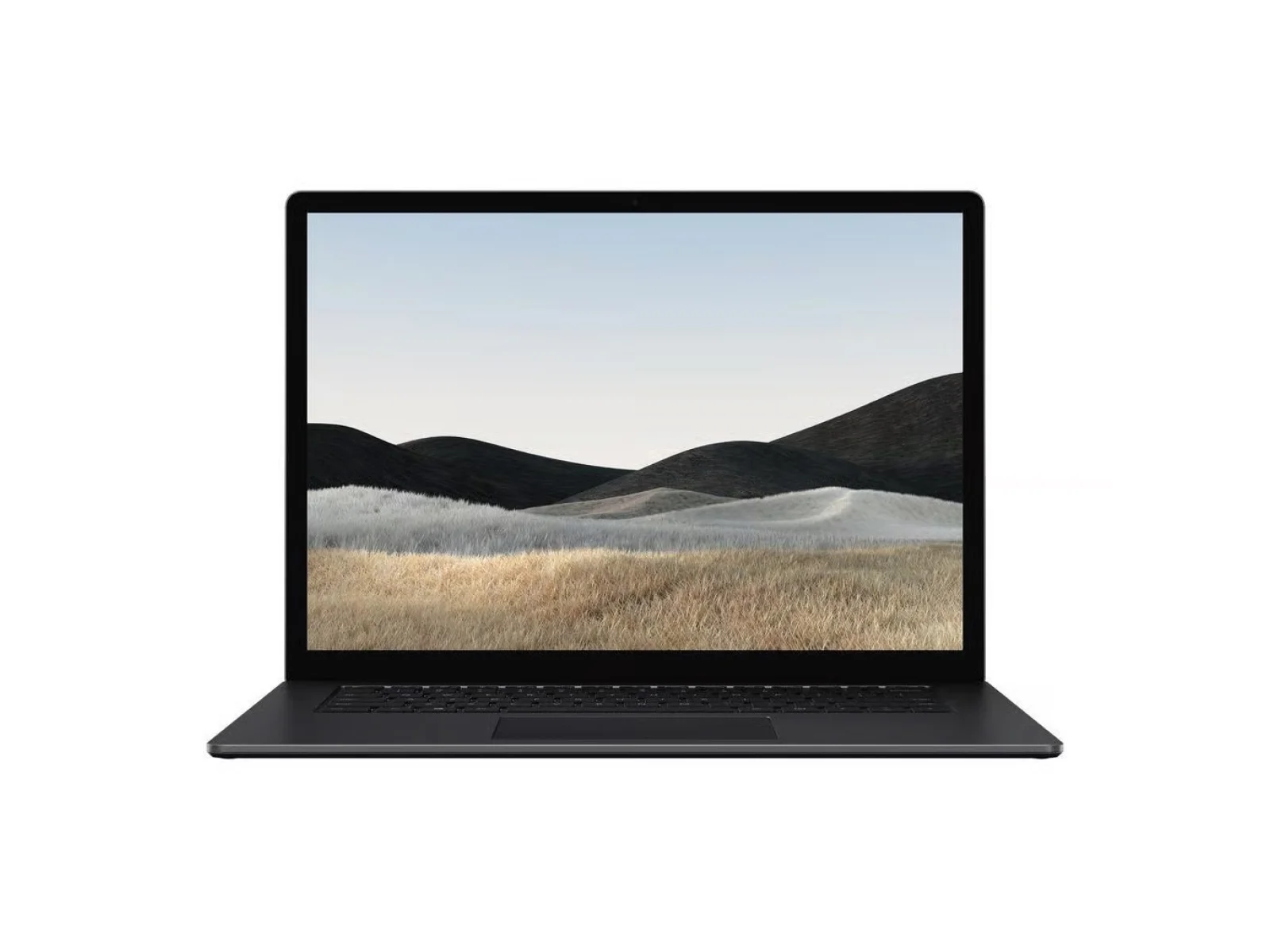
Laptops in stock
65 models in stock now
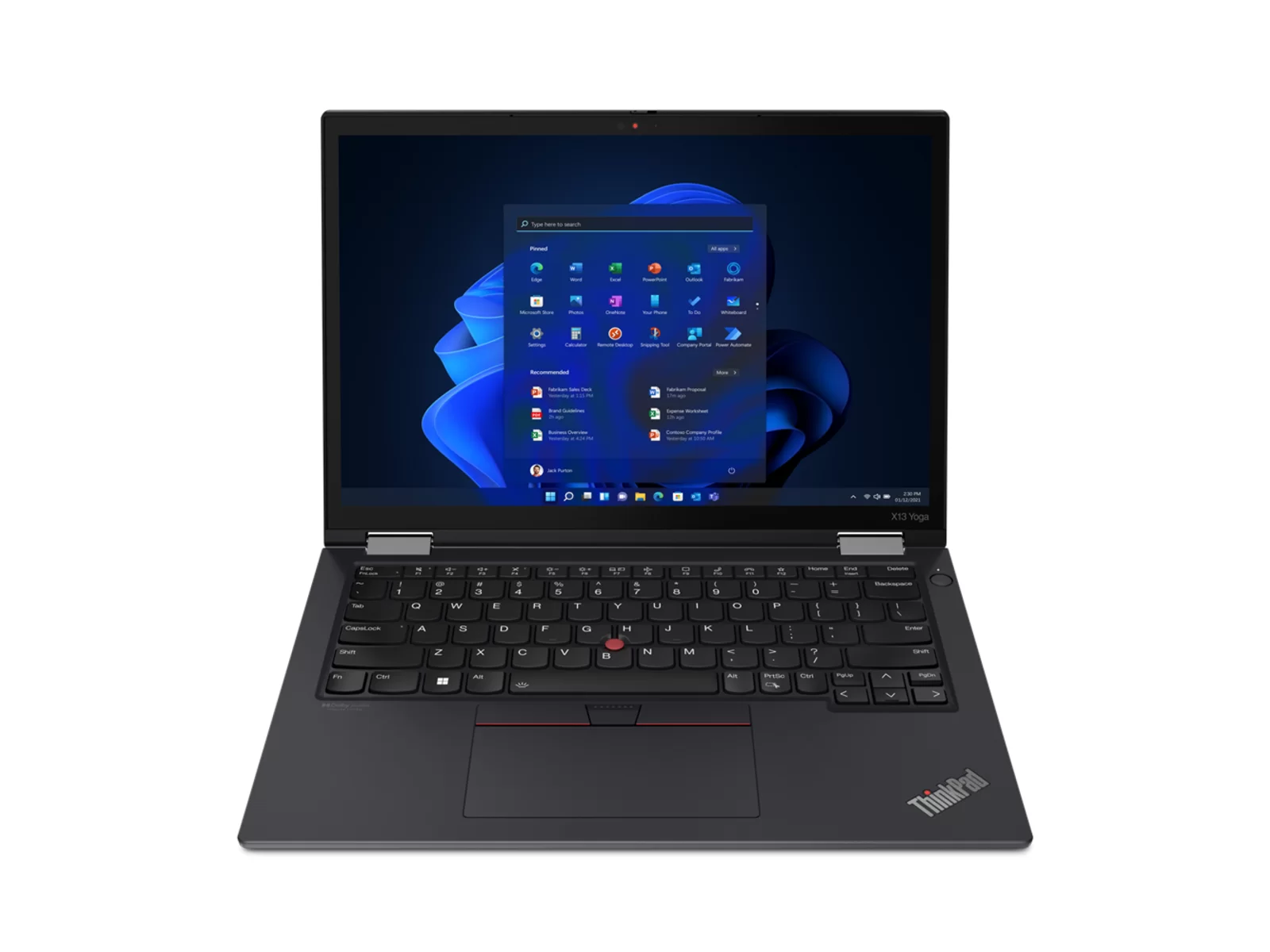
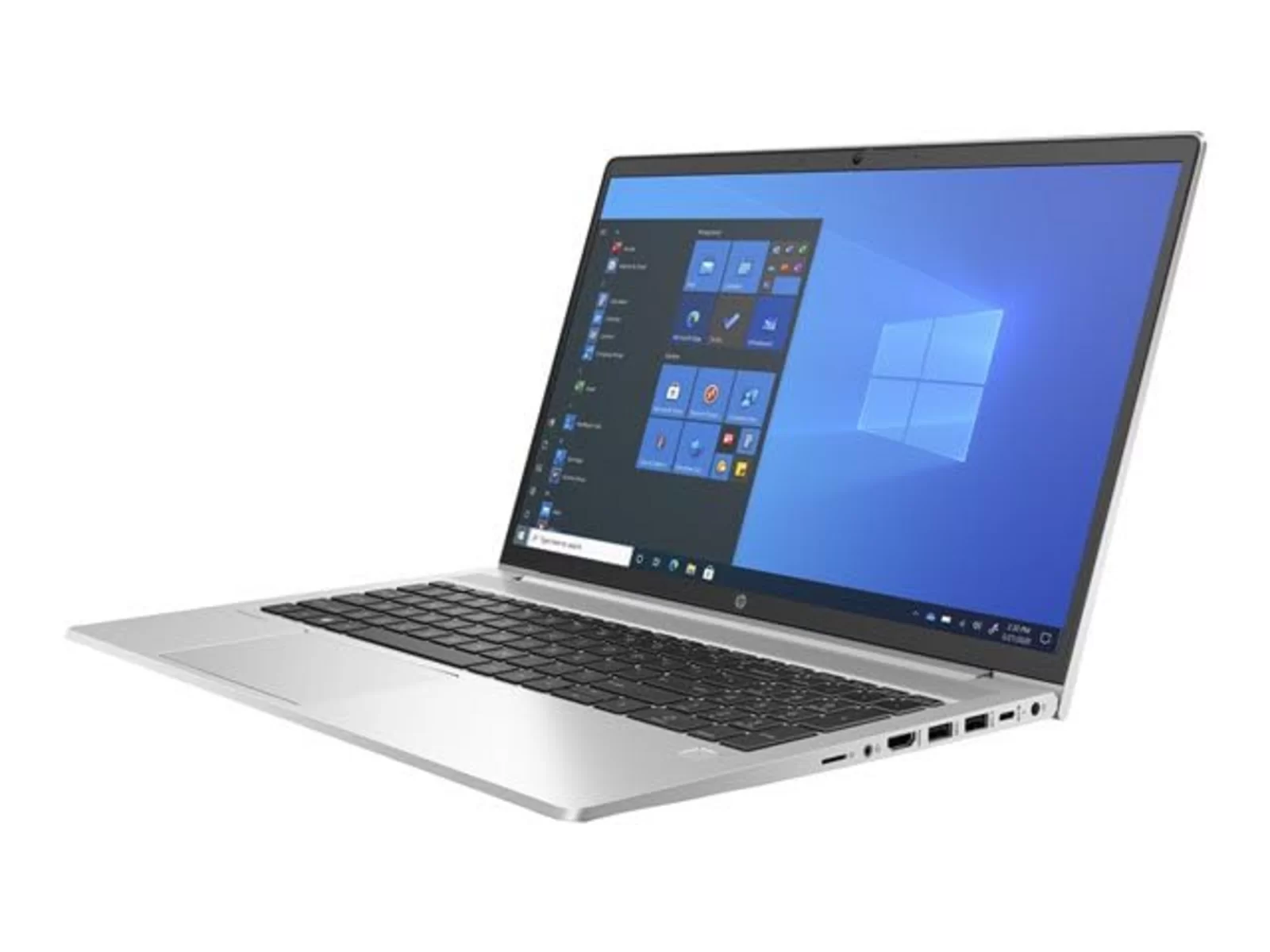
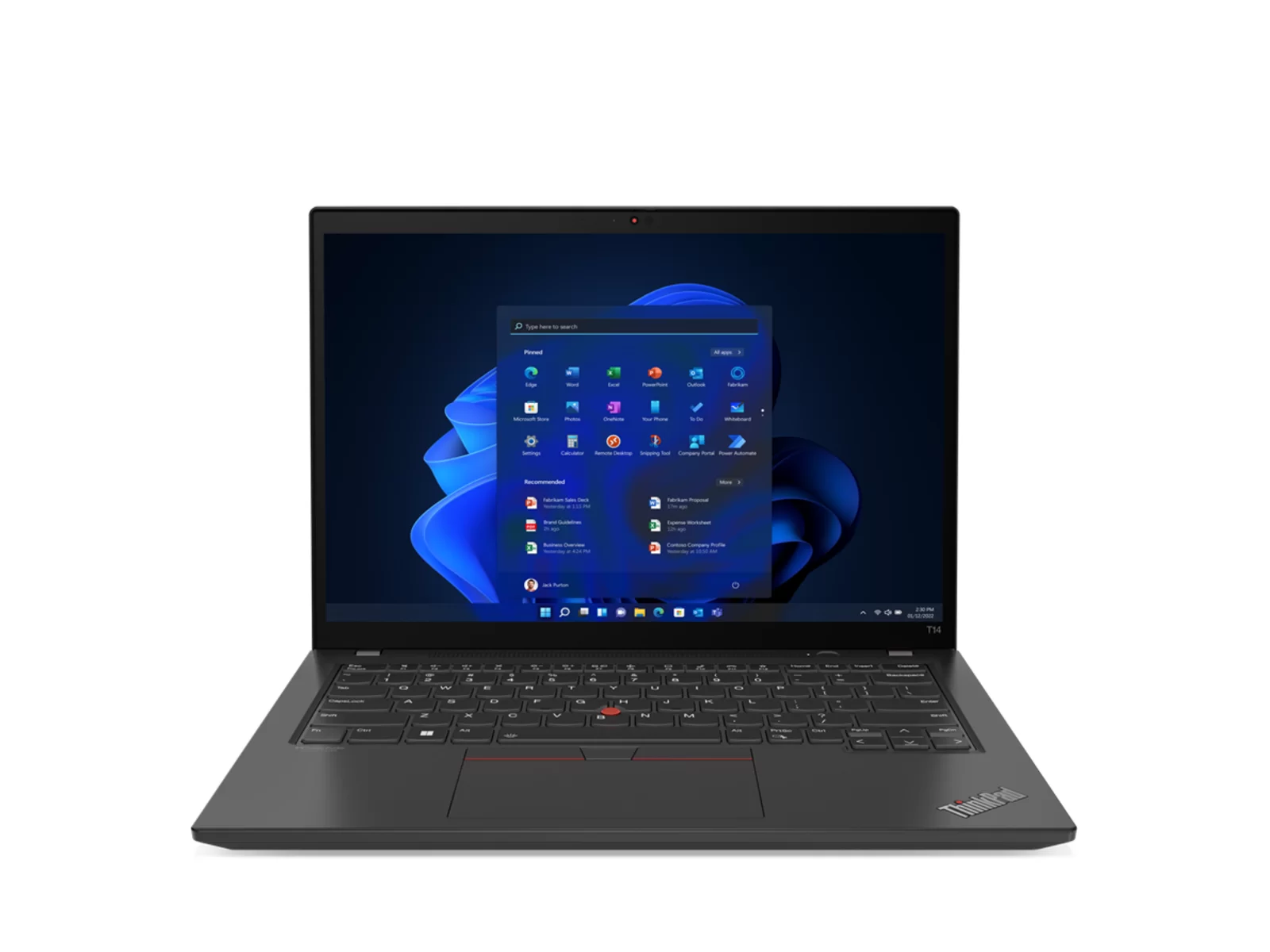
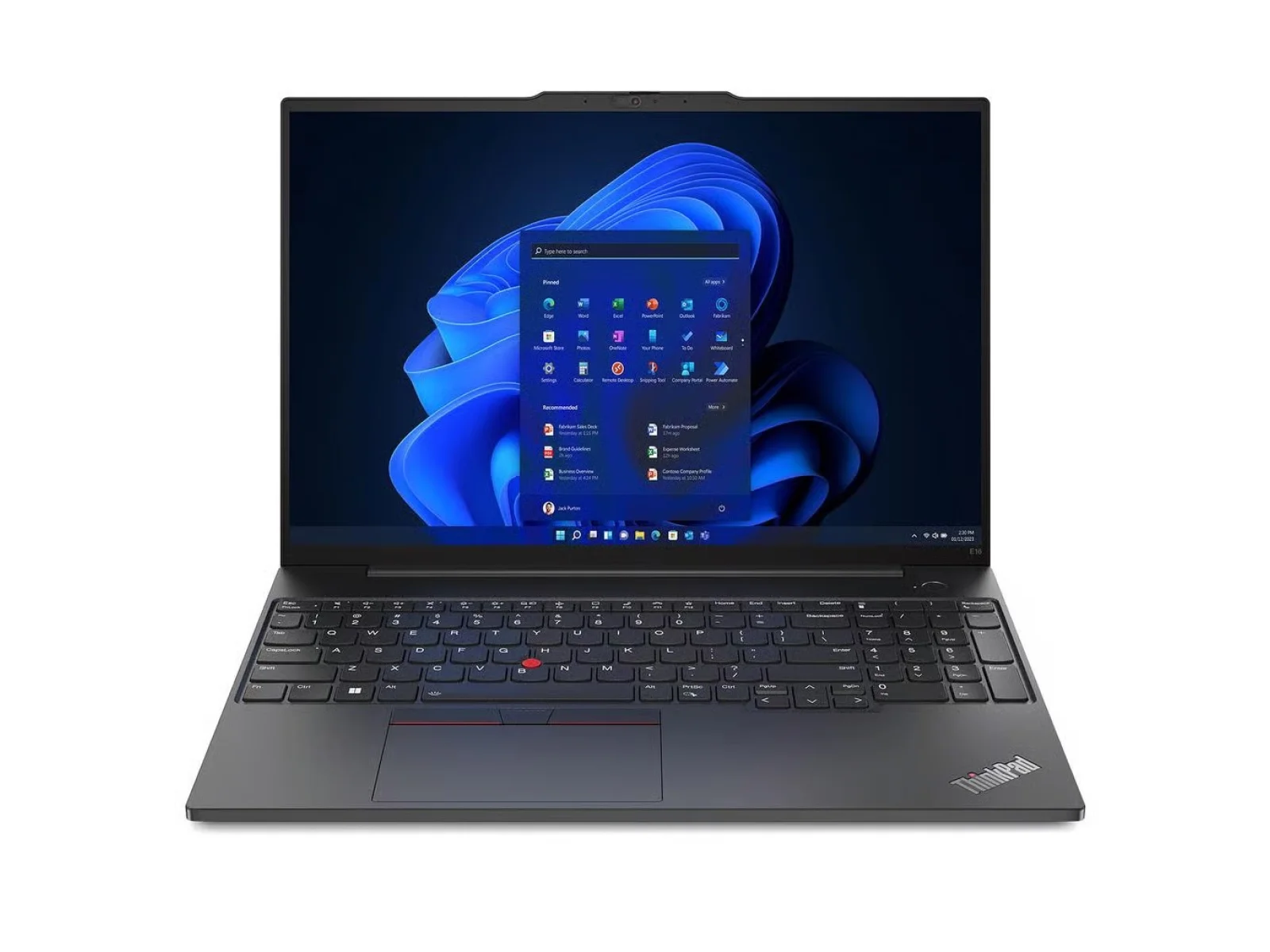
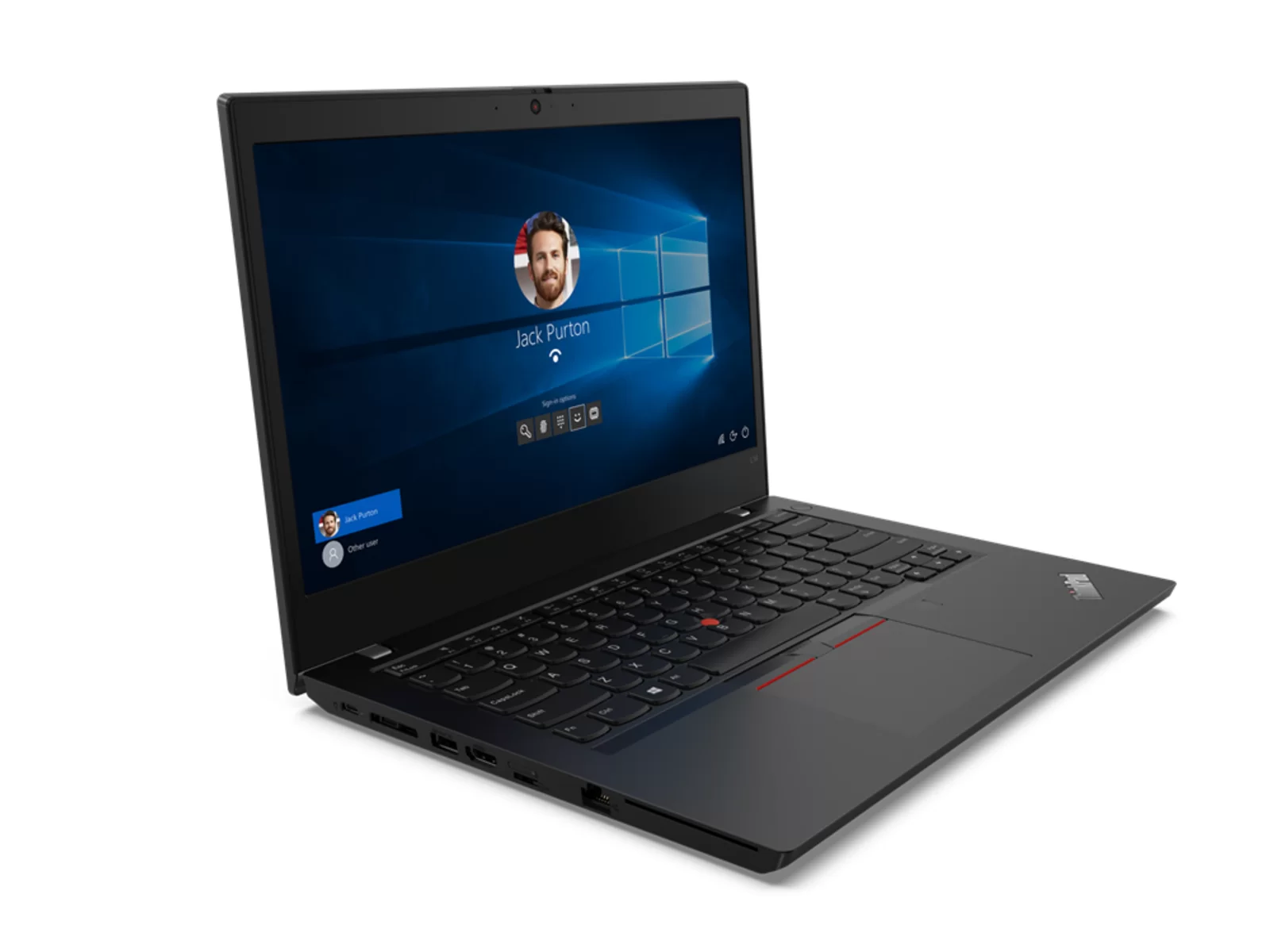
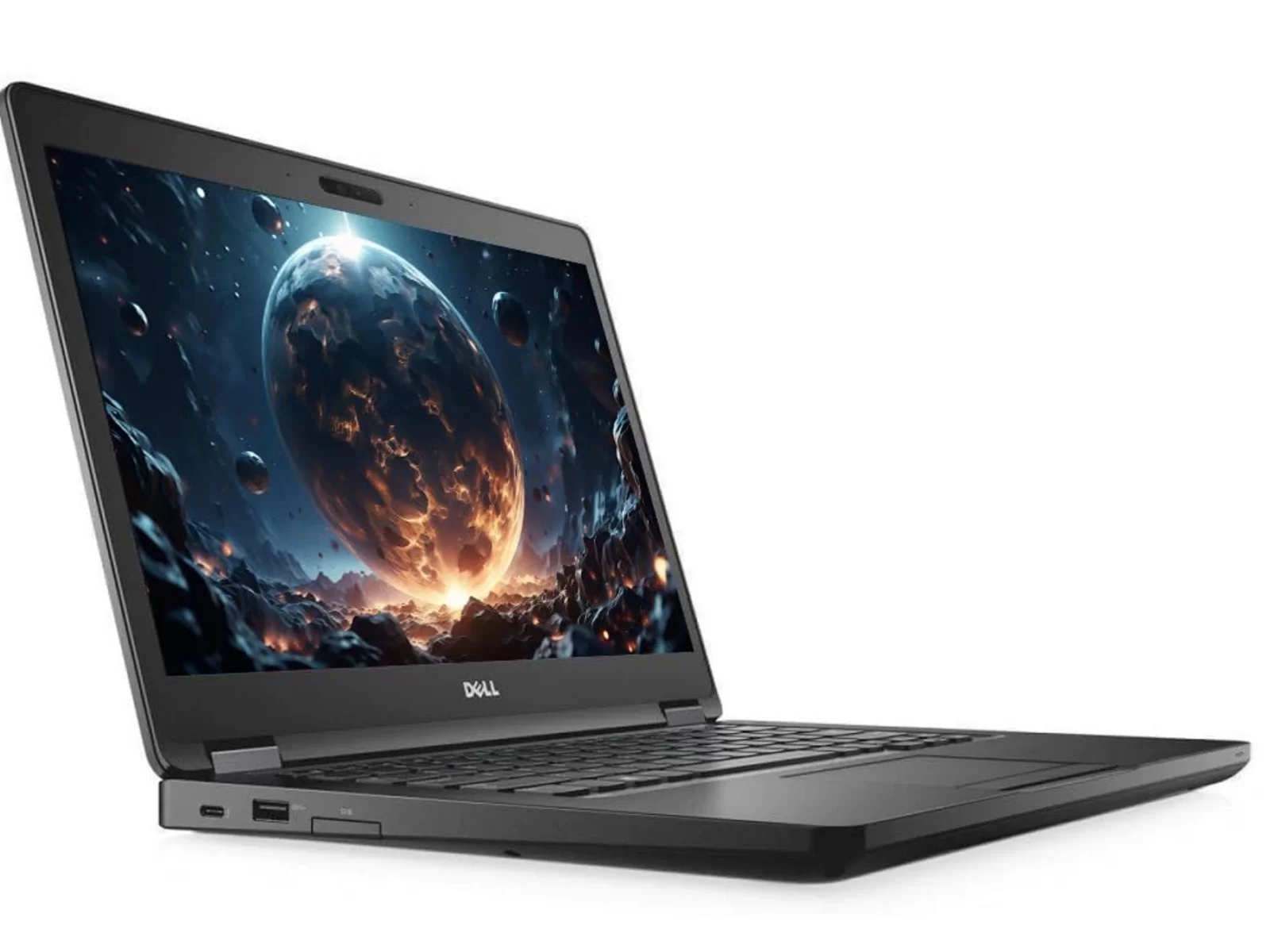

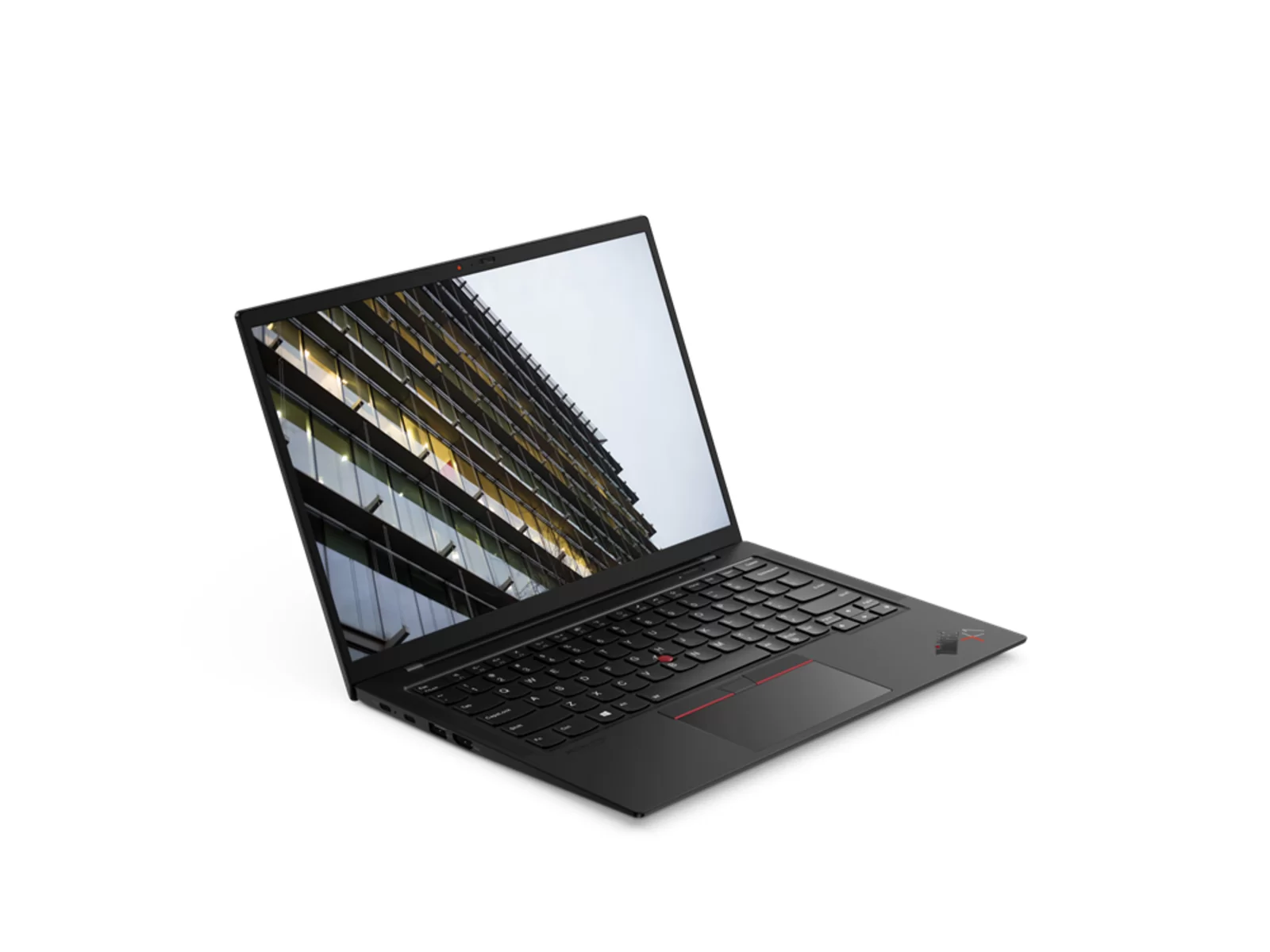
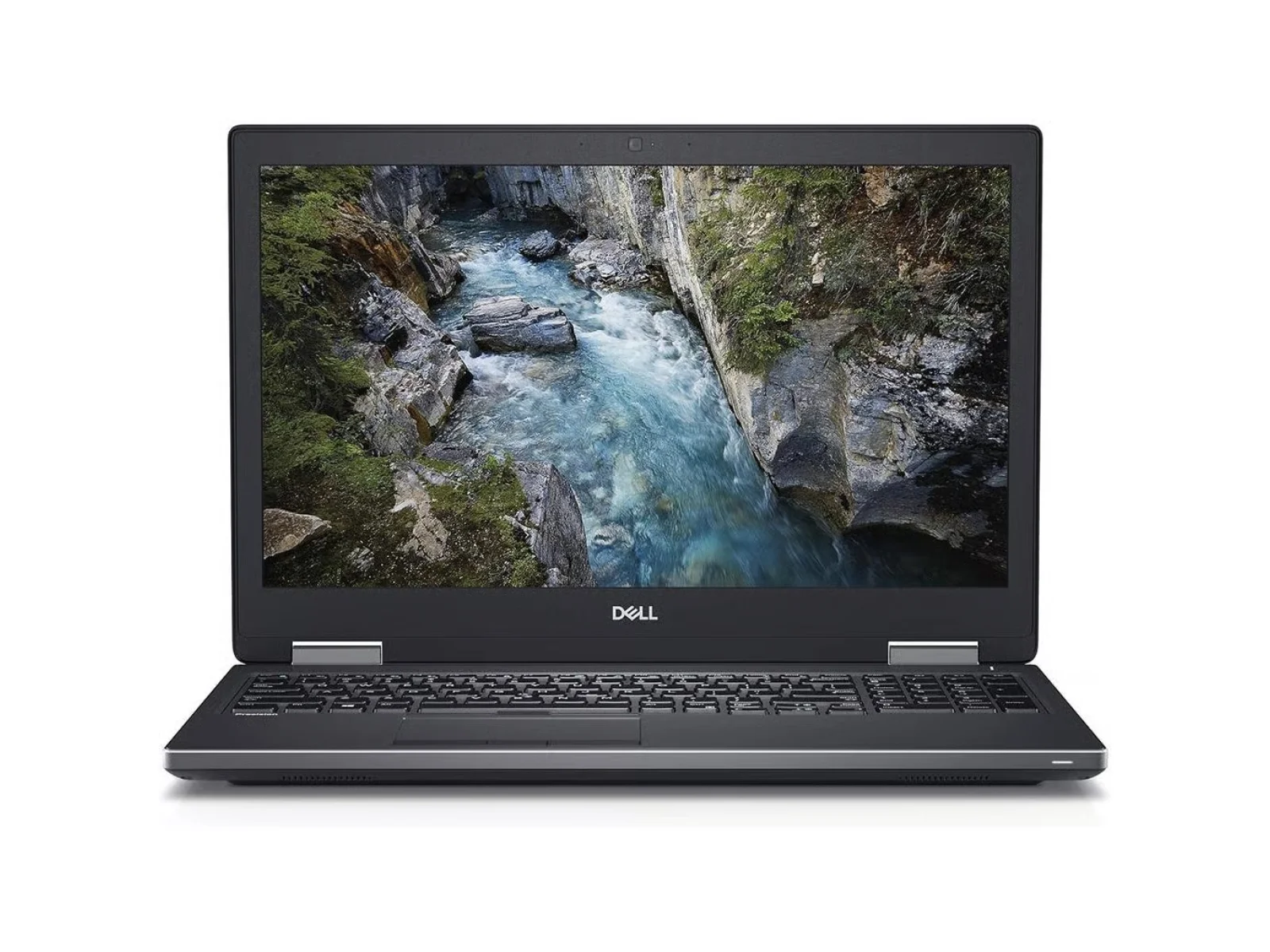
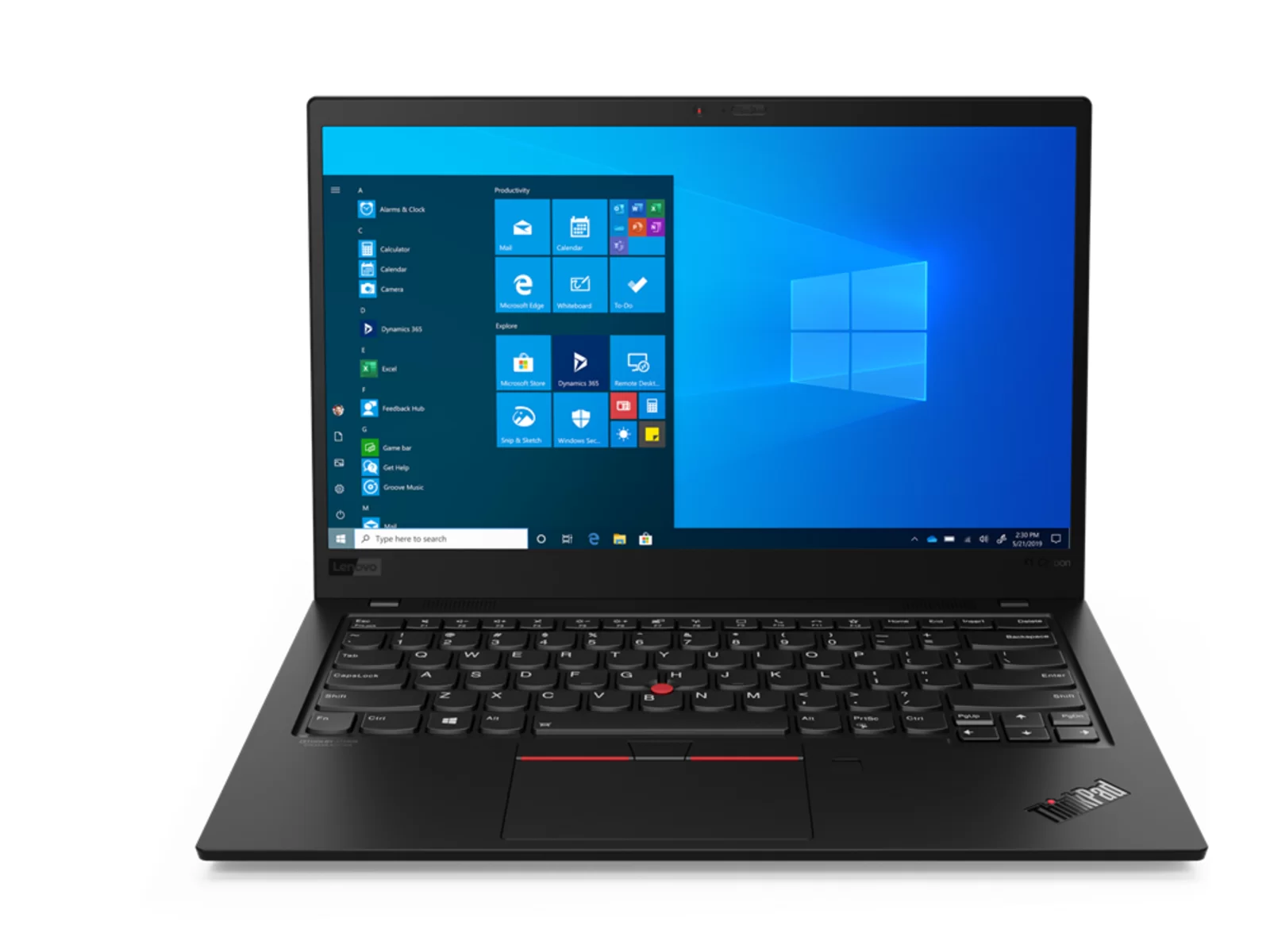
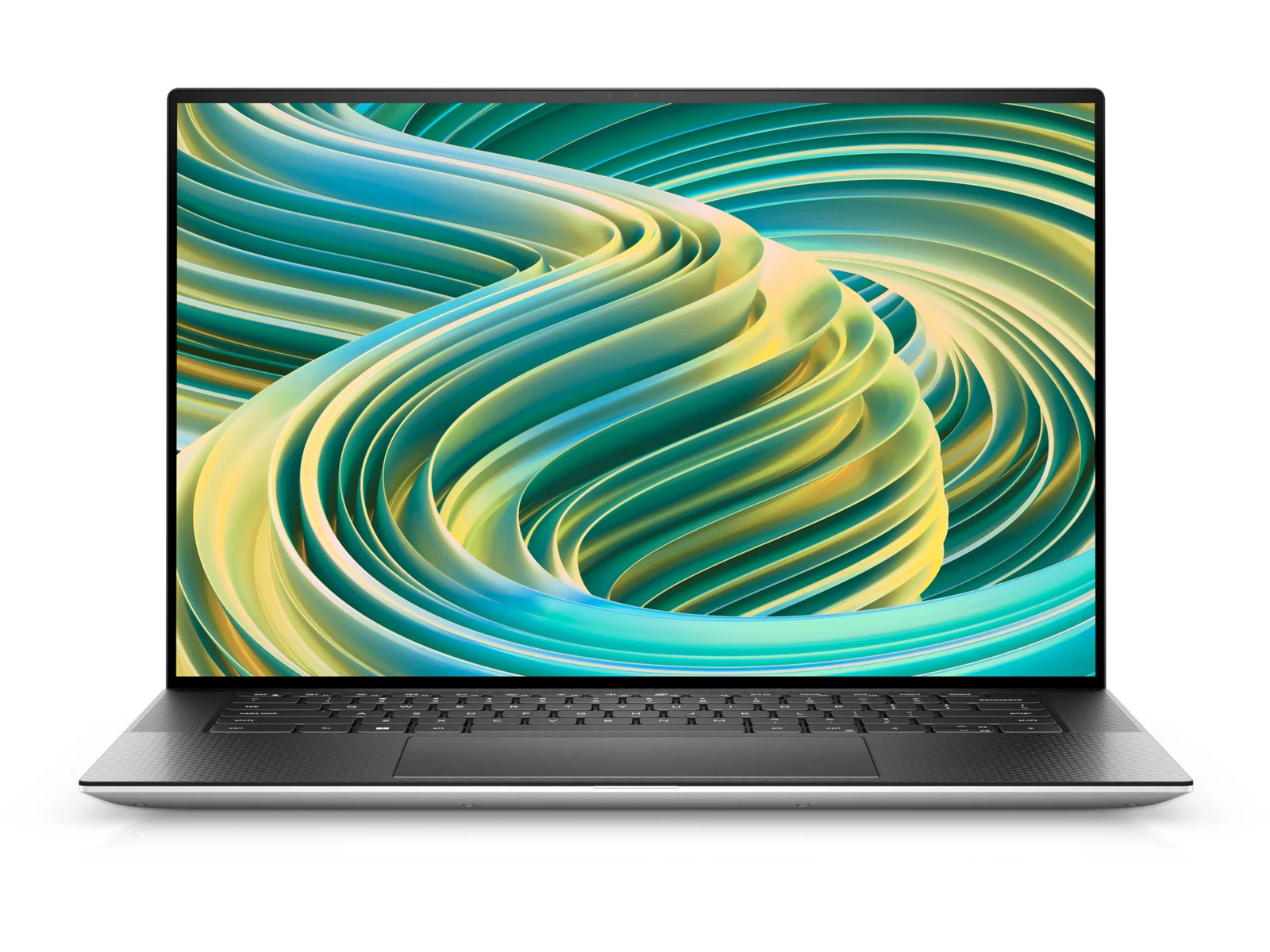
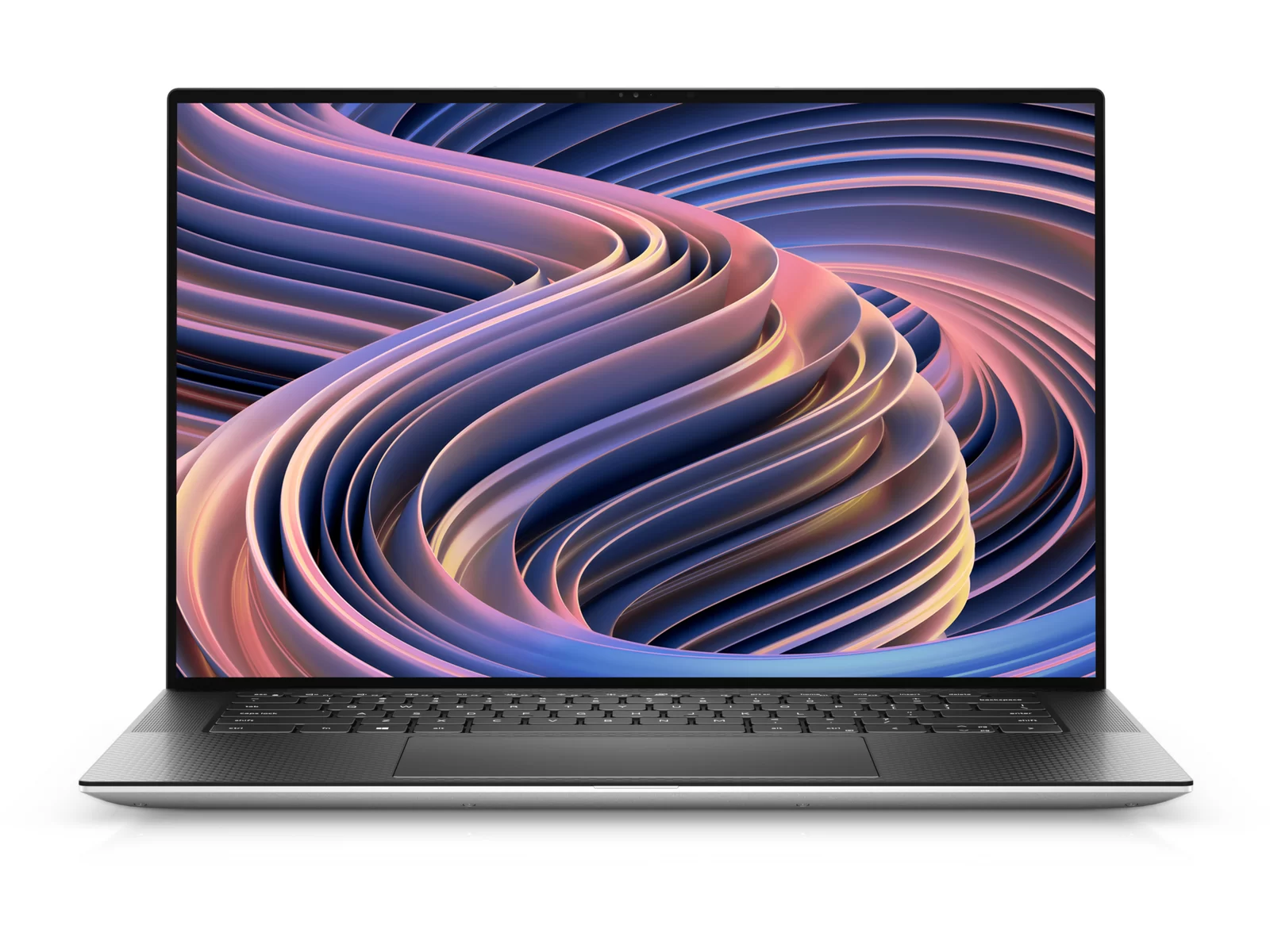
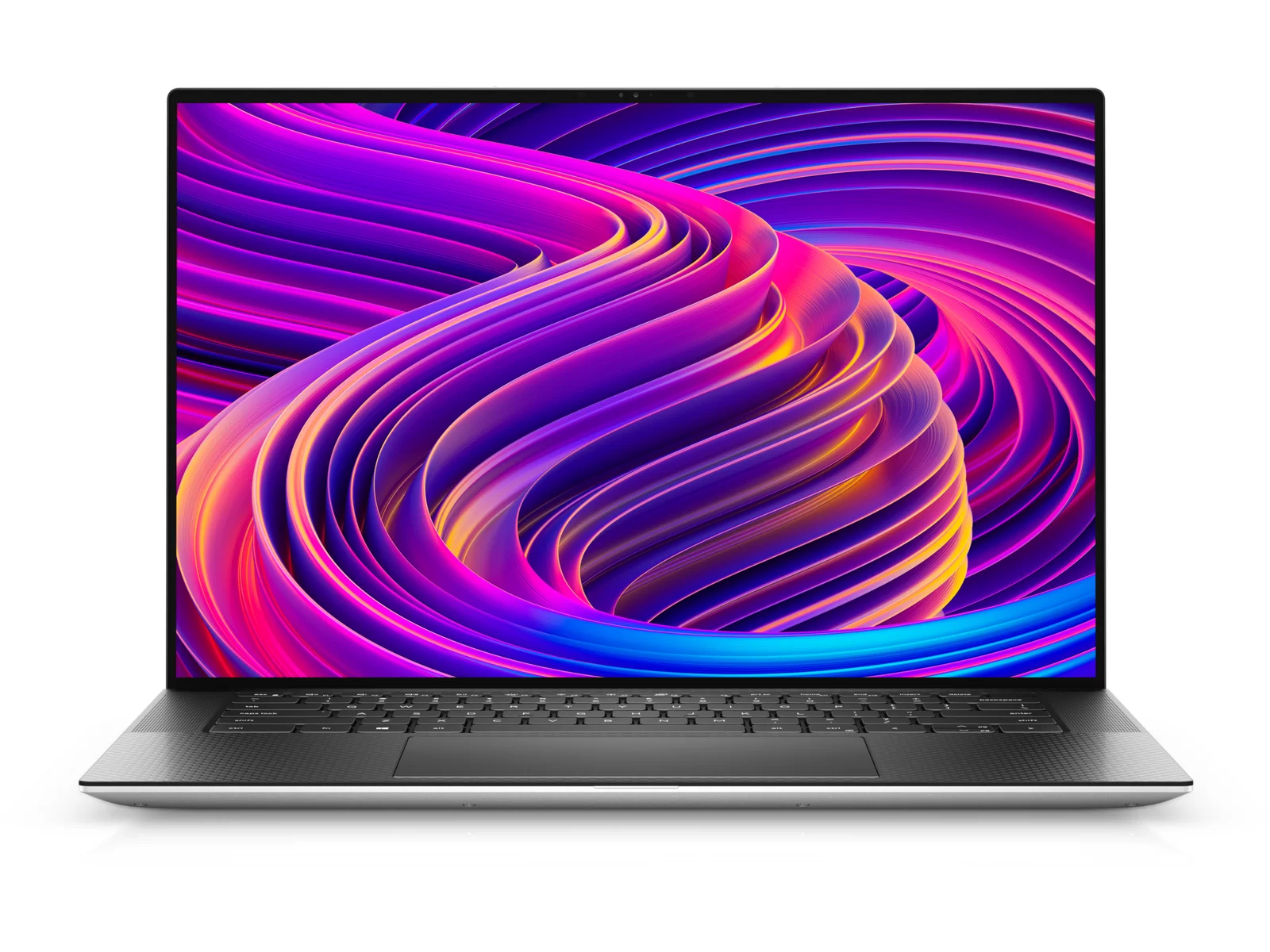
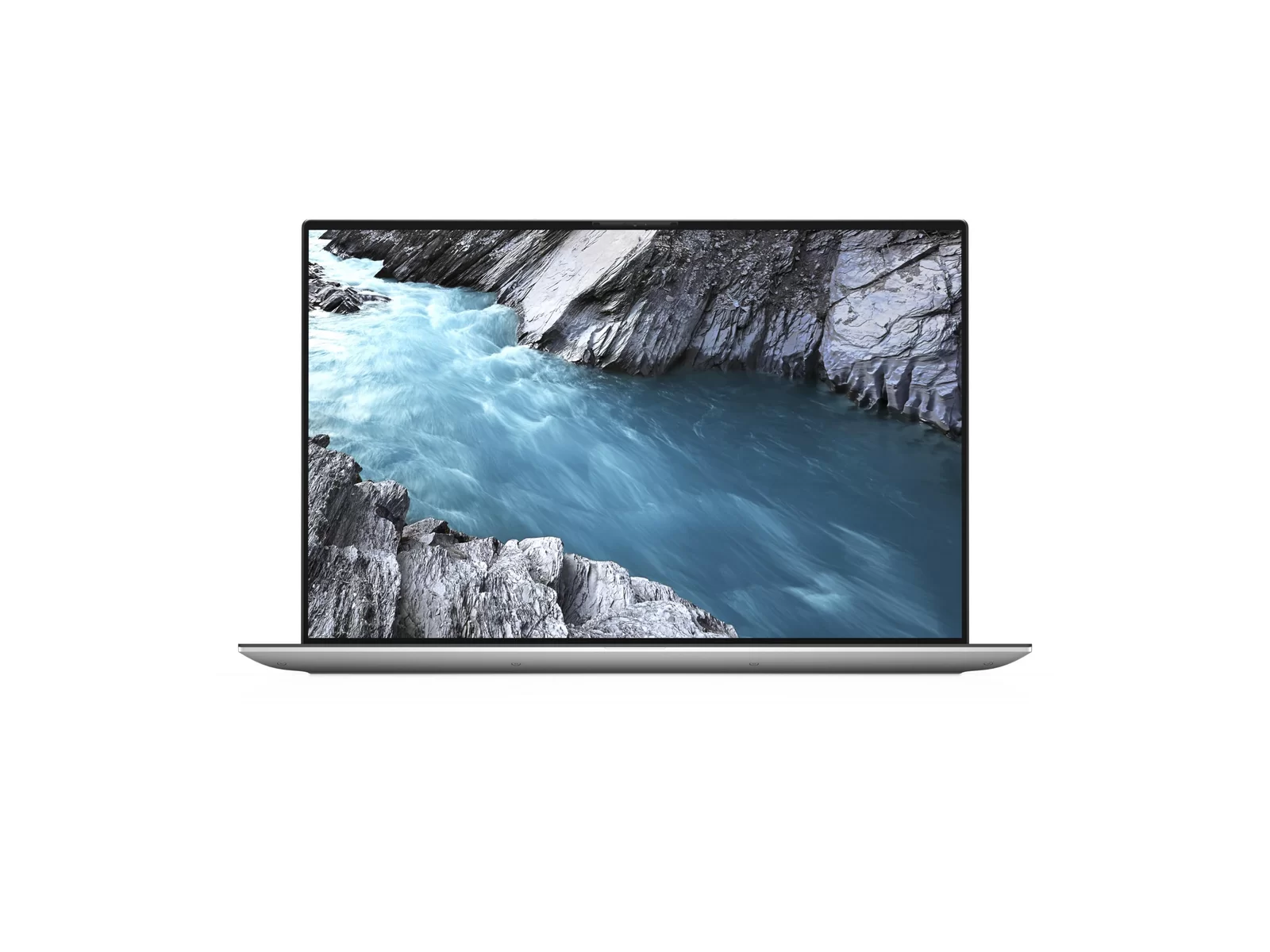
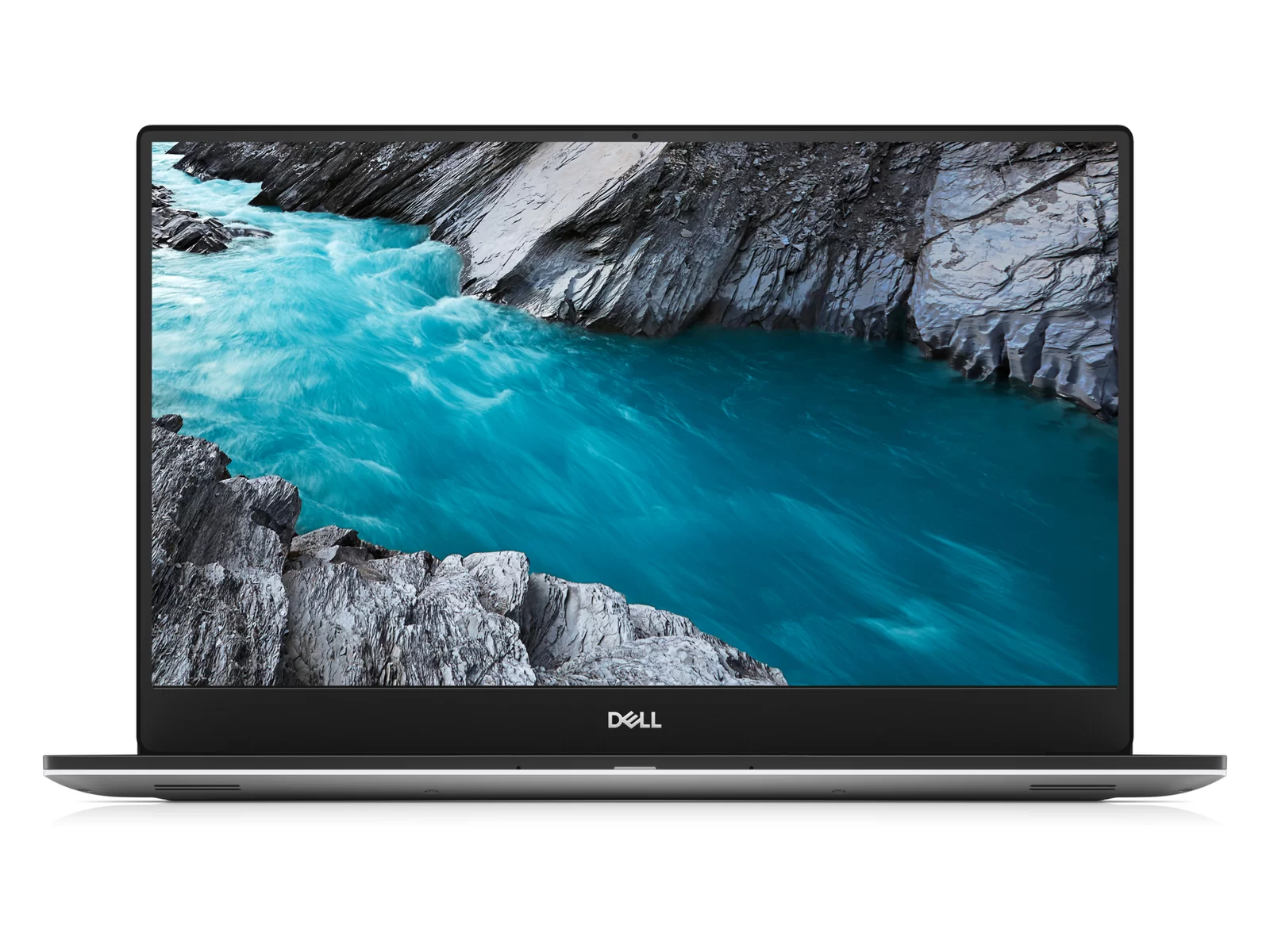
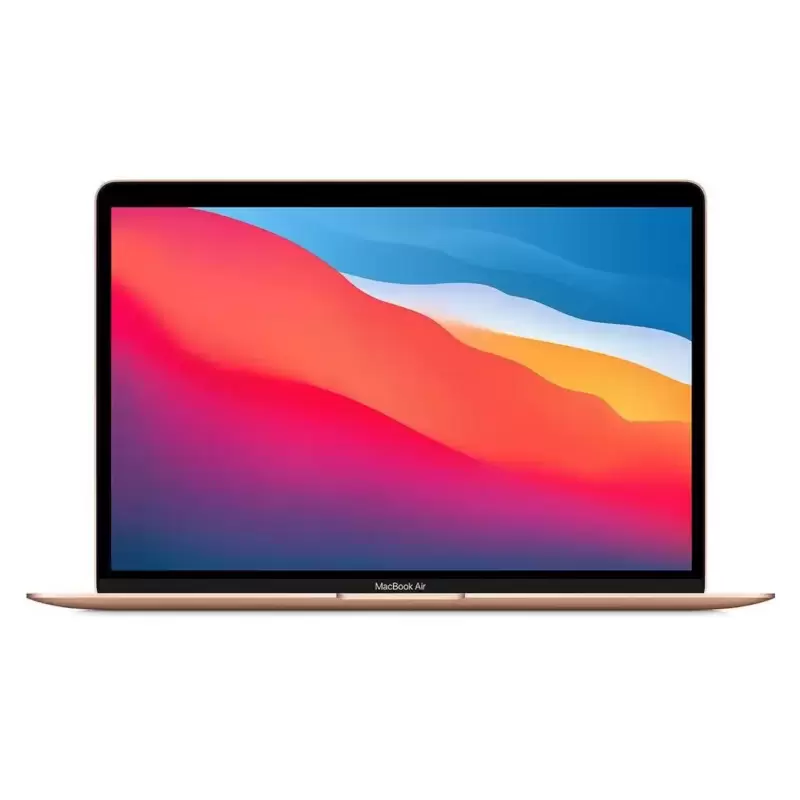
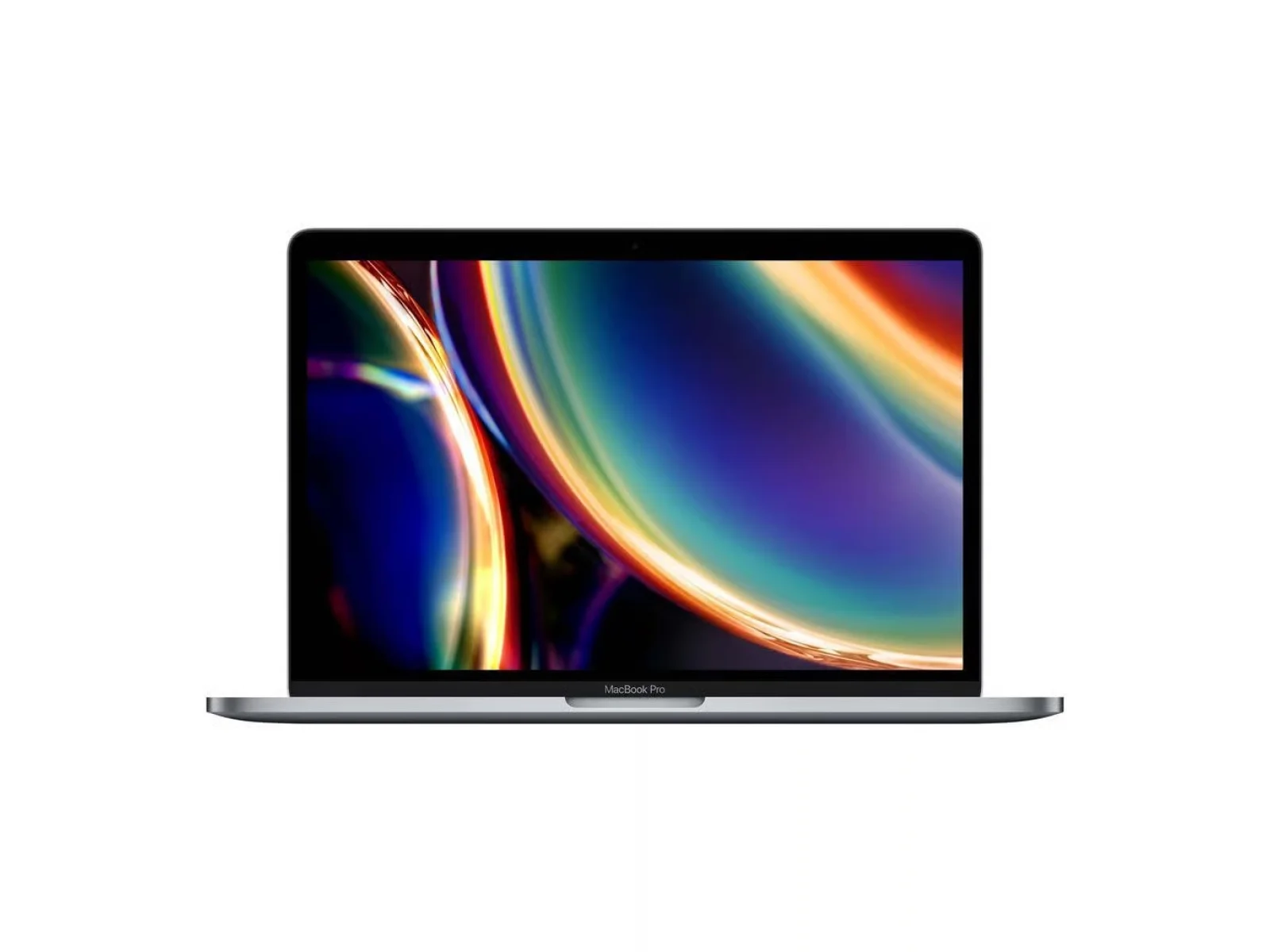
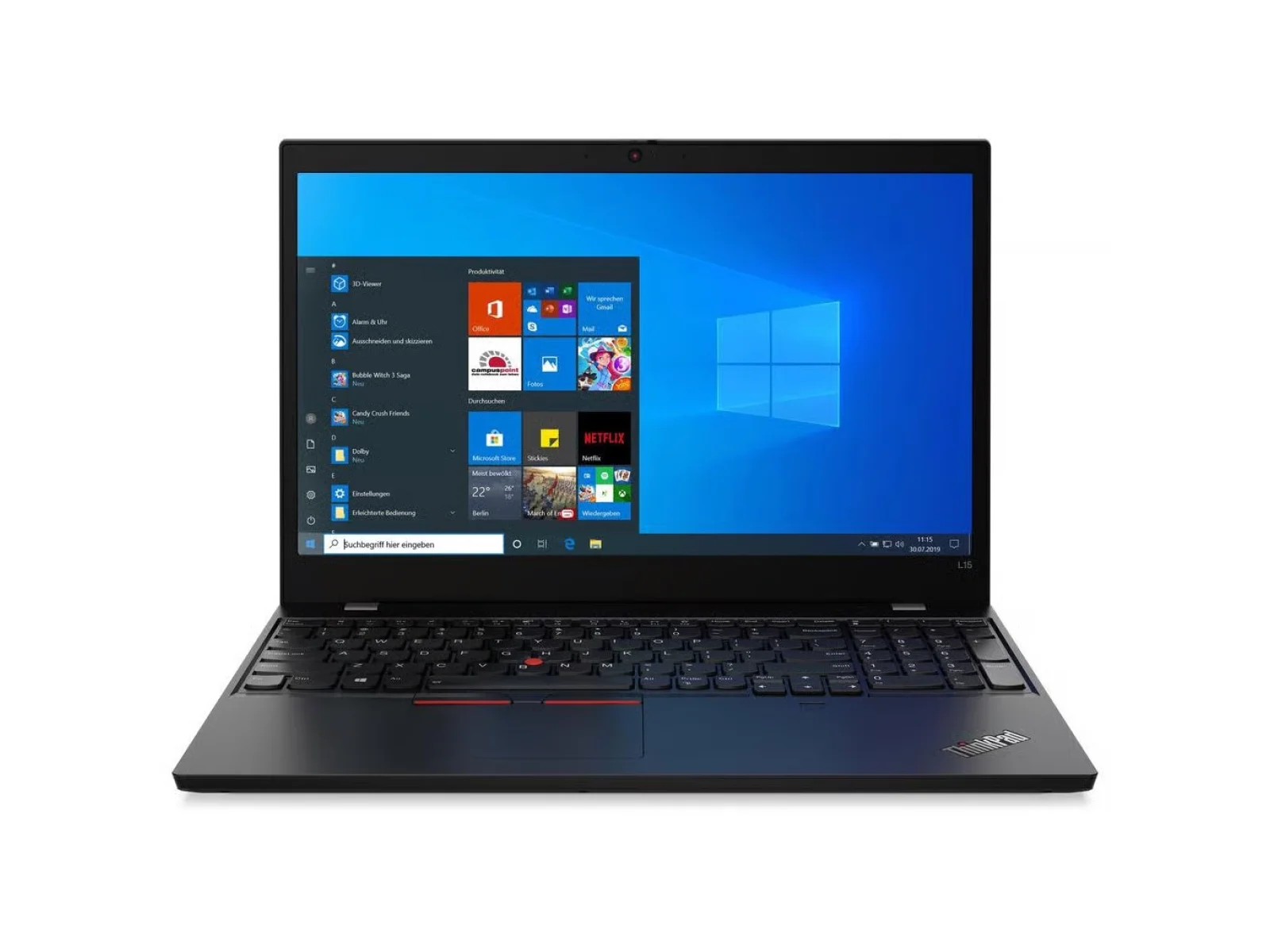
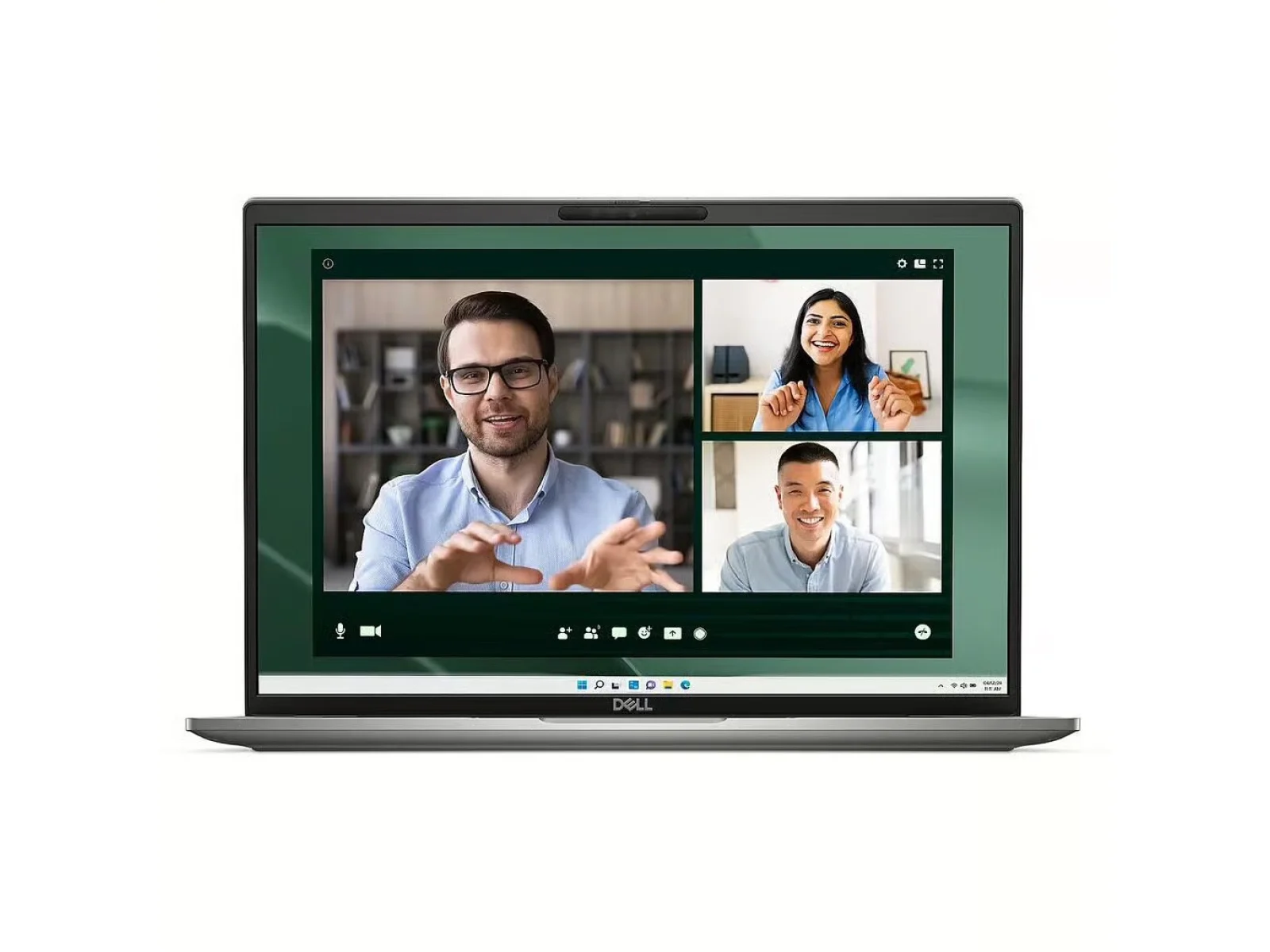
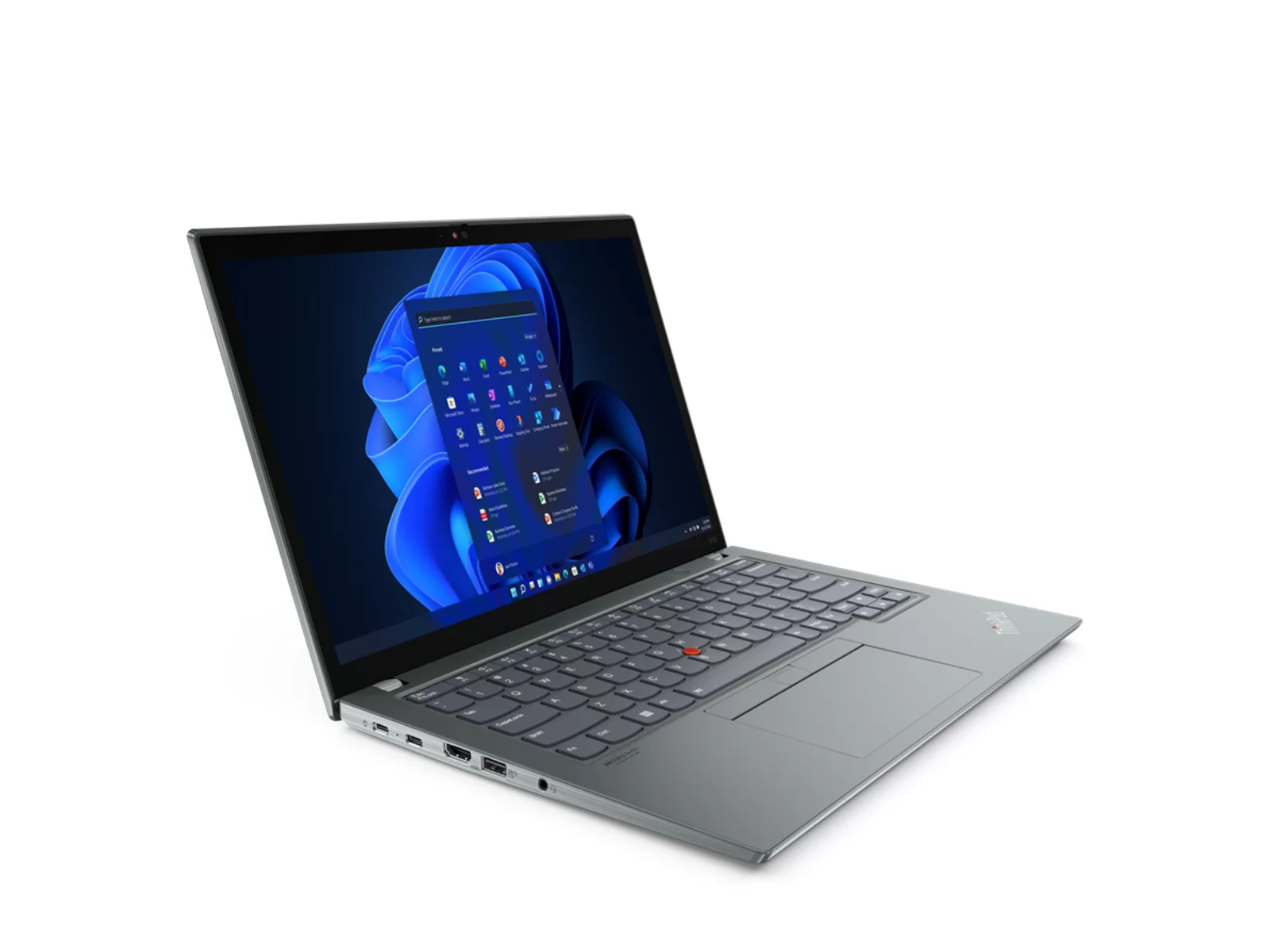
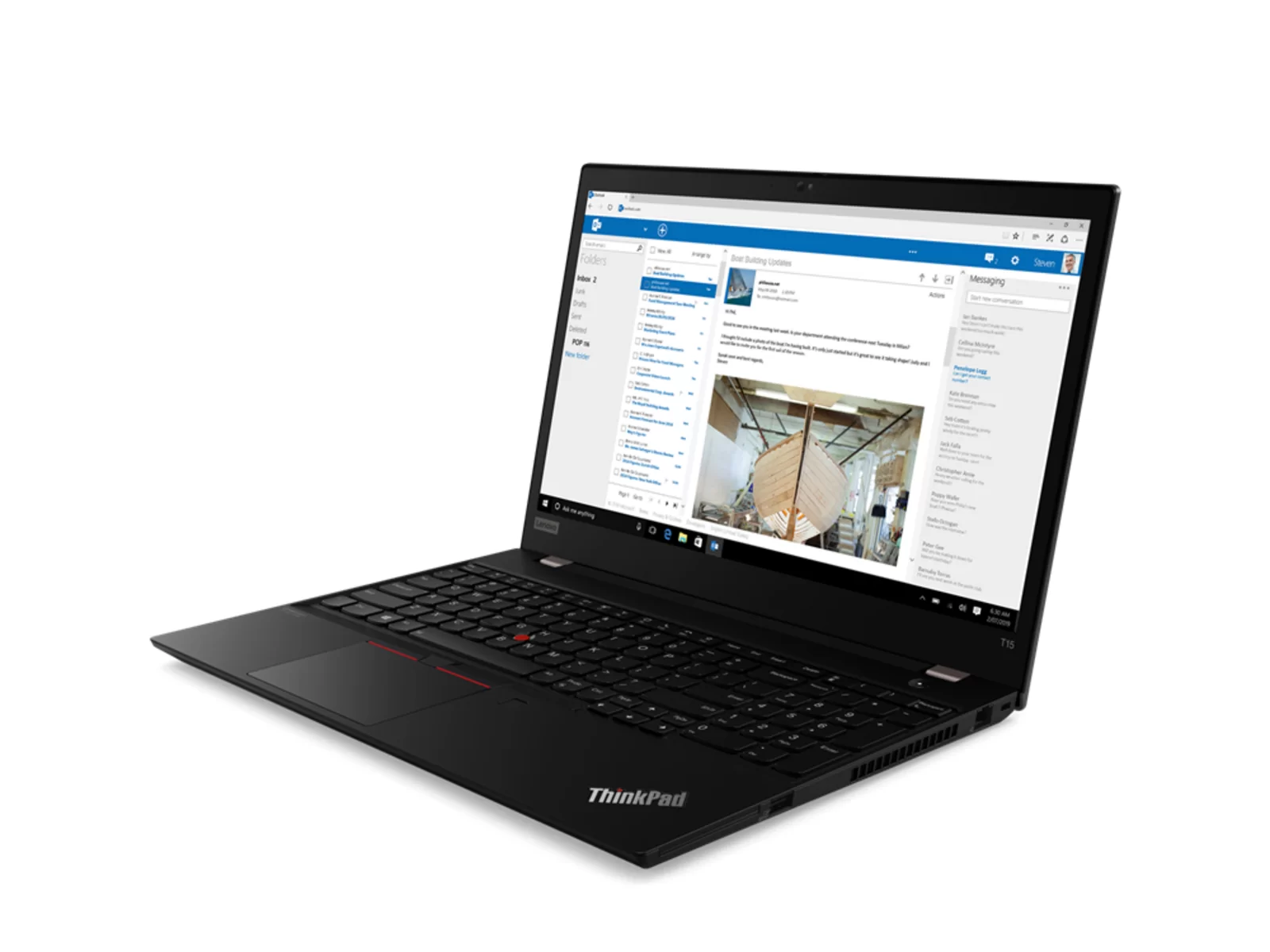
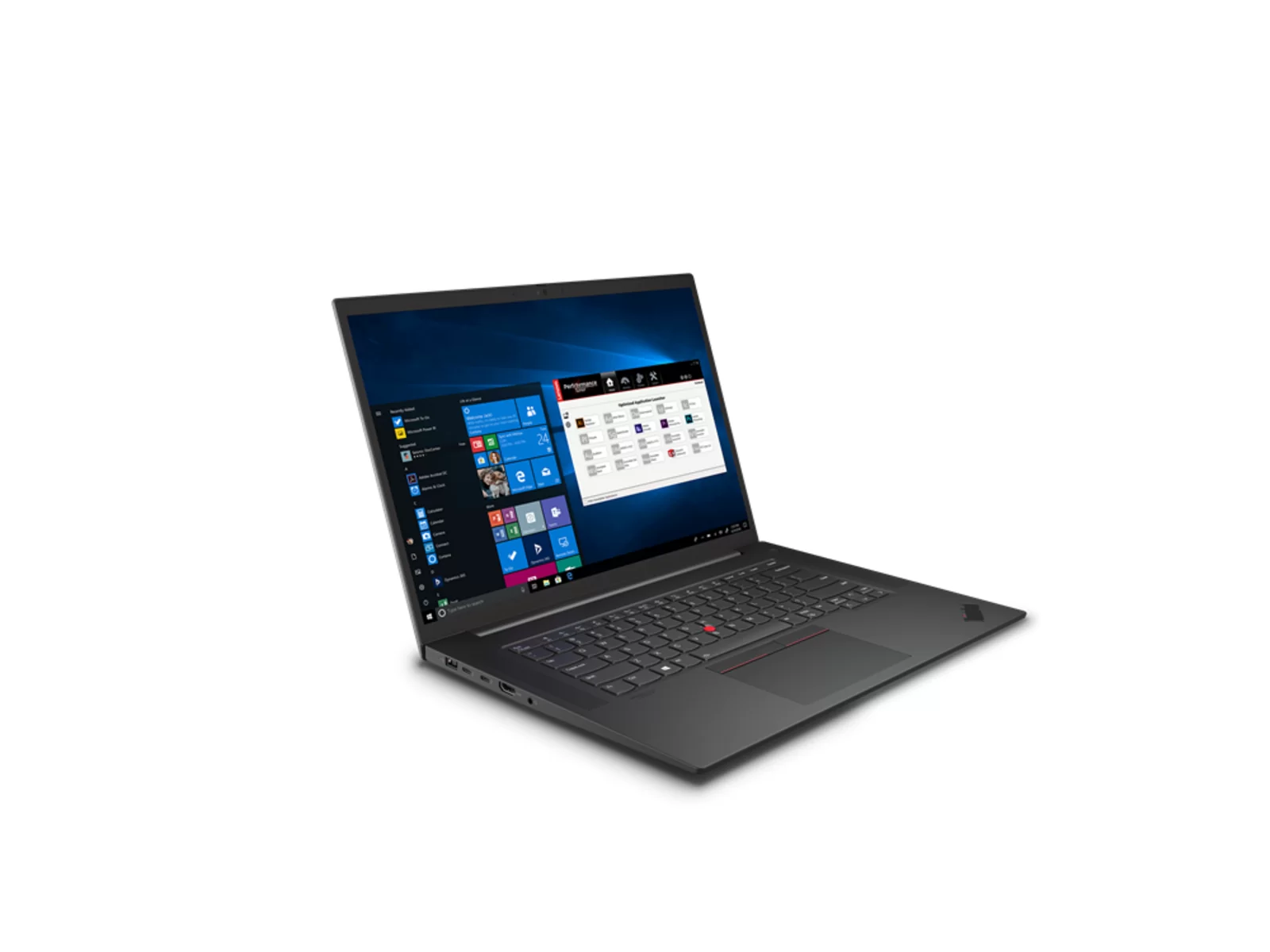
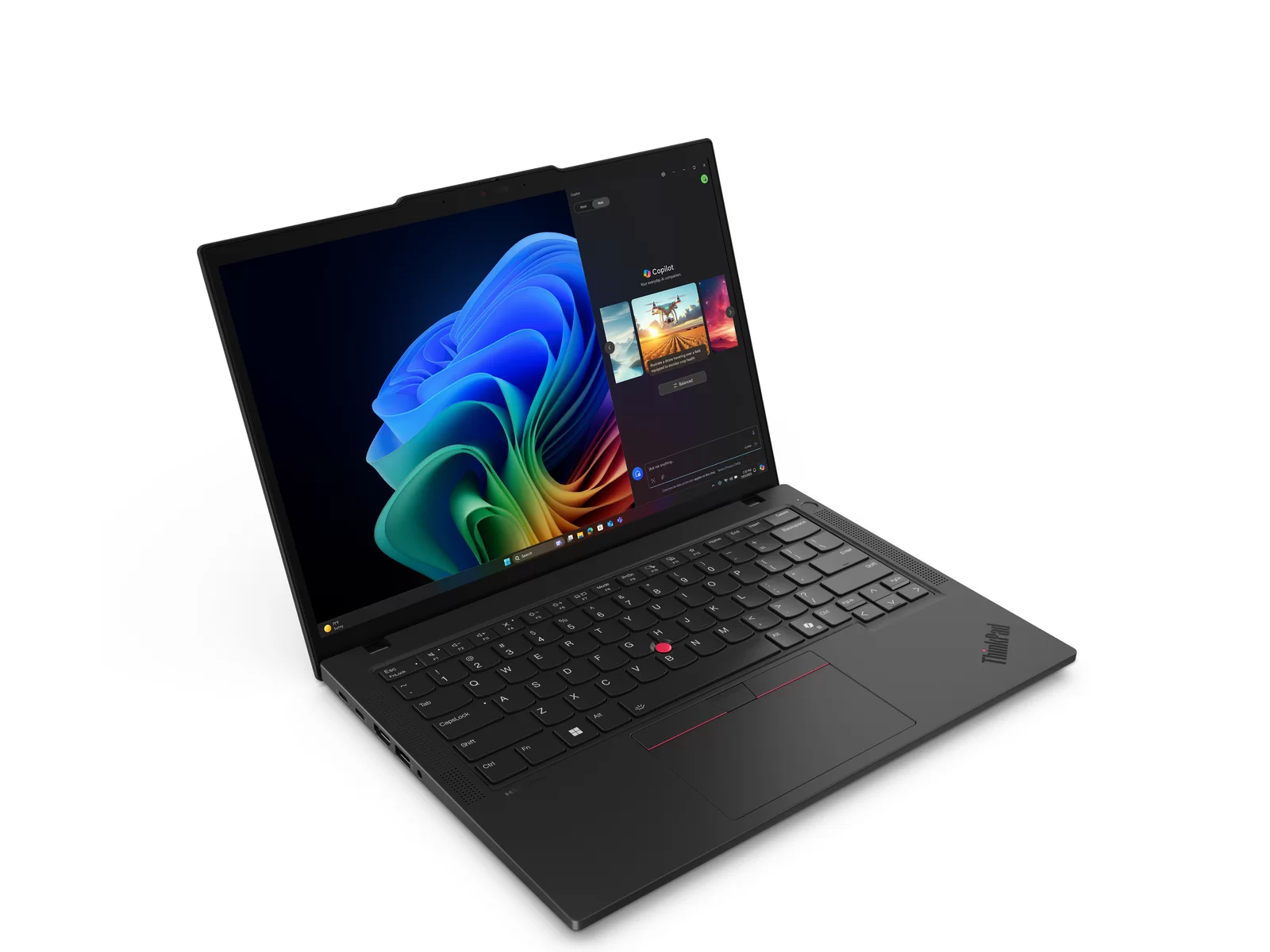
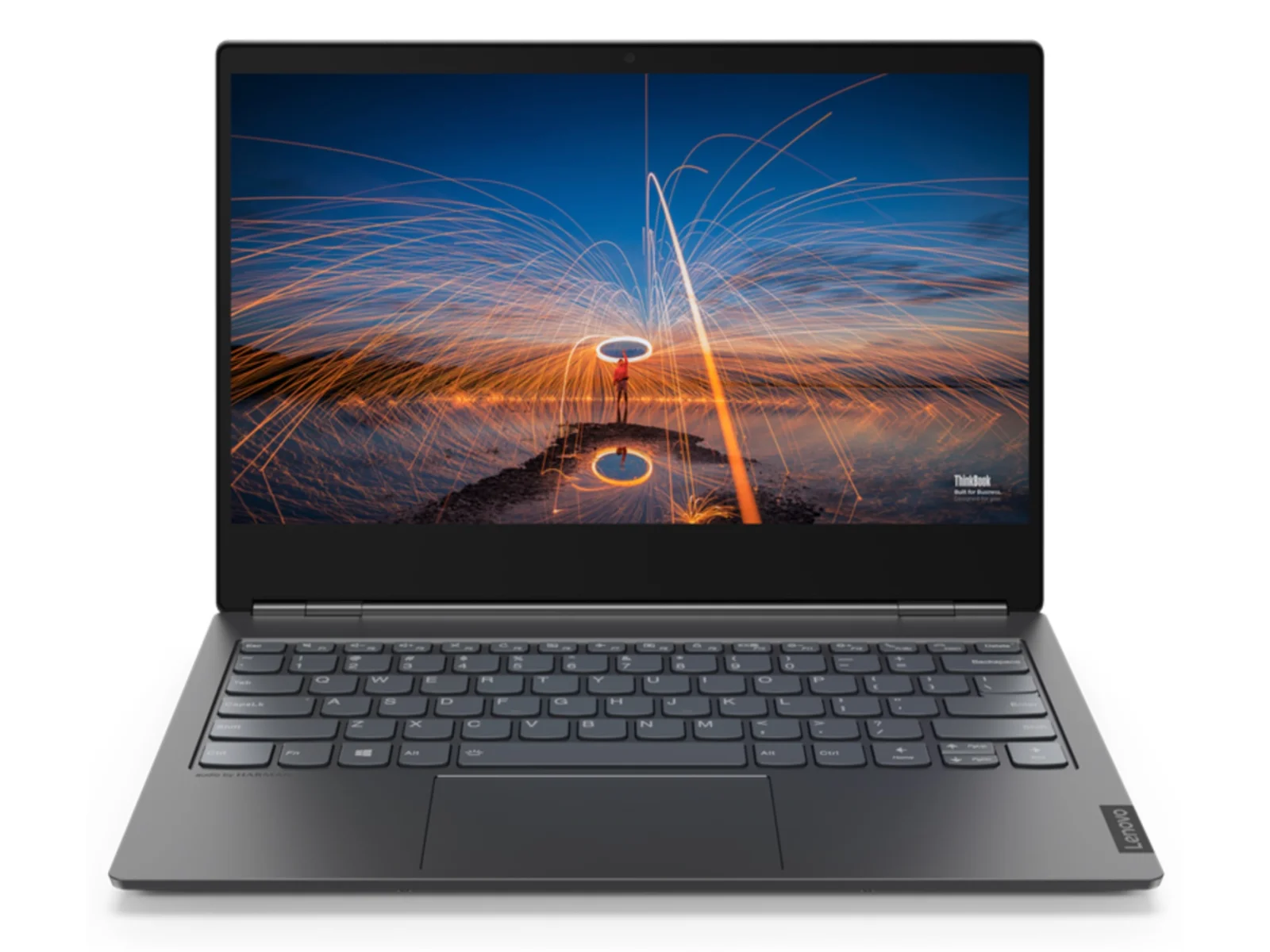
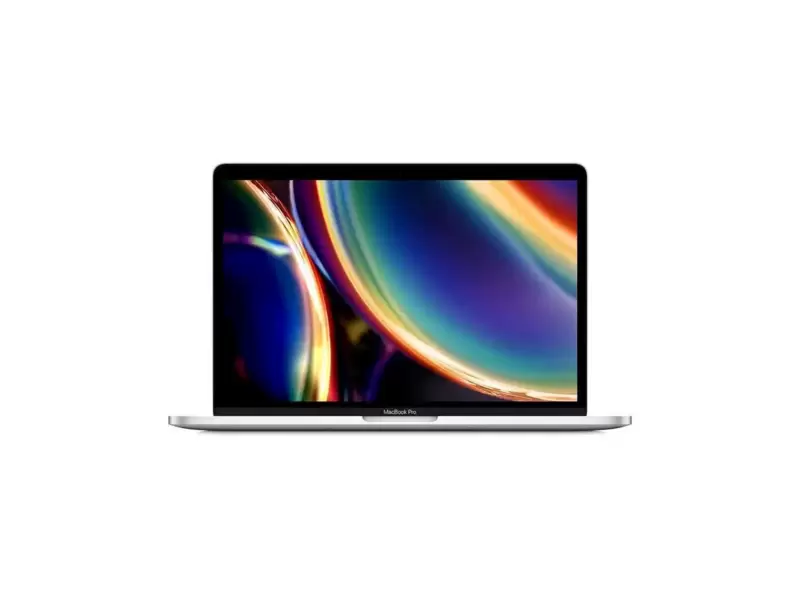

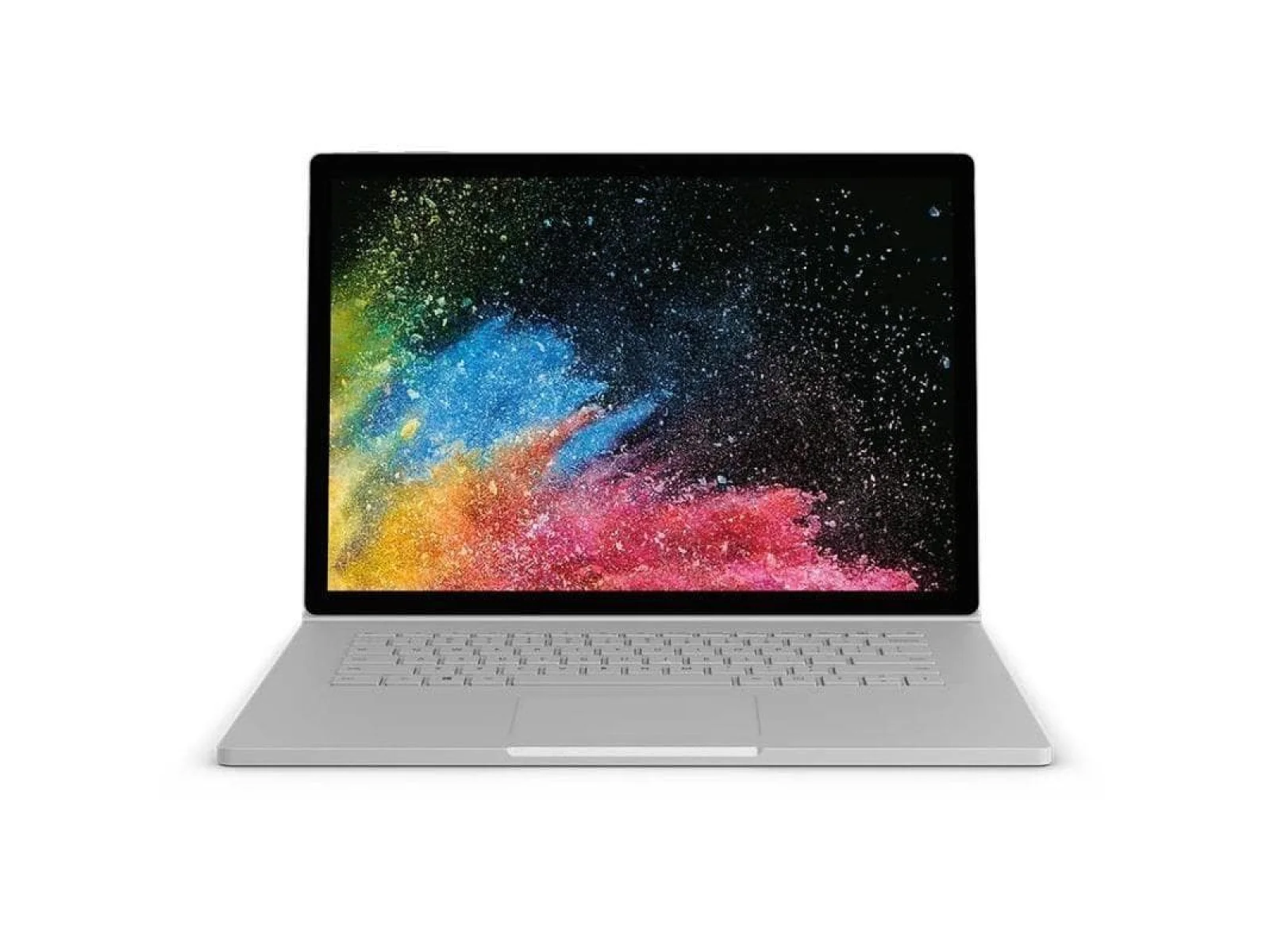
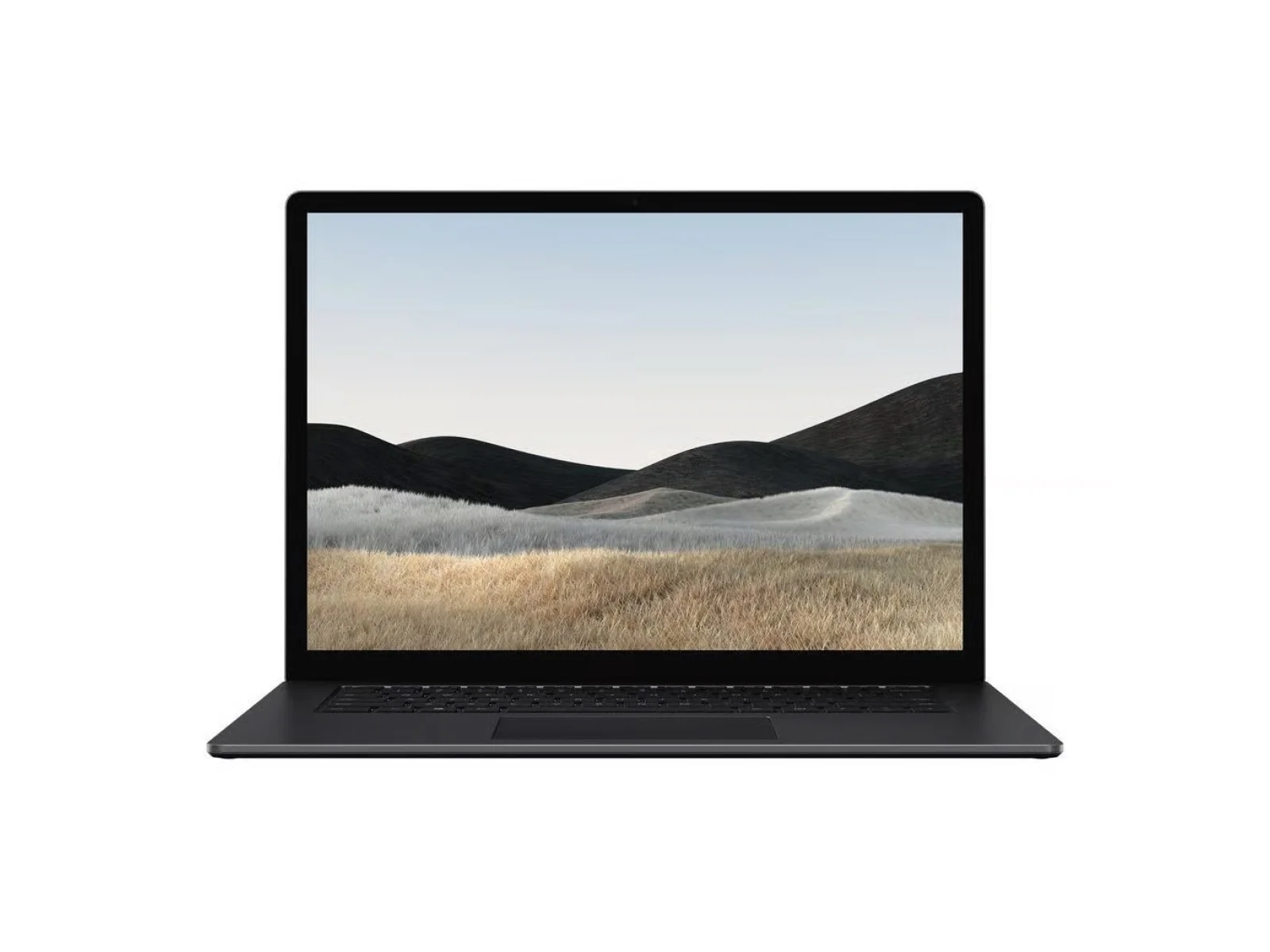
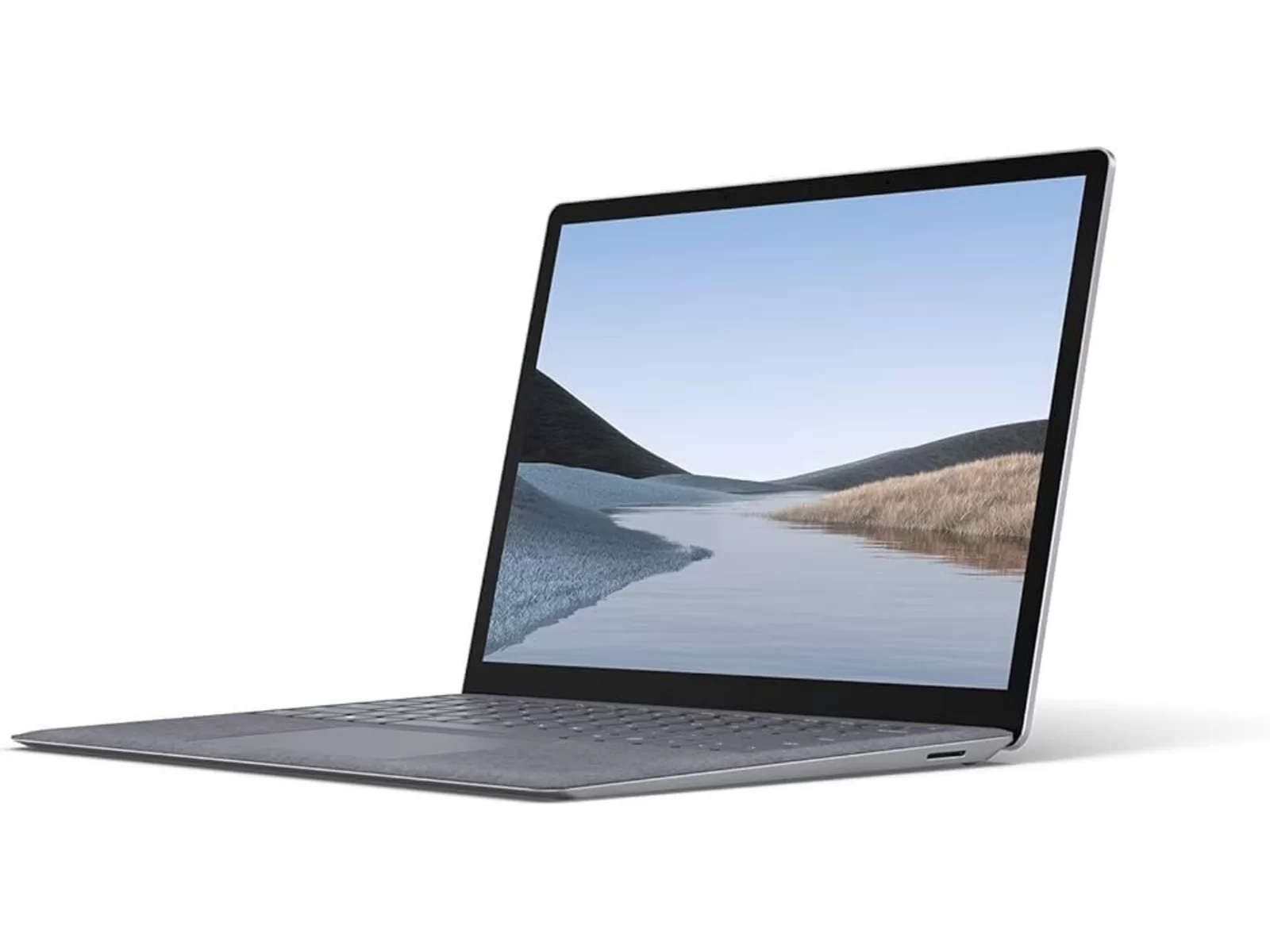


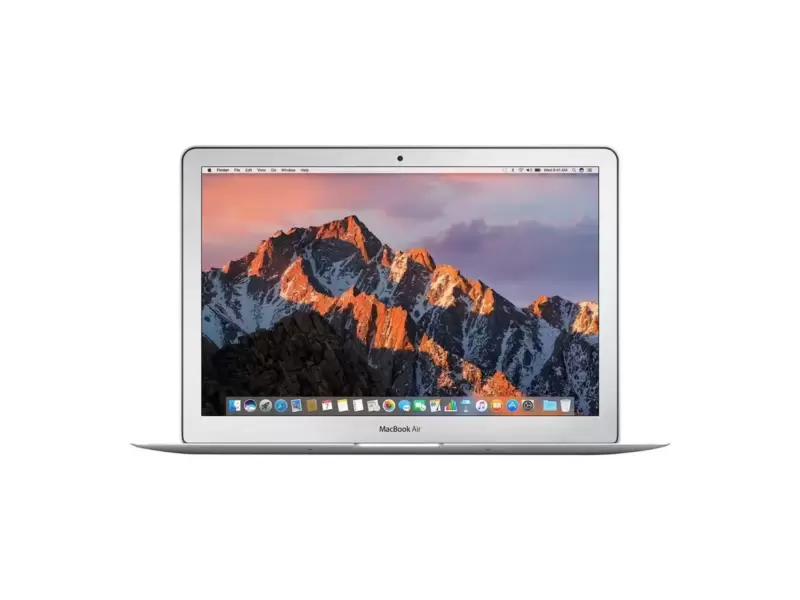
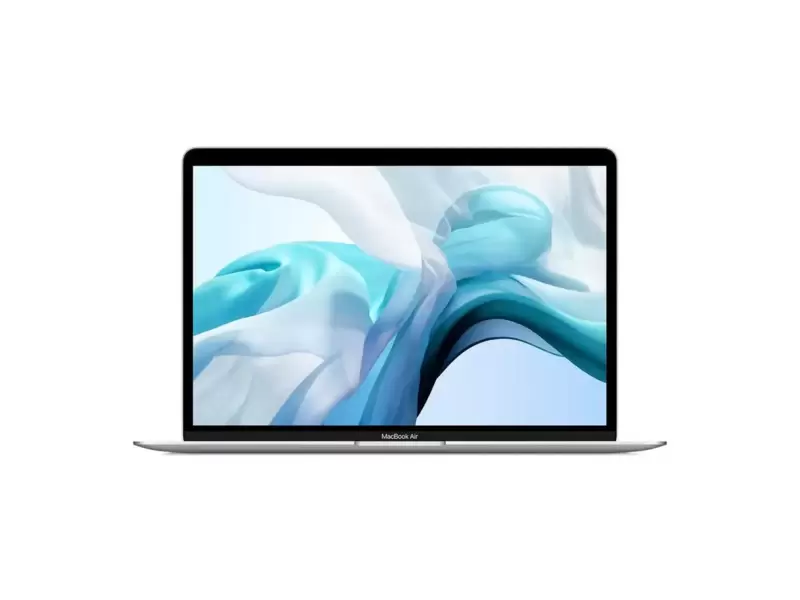


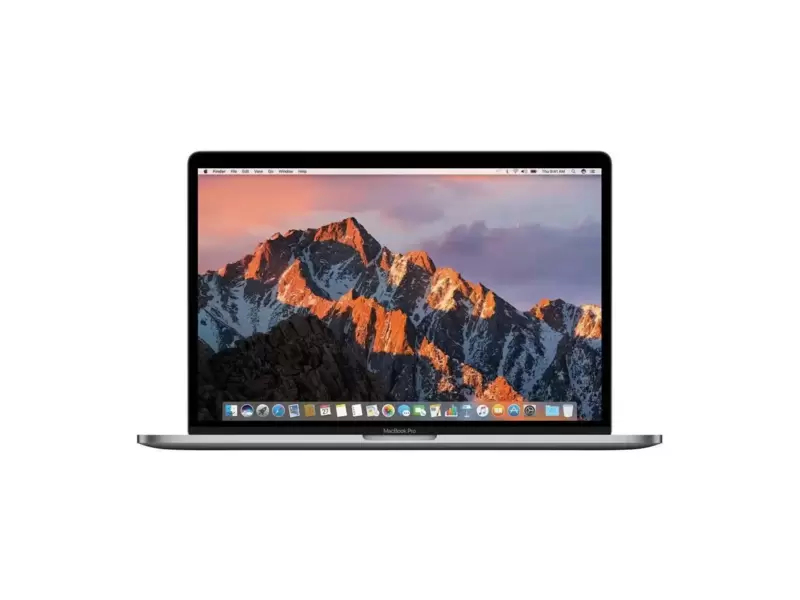
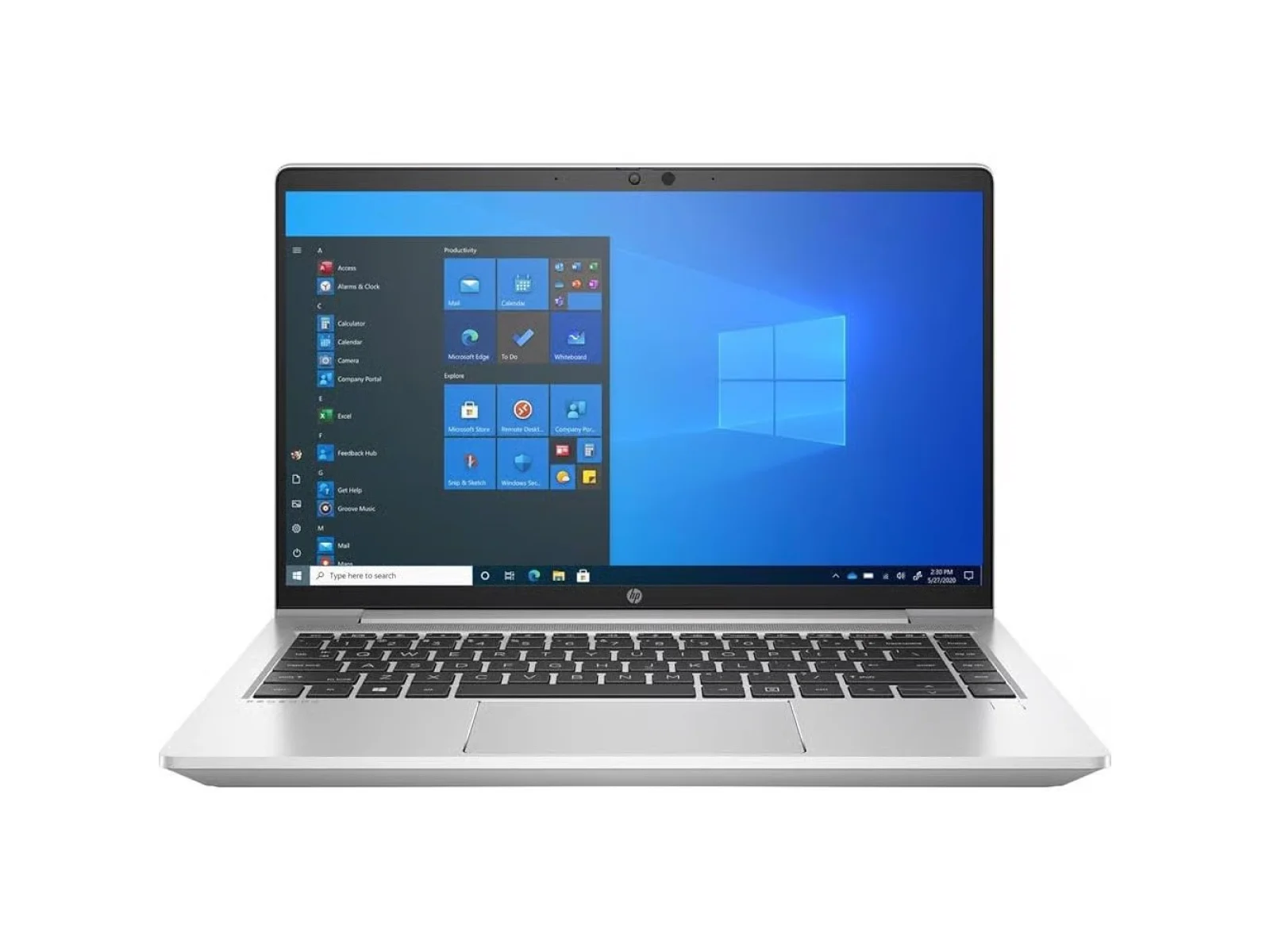

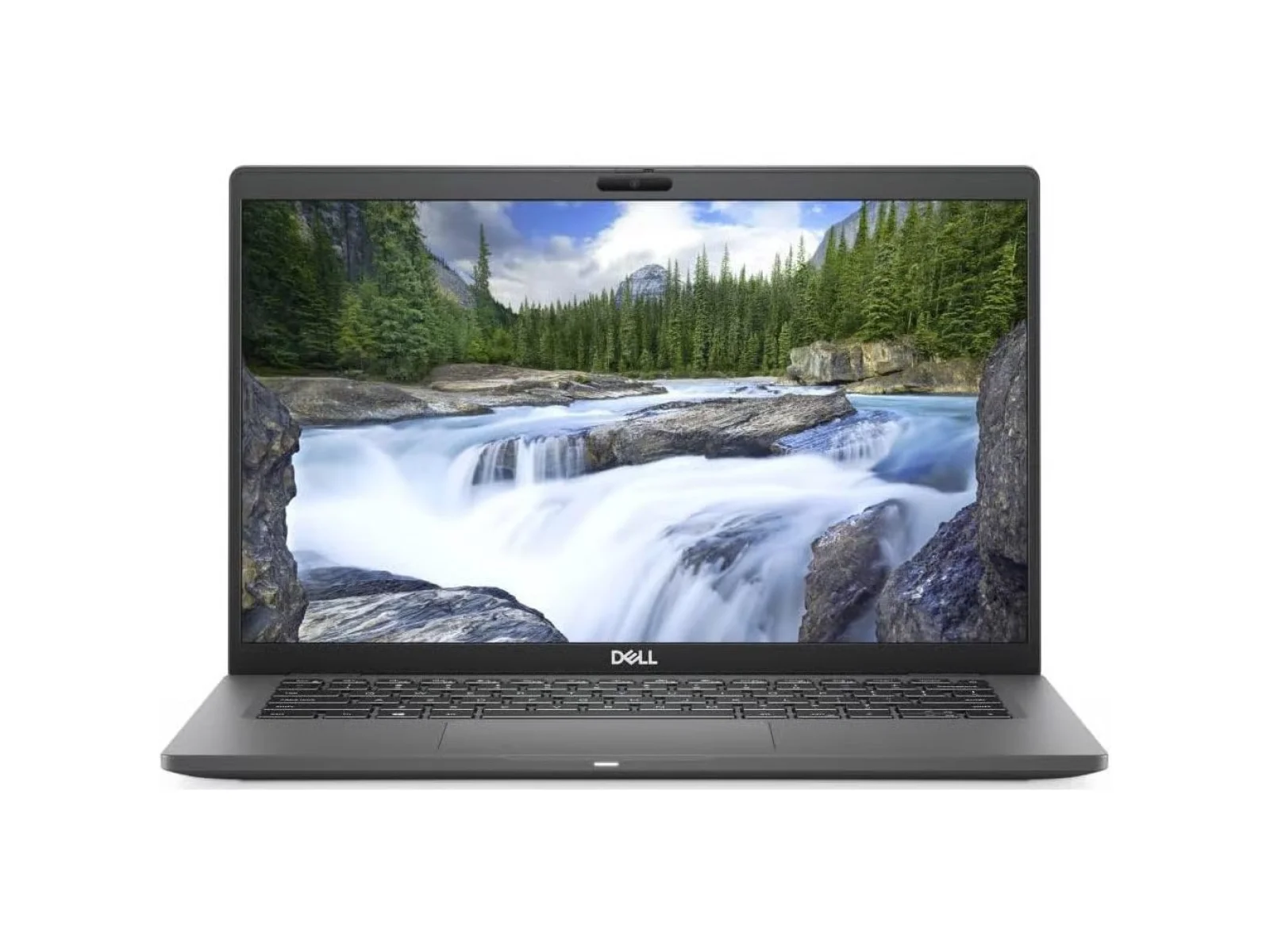
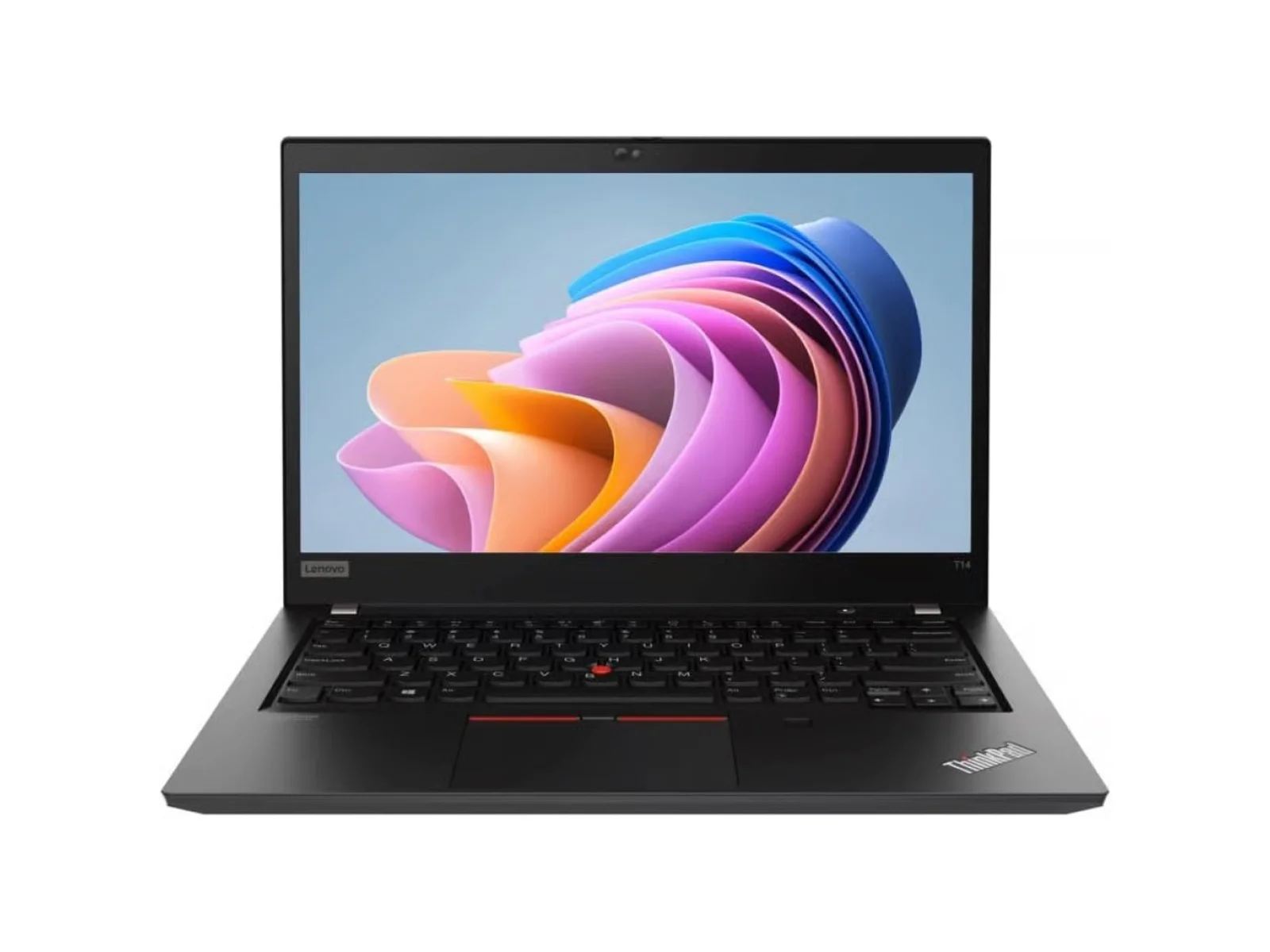
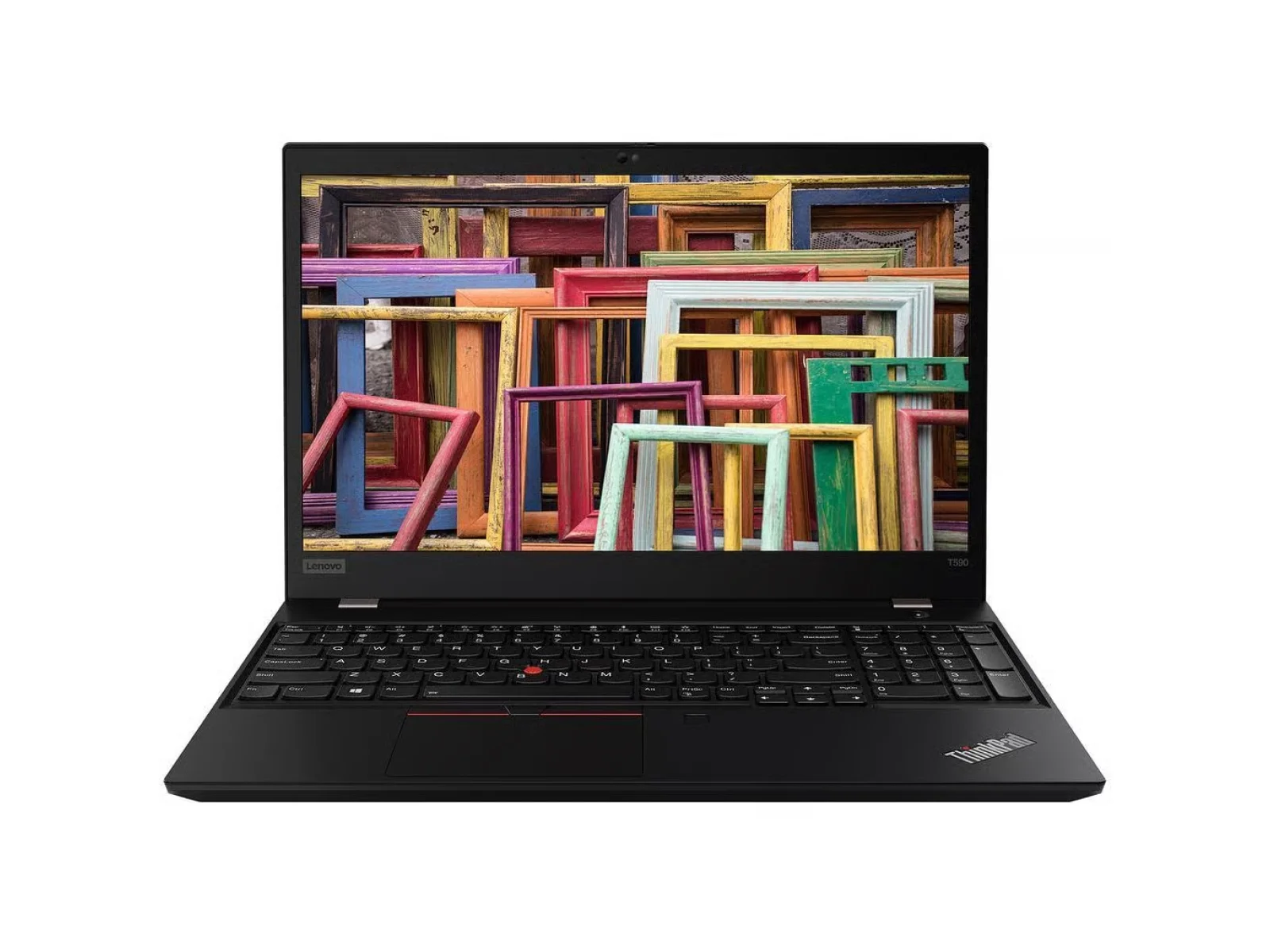
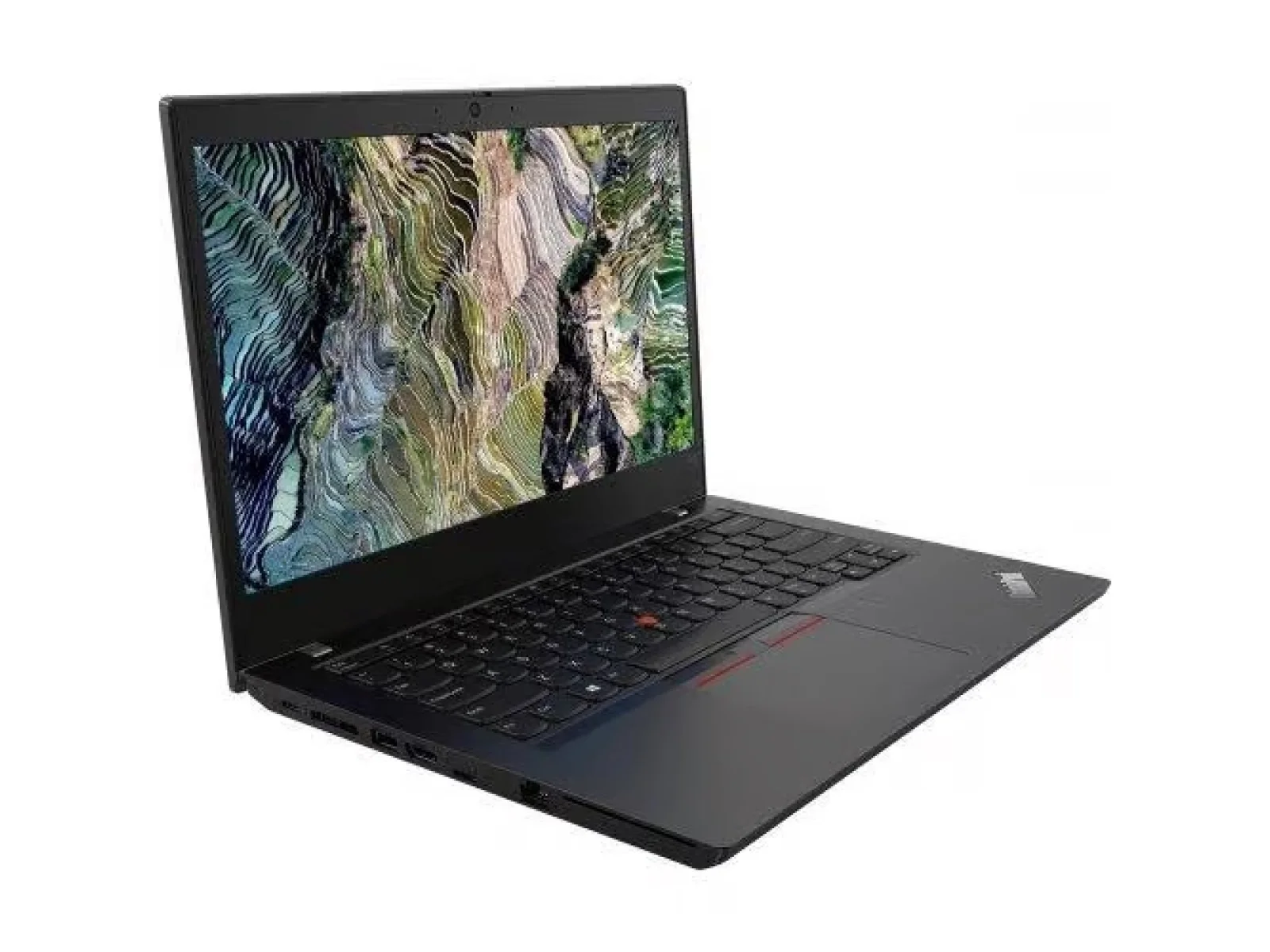
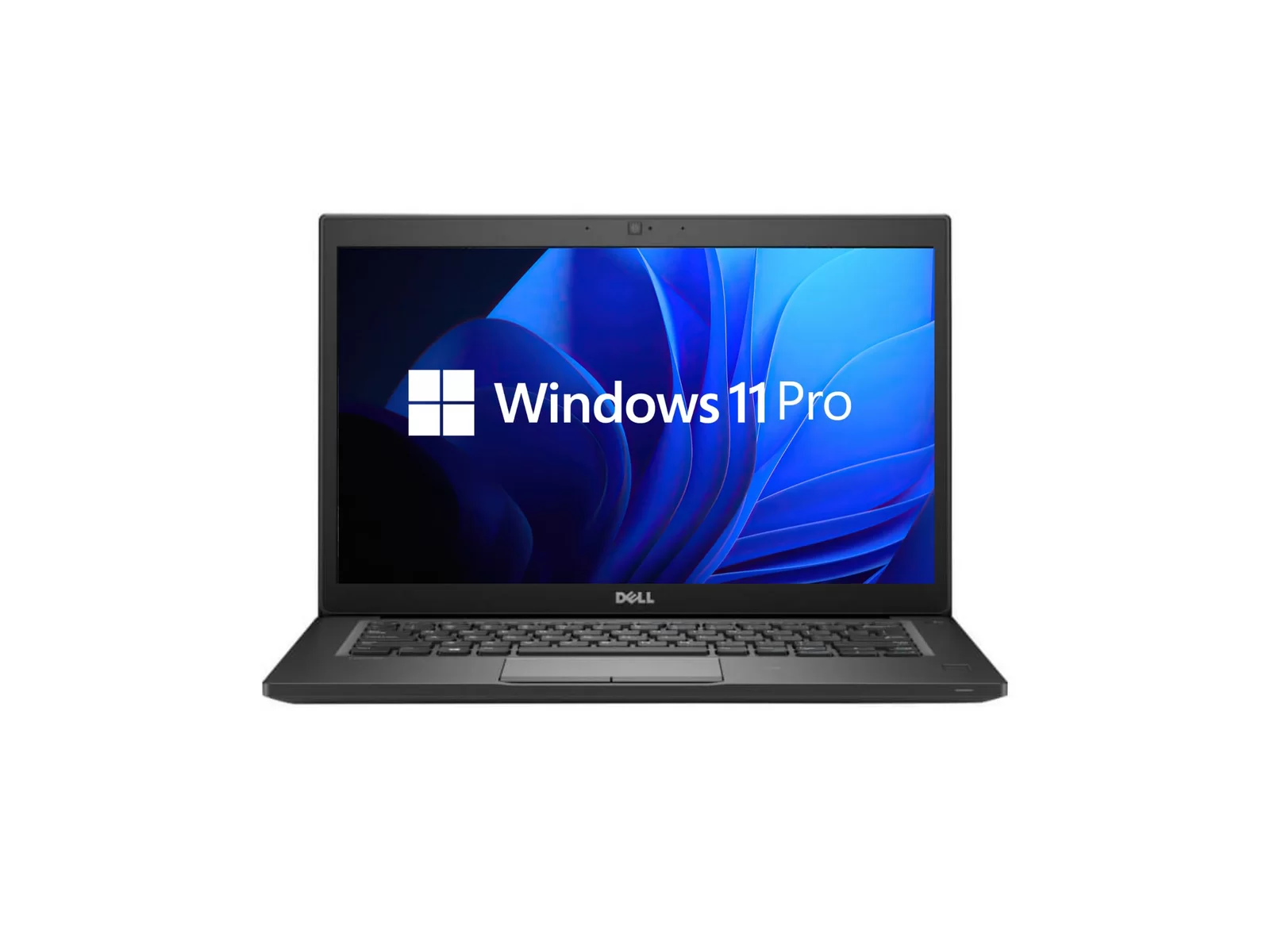
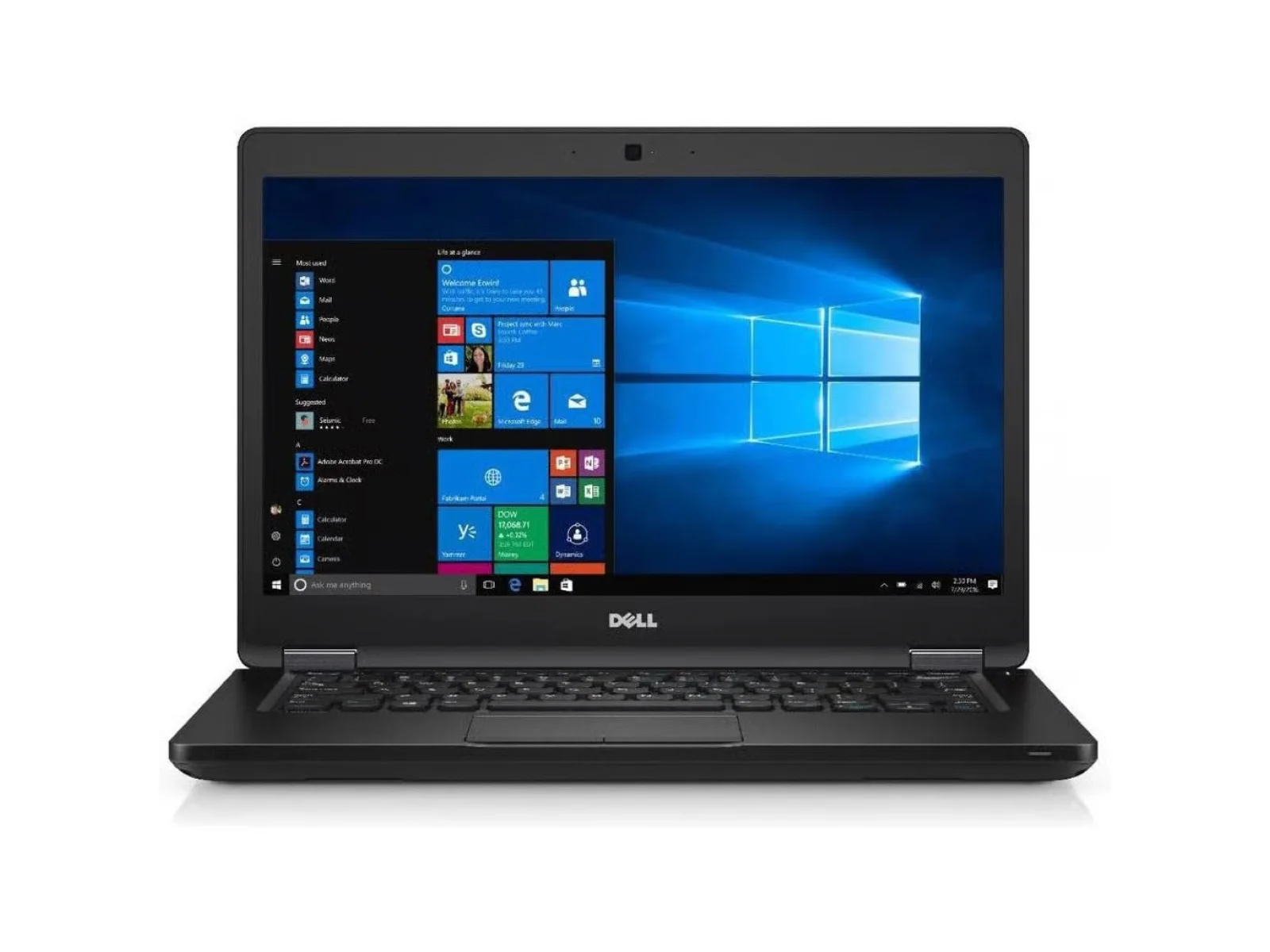
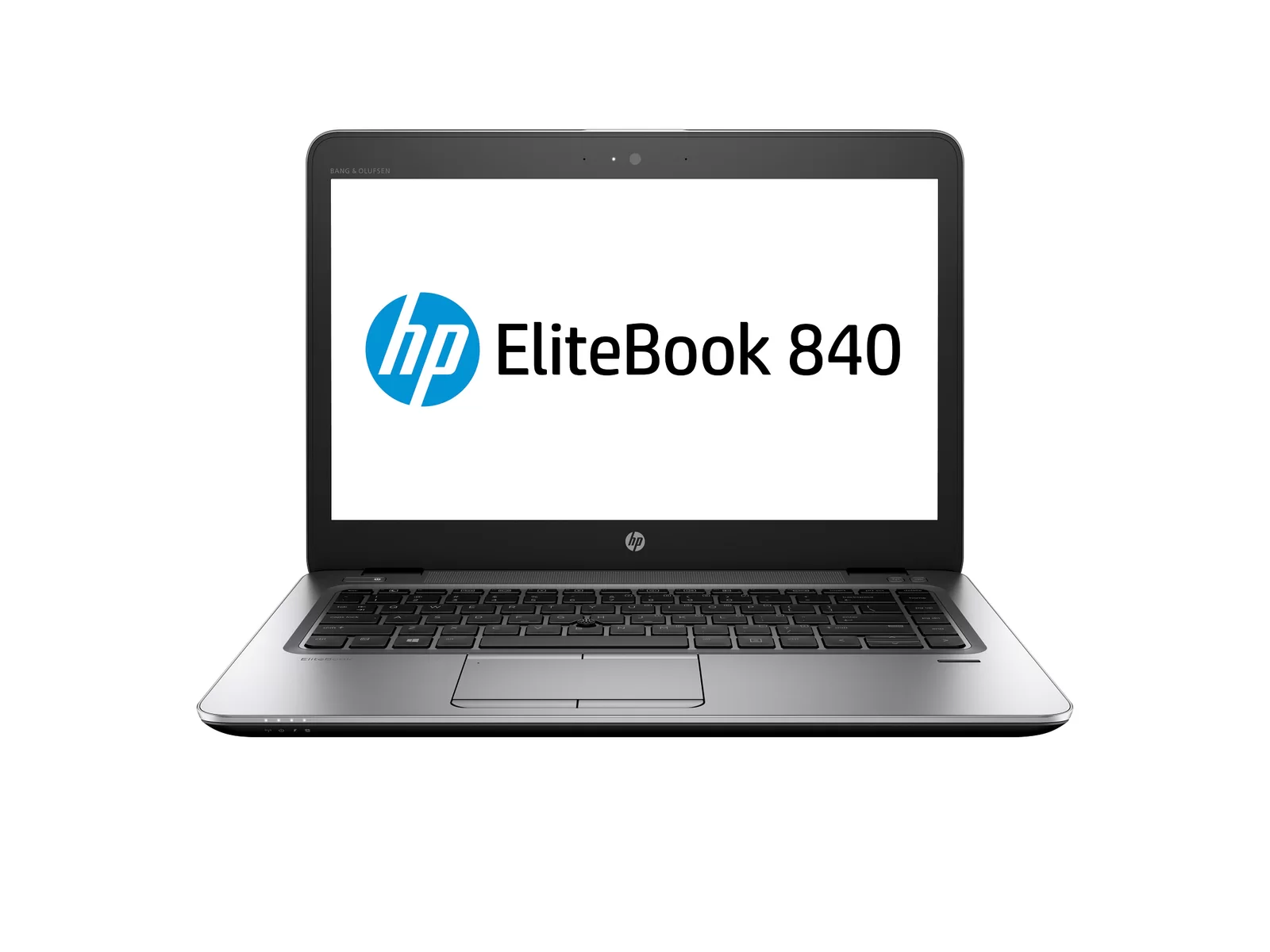
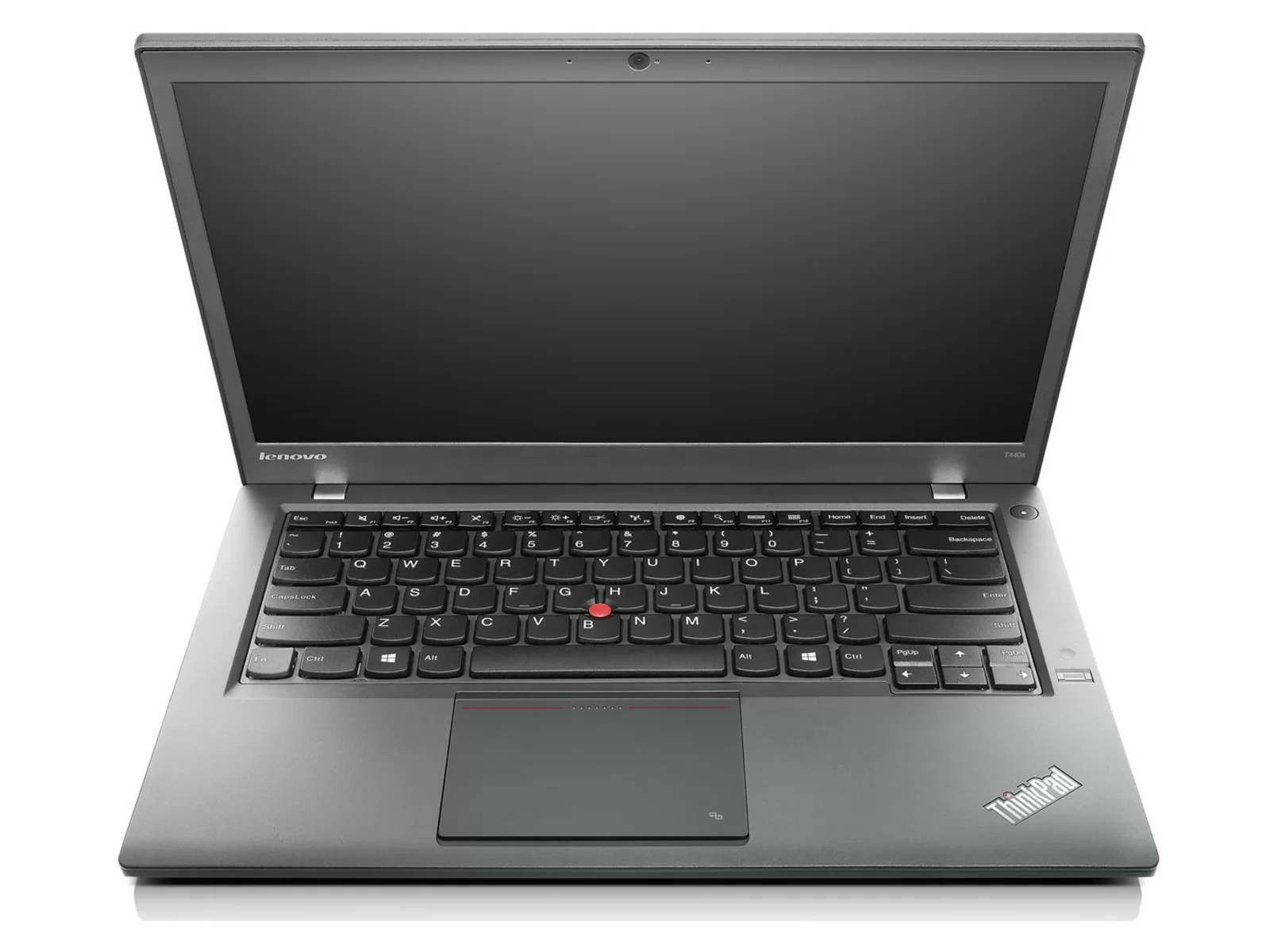
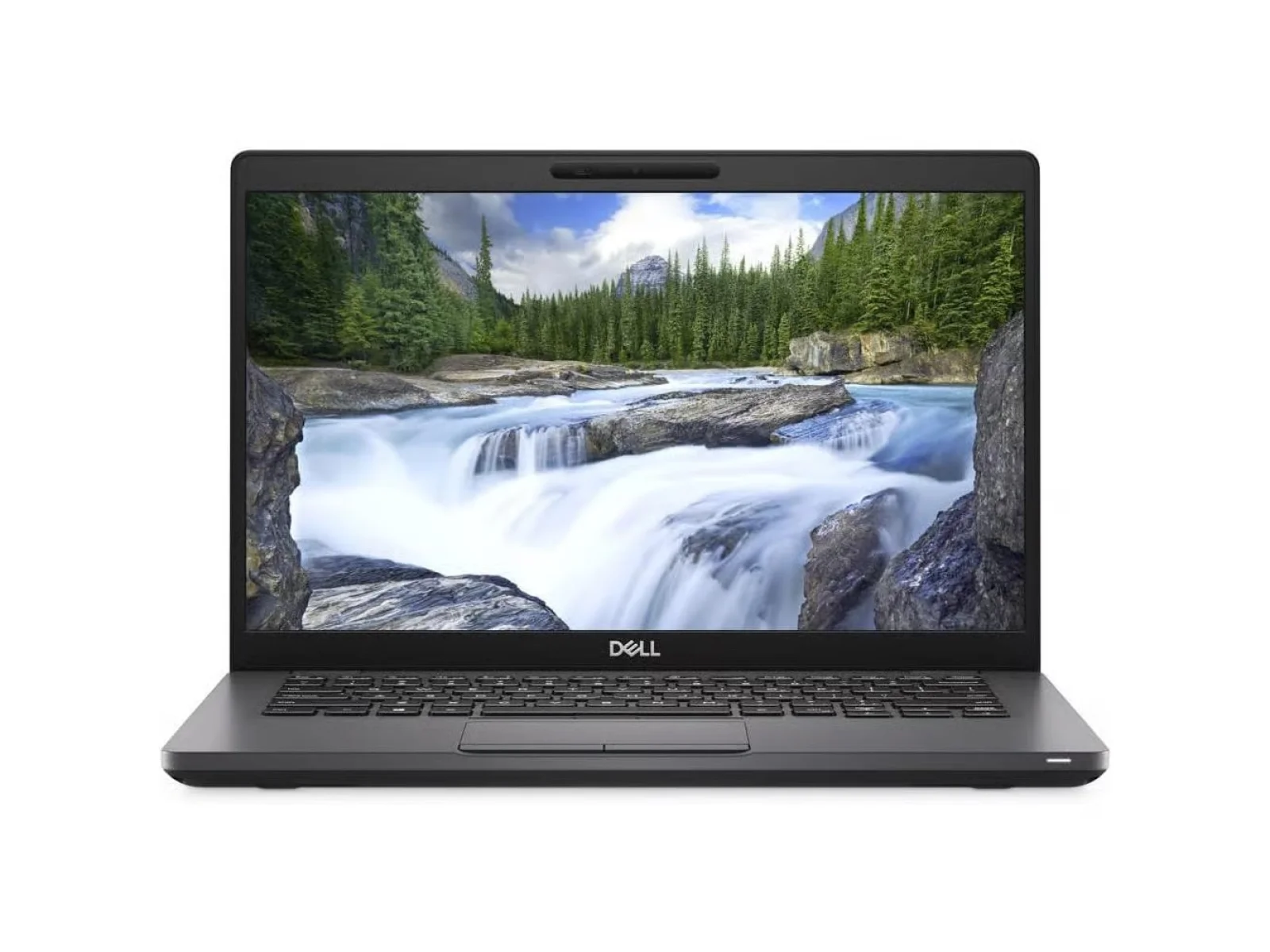
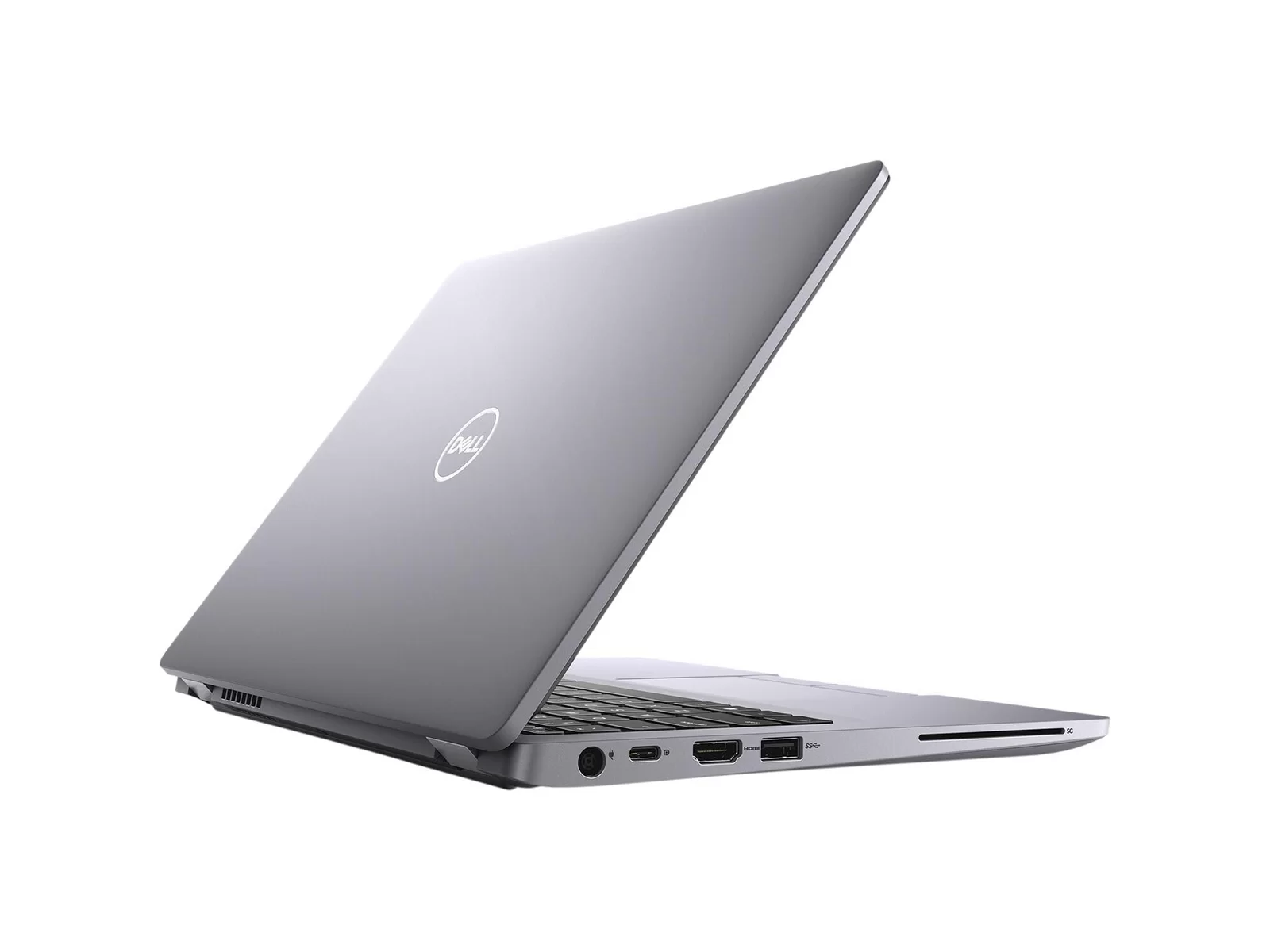
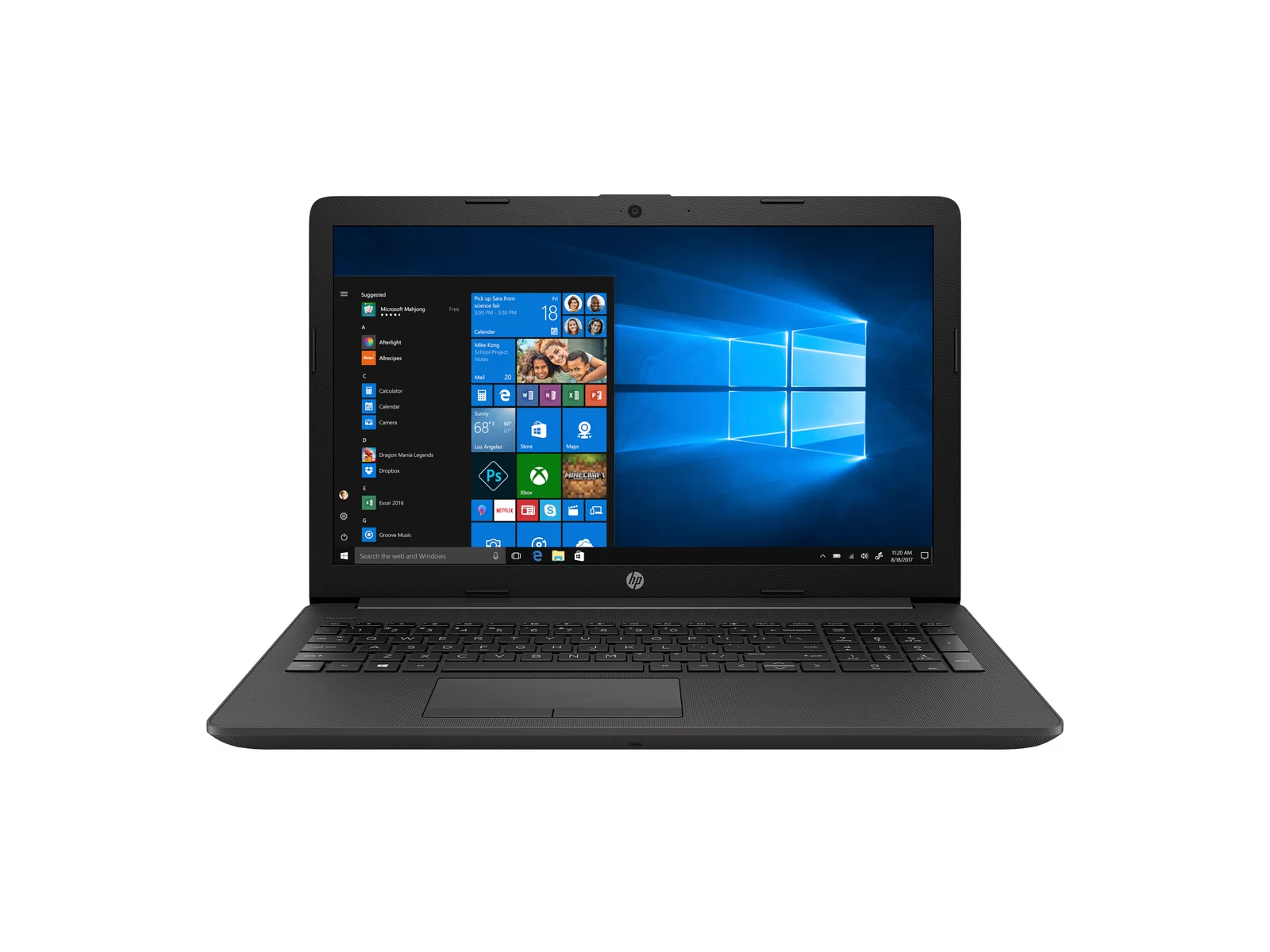
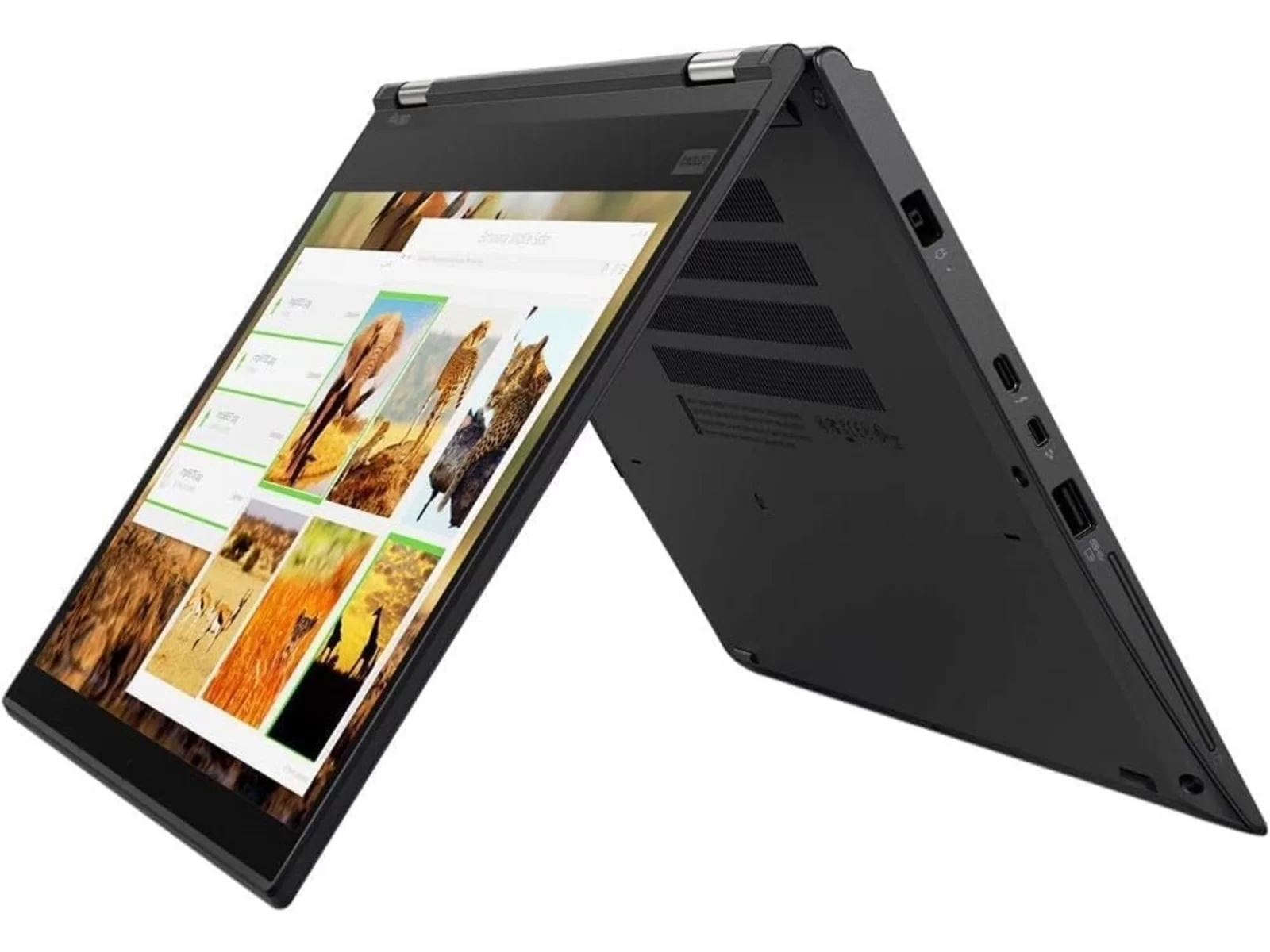
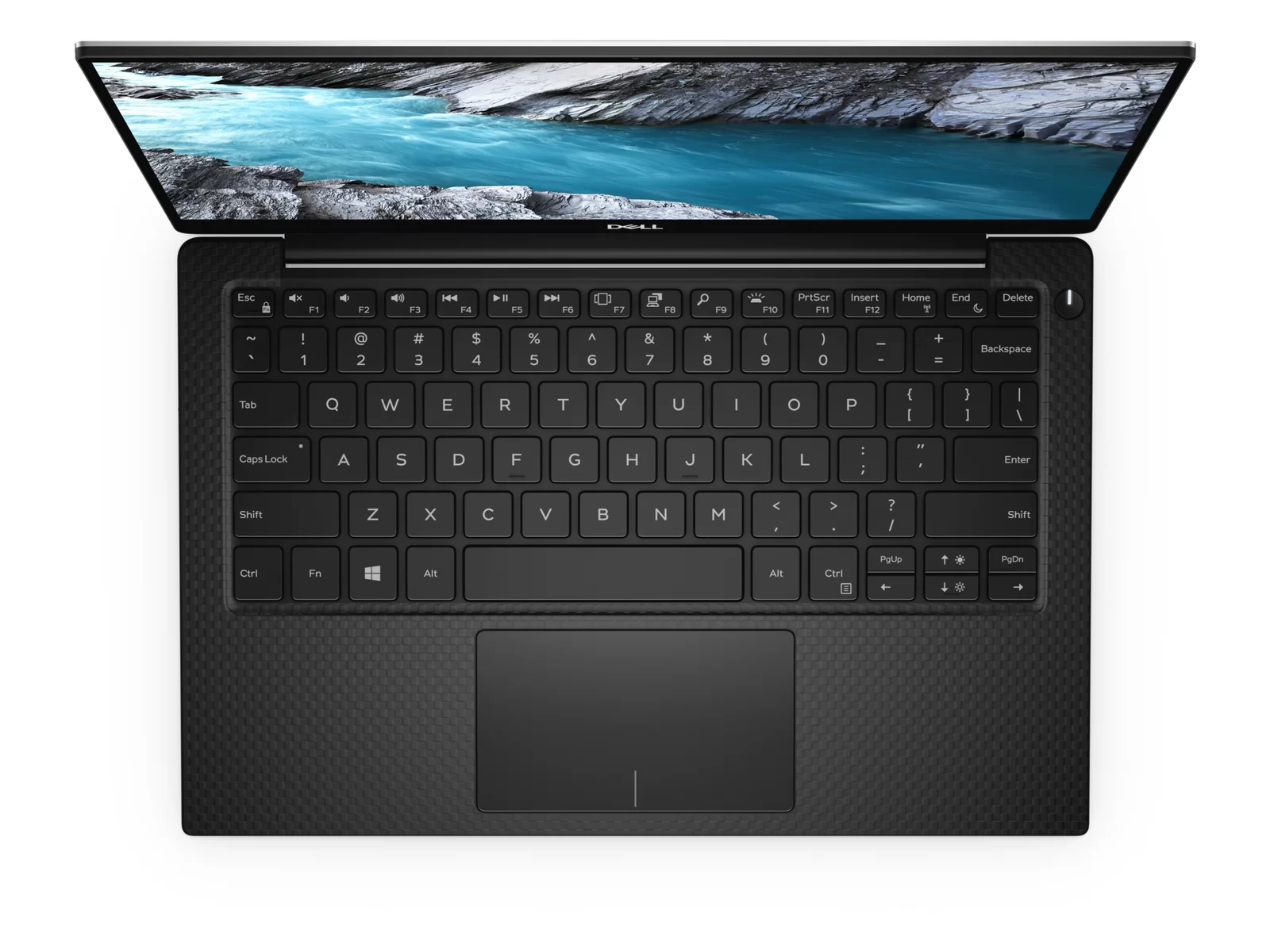
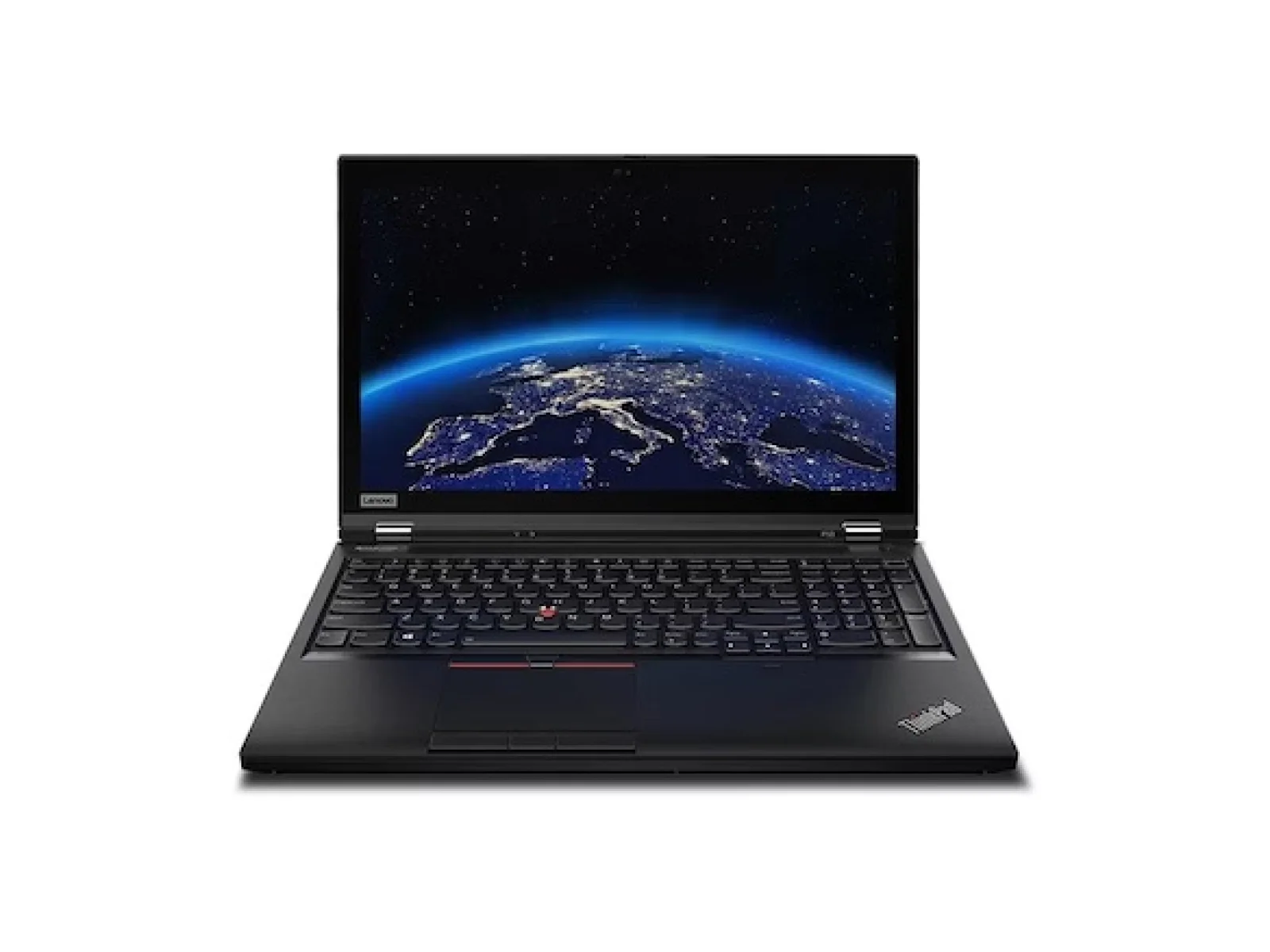
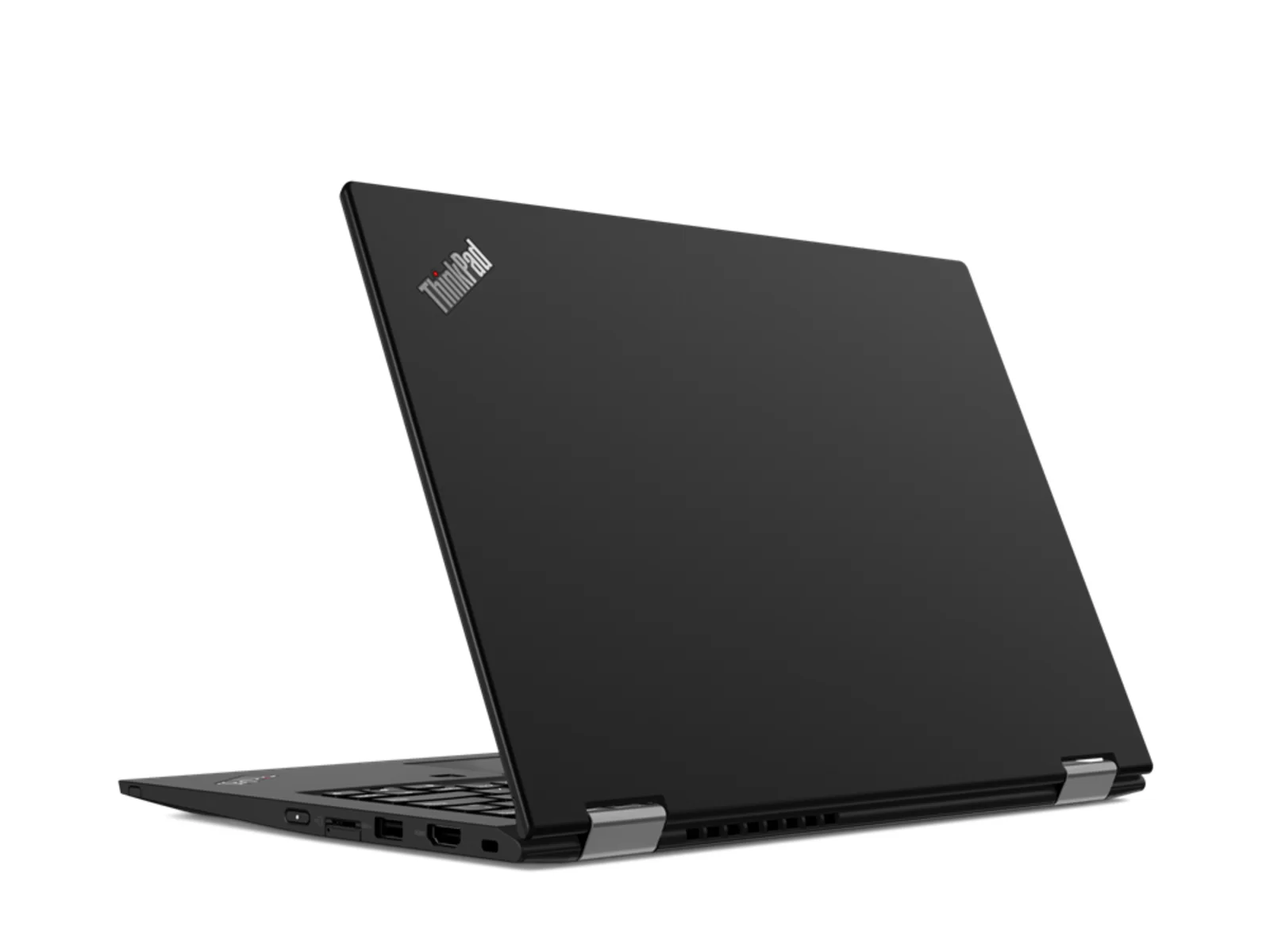
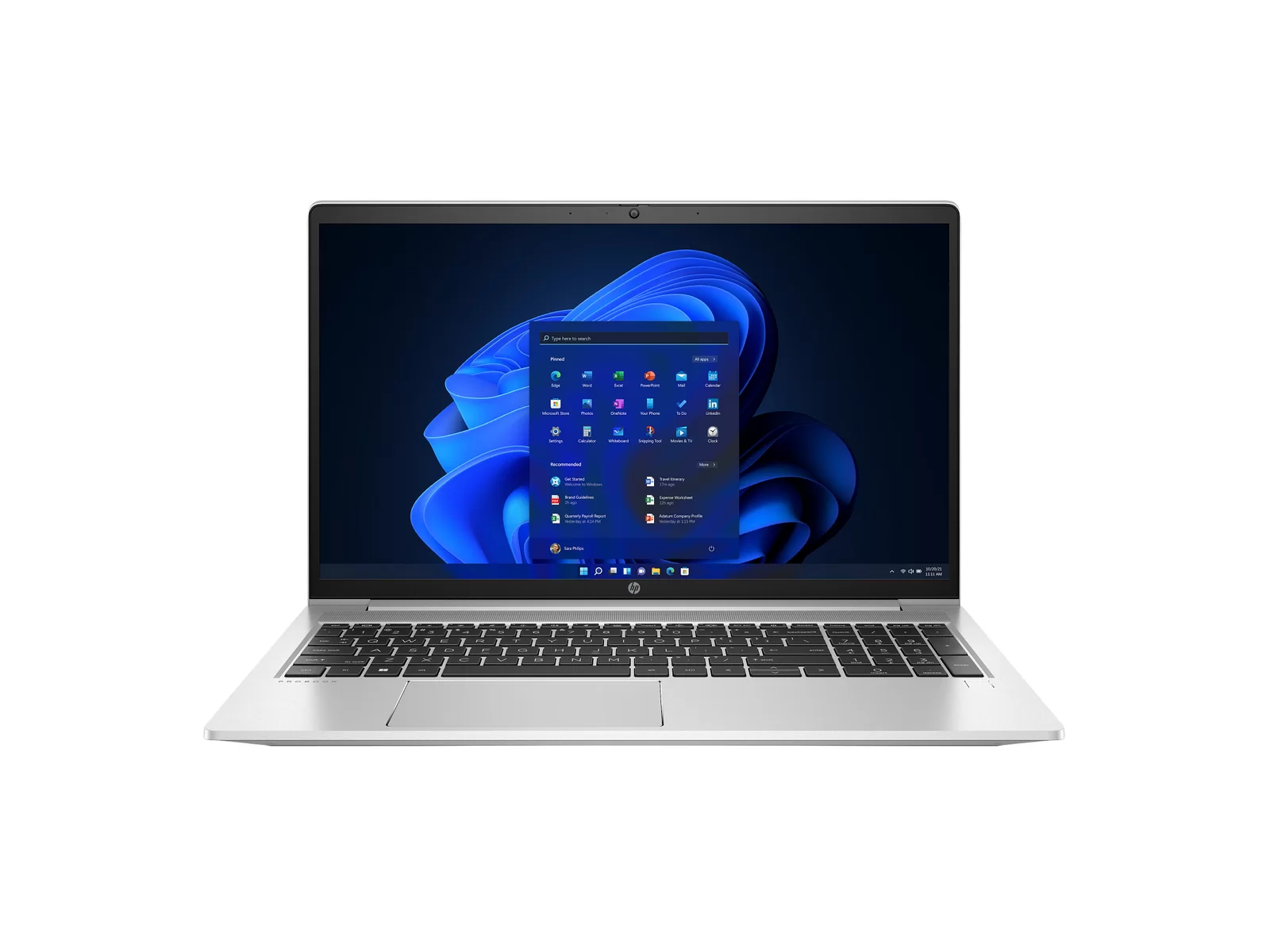
Restocking soon
Sold out right now. Open a model to ask us to tell you when it is back.
Explore more
Related ranges
Help choosing your laptop
How to choose a refurbished laptop
Start with what you will use it for, not with the brand. Most people need a laptop for web browsing, email, documents, video calls and streaming. Any laptop on this page does that comfortably. The choice only gets technical when you edit photos or video, run several large programs at once, or carry the laptop every day.
Four things decide how a laptop feels to use: the processor, the memory (RAM), the storage and the screen. Weight and battery life matter most if you travel. Ports matter if you plug into monitors at a desk. The filters above let you narrow the list by each of these, and every result shows only laptops we have in stock today.
Mac or Windows?
A MacBook makes sense if you already use an iPhone, want a laptop that stays quiet and cool, or prefer macOS. The MacBook Air with the Apple M1 chip has no fan at all and handles everyday work, study and light photo editing with ease. The MacBook Pro adds a brighter screen and more ports, and the 16-inch model has room for more memory.
A Windows laptop makes sense if you need Microsoft software that only runs on Windows, use a work laptop of the same make, or want more choice of size and price. Business ranges such as the Lenovo ThinkPad, Dell Latitude and HP EliteBook are built to last through years of daily use, with keyboards and hinges designed for it. Windows laptops with an Intel 8th generation processor or newer, Intel Core Ultra or AMD Ryzen come with Windows 11 Pro.
Processor: what the names mean
On Apple laptops, an M1 chip or newer is the simplest choice: fast, efficient and supported by current macOS. Older Intel MacBooks are good value if you mainly browse and write documents.
On Windows laptops, the generation matters more than the Core i5 or i7 badge. A Core i5 from the 10th or 11th generation is quicker than a Core i7 from the 6th generation. As a rule of thumb, an 8th generation Intel processor or newer is a good everyday choice, and Core Ultra or Ryzen 5 and 7 are faster still. The specification line on every product card shows the processor family, and each product page lists the exact model.
Memory and storage
8GB of RAM is enough for browsing, email, office work and video calls. Choose 16GB if you keep many browser tabs open, work with large spreadsheets, edit photos or run software for development or design. More memory is the upgrade that makes the biggest difference over the years you own the laptop.
Every laptop we sell has a solid-state drive (SSD), which starts up quickly and has no moving parts. 256GB suits most people who keep files in the cloud. Choose 512GB or more if you store photos, music or video on the laptop itself.
Screen size and weight
13 and 14-inch laptops are the easiest to carry and fit most bags. They suit students and anyone who travels. 15 and 16-inch laptops give more room for side-by-side windows and often more ports, but they are heavier. If you work mostly at a desk, a 14-inch laptop with a separate monitor gives you the best of both: see our refurbished monitors and docking stations.
What the grades mean
Every laptop is graded A, B or C on how it looks. The grade never describes how it works: every grade is fully tested and has the same 12-month warranty.
- Grade A: minimal or no signs of use.
- Grade B: light cosmetic wear, such as small marks on the lid or base.
- Grade C: visible cosmetic wear, at the lowest price.
If you want the laptop to look as close to new as possible, choose Grade A. If you want the best value and do not mind a few marks, Grade B or C gives you the same tested laptop for less. Grades A, B and C explained.
How we refurbish every laptop
We are not a marketplace. Every laptop on this page is in our own UK workshop, Buckinghamshire. Each one is tested, securely data-wiped, repaired where needed, cleaned and graded before it is listed. Faulty parts are replaced, and the laptop is set up with a clean operating system so it is ready to use when it arrives. You can read the full process on how we refurbish.
Buyer Area has been refurbishing and selling laptops since 2011 and is certified to ISO 9001, ISO 14001 and ISO 45001. About our certification.
Warranty, delivery and returns
Every refurbished laptop comes with a 12-month warranty. If something goes wrong, we repair or replace it. Delivery is free to mainland UK addresses, and orders are dispatched within one to two working days. If you change your mind, you have 30 days to return it. Warranty · Delivery · Returns.
Shop by range or need
If you already know what you want, go straight to a range: refurbished MacBooks (MacBook Air and MacBook Pro), Windows laptops, Lenovo ThinkPad, Dell XPS and Surface Laptop.
Not sure? Start from what you need the laptop for: laptops for students, laptops for home and everyday use, business laptops and laptops for creative work. If you have a question about a particular laptop, contact us and we will check the unit for you.
Why buy a refurbished laptop?
A refurbished business laptop or MacBook often costs a fraction of its price new, and it was built to a higher standard than many new budget laptops at the same price. Buying refurbished also keeps a working laptop in use instead of sending it for recycling, which saves the materials and energy needed to make a new one.
| Model | Year | Specification in stock | Grades | From |
|---|---|---|---|---|
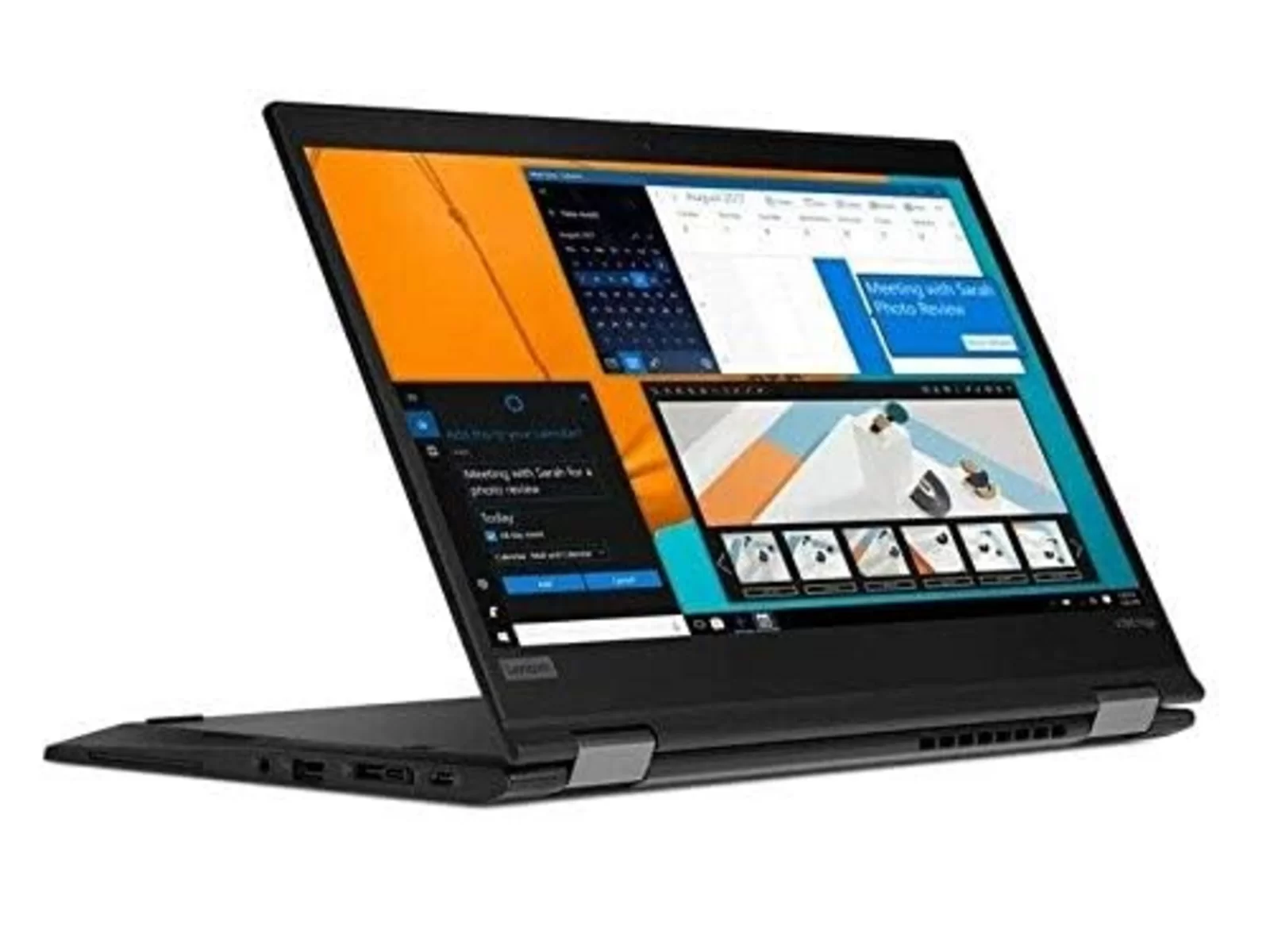
| Lenovo ThinkPad X13 Yoga Gen 3 | 2022 | Core i7 · 16GB RAM · 512GB | A·B | From £520 |
| HP ProBook 450 G8 | Core i5 · 8GB RAM · 256GB | B | From £399 | |
| Lenovo ThinkPad T14 Gen 3 | 2022 | Core i5 · 16GB RAM · 512GB | A | From £499 |
| Lenovo ThinkPad E16 Gen 1 | 2023 | Ryzen 5 / Ryzen 7 · 16GB RAM · 256GB–512GB | A·B | From £521 |
| Lenovo ThinkPad L14 Gen 1 | Core i5 · 8GB RAM · 256GB | B | From £349 | |
| Dell Latitude 5480 | Core i5 · 16GB RAM · 256GB | B | From £199 | |
| HP EliteBook 840 G6 | Core i5 · 8–16GB RAM · 256GB–512GB | A | From £289 | |
| Lenovo ThinkPad X1 Carbon Gen 9 | Core i7 · 16GB RAM · 256GB | B·C | From £529 | |
| Lenovo ThinkPad X390 Yoga | Core i5/i7 · 8–16GB RAM · 256GB–512GB | A·B·C | From £189 | |
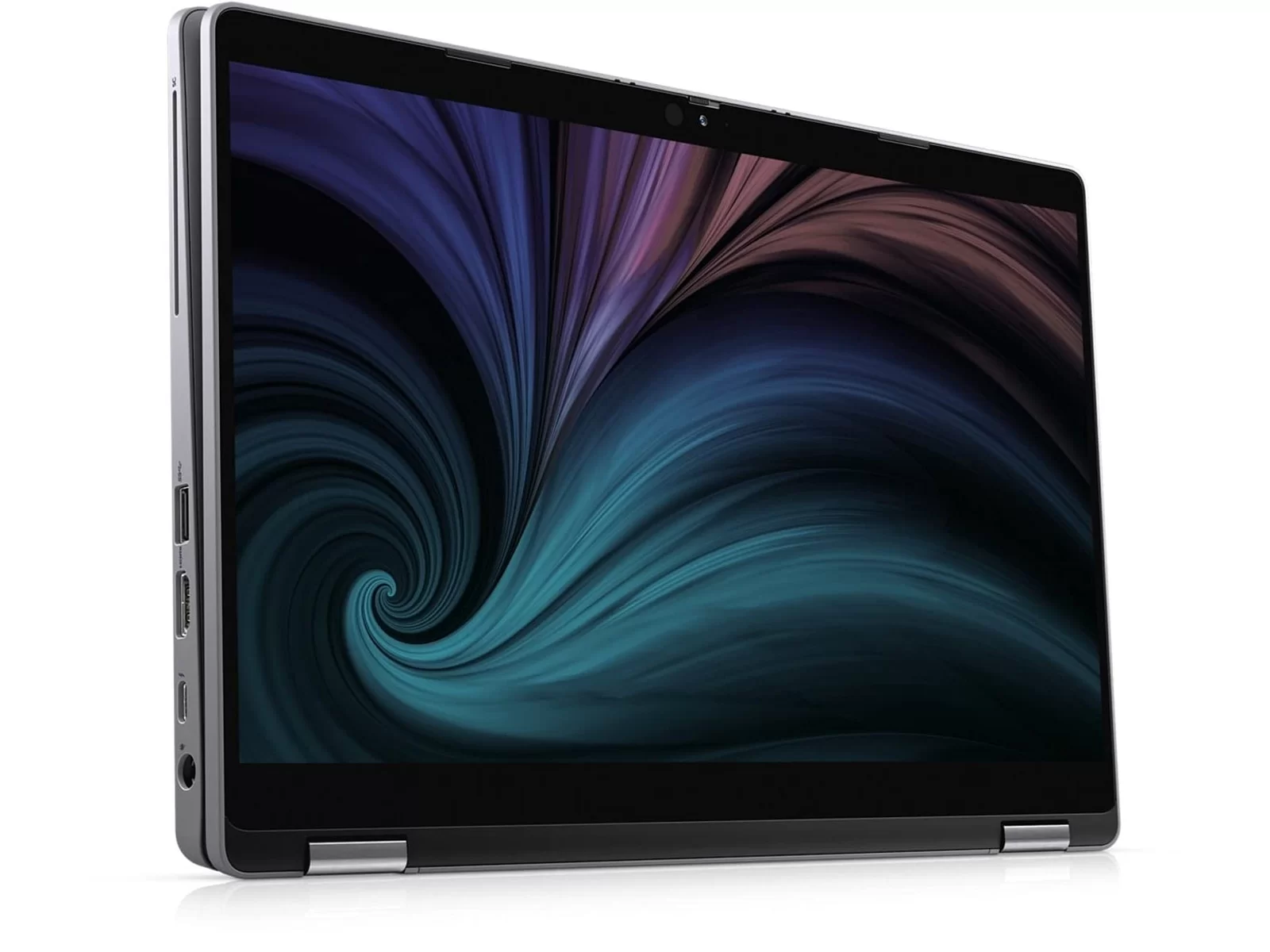
| Dell Latitude 5310 2-in-1 | Core i5 · 16GB RAM · 512GB | A | From £539 | |
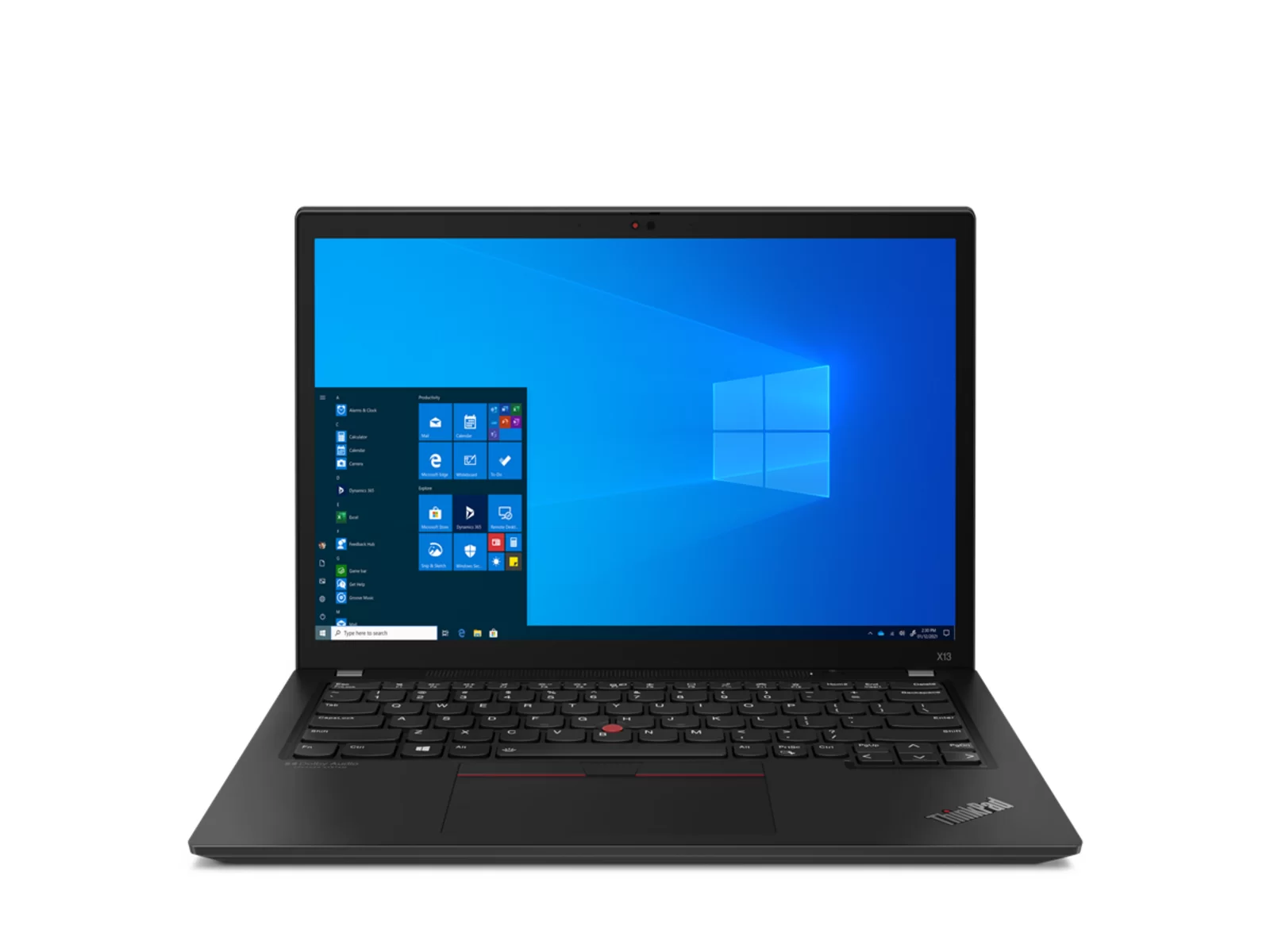
| Lenovo ThinkPad X13 Gen 2 | Core i5/i7 · 16GB RAM · 256GB–512GB | A·B | From £269 | |
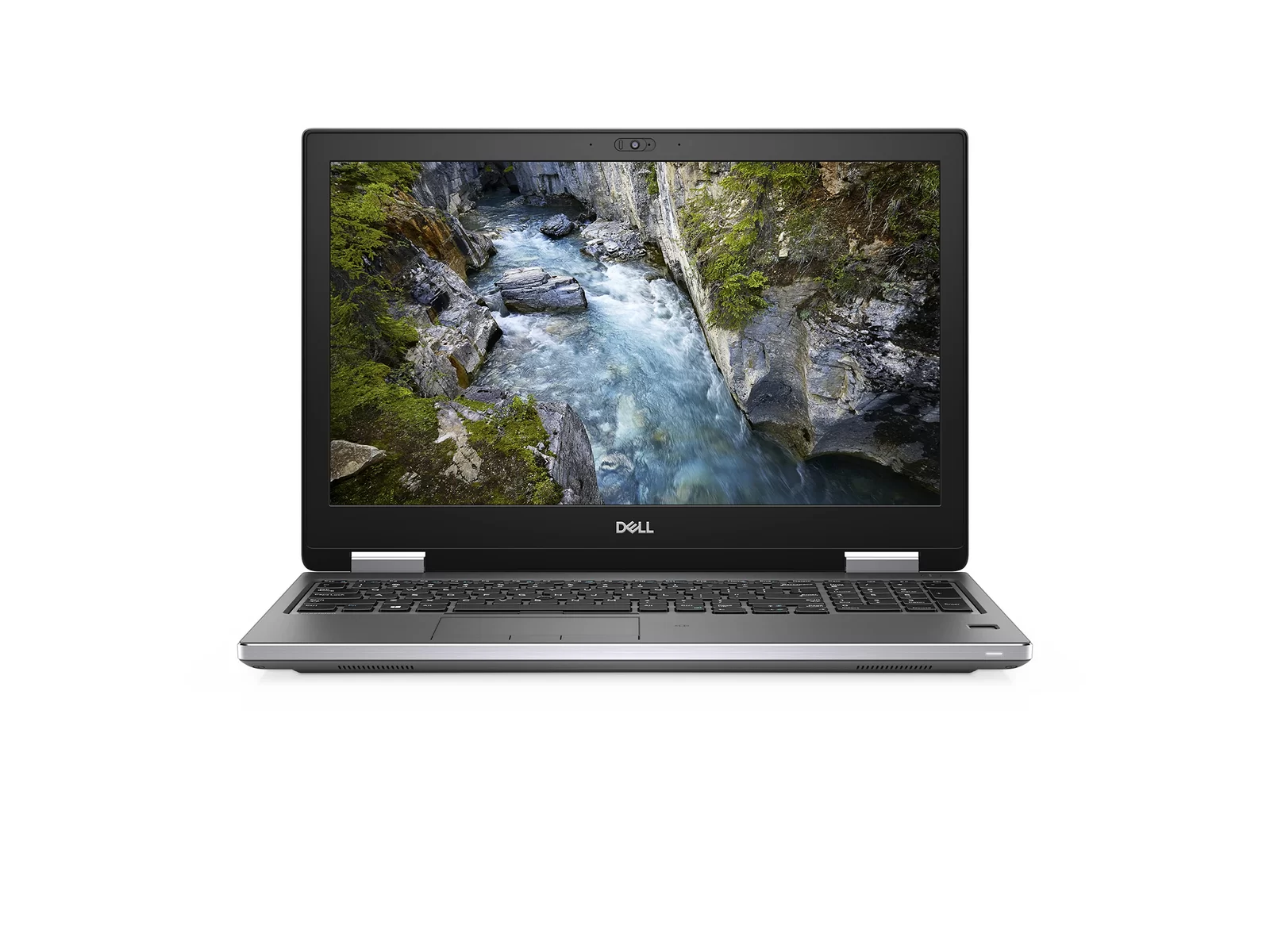
| Dell Precision 7540 | 2019 | Core i7/i9 · 32GB RAM · 512GB–1TB | A | From £829 |
| Dell Precision 7530 | 2018 | Core i7 · 32GB RAM · 512GB | A | From £699 |
| Lenovo ThinkPad X1 Carbon Gen 8 | 2020 | Core i7 · 16GB RAM · 256GB | B | From £399 |
| Dell XPS 15 9530 | 2023 | Core i7 · 16GB RAM · 512GB | B | From £979 |
| Dell XPS 15 9520 | 2022 | Core i7 · 16GB RAM · 512GB | A·B | From £899 |
| Dell XPS 15 9510 | Core i7 · 16GB RAM · 512GB | A·B | From £869 | |
| Dell XPS 15 9500 | Core i7 · 16GB RAM · 512GB | B | From £569 | |
| Dell XPS 15 7590 | Core i7 · 16GB RAM · 512GB | B | From £449 | |
| MacBook Air 13" M1 | 2020 | Apple M1 · 8GB RAM · 256GB | C | From £549 |
| MacBook Pro 16" 2019 | 2019 | Core i7 · 8–16GB RAM · 512GB | A·B·C | From £350 |
| Lenovo ThinkPad L15 Gen 2 | Core i5/i7 · 8–16GB RAM · 256GB–512GB | B | From £349 | |
| Dell Latitude 7650 | Ultra 7 · 16GB RAM · 256GB | B | From £763 | |
| Lenovo ThinkPad X13 Gen 3 | Core i7 · 16GB RAM · 512GB | C | From £449 | |
| Lenovo ThinkPad T15 Gen 1 | Core i7 · 16GB RAM · 512GB | B·C | From £409 | |
| Lenovo ThinkPad P1 Gen 4 | Core i9 · 32GB RAM · 1TB | C | From £849 | |
| Lenovo ThinkPad T14 Gen 6 | Ultra 7 · 16GB RAM · 512GB | B | From £999 | |
| Lenovo ThinkBook Plus Gen 1 | Core i7 · 16GB RAM · 256GB–512GB | B·C | From £399 | |
| MacBook Pro 13" Intel 2020 | 2020 | Core i5/i7 · 8–16GB RAM · 256GB–1TB | A·B·C | From £449 |
| MacBook Pro 15" 2019 | 2019 | Core i7 · 16–32GB RAM · 256GB | A·C | From £449 |
| Surface Laptop 3 13.5" | 2019 | Core i5/i7 · 8–16GB RAM · 128GB–256GB | A·B·C | From £209 |
| Surface Book 2 13.5" | 2017 | Core i7 · 16GB RAM · 512GB | B | From £569 |
| Surface Laptop 4 13.5" | 2021 | Core i5/i7 · 8–16GB RAM · 256GB–512GB | A·B·C | From £399 |
| Surface Laptop 3 15" | 2019 | Core i5/i7 · 8–16GB RAM · 128GB–256GB | A·B | From £279 |
| MacBook Pro 13" Touch Bar 2018 | 2018 | Core i7 · 16GB RAM · 512GB | B·C | From £279 |
| HP EliteBook 830 G8 | 2021 | Core i5/i7 · 16GB RAM · 256GB–1TB | A | From £539 |
| MacBook Pro 13" Touch Bar 2016 | 2016 | Core i5/i7 · 8–16GB RAM · 256GB | A·B·C | From £225 |
| MacBook Pro 13" Touch Bar 2019 | 2019 | Core i5 · 16GB RAM · 256GB–512GB | A·C | From £299 |
| MacBook Air 13" 2013 | 2013 | Core i7 · 8GB RAM · 128GB | C | From £149 |
| MacBook Air 13" 2015 | 2015 | Core i5/i7 · 8GB RAM · 128GB–256GB | B·C | From £150 |
| MacBook Air 13" 2019 | 2019 | Core i5 · 8GB RAM · 128GB–256GB | B·C | From £312 |
| MacBook Air 13" Intel 2020 | 2020 | Core i5 · 8GB RAM · 512GB | A·C | From £349 |
| MacBook Air 13" 2018 | 2018 | Core i5 · 8GB RAM · 128GB–256GB | B·C | From £269 |
| MacBook Pro 13" Retina 2015 | 2015 | Core i5/i7 · 16GB RAM · 256GB | A | From £278 |
| MacBook Pro 15" 2017 | 2017 | Core i7 · 16GB RAM · 512GB | A | From £309 |
| MacBook Pro 15" 2018 | 2018 | Core i7 · 32GB RAM · 256GB | A·C | From £325 |
| MacBook Pro 13" Touch Bar 2017 | 2017 | Core i7 · 16GB RAM · 256GB–512GB | C | From £259 |
| HP ProBook 640 G8 | Core i5 · 16GB RAM · 512GB | A | From £399 | |
| Lenovo ThinkPad P15 Gen 2 | Core i9 · 16GB RAM · 512GB | A | From £1,399 | |
| Dell Latitude 7310 | Core i5 · 8GB RAM · 256GB | A | From £279 | |
| Lenovo ThinkPad T14 Gen 1 | Core i5 · 8GB RAM · 256GB | B | From £299 | |
| Lenovo ThinkPad T590 | Core i7 · 16GB RAM · 256GB–512GB | A·B·C | From £349 | |
| Lenovo ThinkPad L14 Gen 2 | Core i5 · 8GB RAM · 256GB | A·B | From £349 | |
| Dell Latitude 7490 | 2018 | Core i5 · 8GB RAM · 256GB | B | From £259 |
| Dell Latitude 5490 | Core i5/i7 · 8–32GB RAM · 256GB–512GB | B | From £194 | |
| HP EliteBook 840 G3 | Core i5/i7 · 8GB RAM · 256GB | A·C | From £189 | |
| Lenovo ThinkPad T440 | Core i5 · 8GB RAM · 256GB–500GB | A·B | From £129 | |
| Dell Latitude 5400 | Core i5 · 8–16GB RAM · 256GB | B·C | From £189 | |
| Dell Latitude 5310 | Core i5 · 16GB RAM · 256GB | A | From £399 | |
| HP 255 G7 | Ryzen 3 · 8GB RAM · 256GB | B | From £199 | |
| Lenovo ThinkPad X380 Yoga | Core i5 · 8GB RAM · 256GB | B | From £229 | |
| Dell XPS 13 7390 | Core i7 · 16GB RAM · 512GB | B | From £659 | |
| Lenovo ThinkPad P53 | Core i7 · 32GB RAM · 512GB | A | From £449 | |
| Lenovo ThinkPad X13 Yoga Gen 1 | Core i5 · 8GB RAM · 256GB | A | From £329 | |
| HP ProBook 455 G8 | Ryzen 5 · 8GB RAM · 256GB | A·B | From £369 |
Every refurbished device is tested and given a cosmetic grade: A, B or C. The grade describes how it looks. Every grade works fully and has the same 12-month warranty.
- Grade A – minimal or no signs of use.
- Grade B – light cosmetic wear.
- Grade C – visible cosmetic wear at the lowest price.
Are refurbished laptops reliable?
Yes, when they are tested properly. Every laptop we sell is tested, securely data-wiped, repaired where needed and graded in our own workshop, and comes with a 12-month warranty. Many are business models built for years of daily use.
What is the difference between Grade A, B and C?
The grade describes how the laptop looks, not how it works. Grade A has minimal or no signs of use, Grade B has light cosmetic wear and Grade C has visible wear at the lowest price. Every grade is fully tested and has the same 12-month warranty.
Should I buy a MacBook or a Windows laptop?
Choose a MacBook if you use an iPhone or prefer macOS and want a quiet, efficient laptop. Choose a Windows laptop if you need Windows-only software or want more choice of size and price. Both are covered by the same warranty and returns.
How much RAM do I need?
8GB is enough for browsing, email, office work and video calls. Choose 16GB for heavy multitasking, photo editing or development work.
Do your Windows laptops come with Windows 11?
Windows laptops with an Intel 8th generation processor or newer, Intel Core Ultra or AMD Ryzen come with Windows 11 Pro. Each product page shows the operating system for that model.
How long is the warranty?
Every refurbished laptop comes with a 12-month warranty. If something goes wrong, we repair or replace it.
How fast is delivery?
Delivery is free to mainland UK addresses. Orders are dispatched within one to two working days.
Can I return a refurbished laptop?
Yes. You have 30 days to return it if you change your mind. See our returns policy for details.