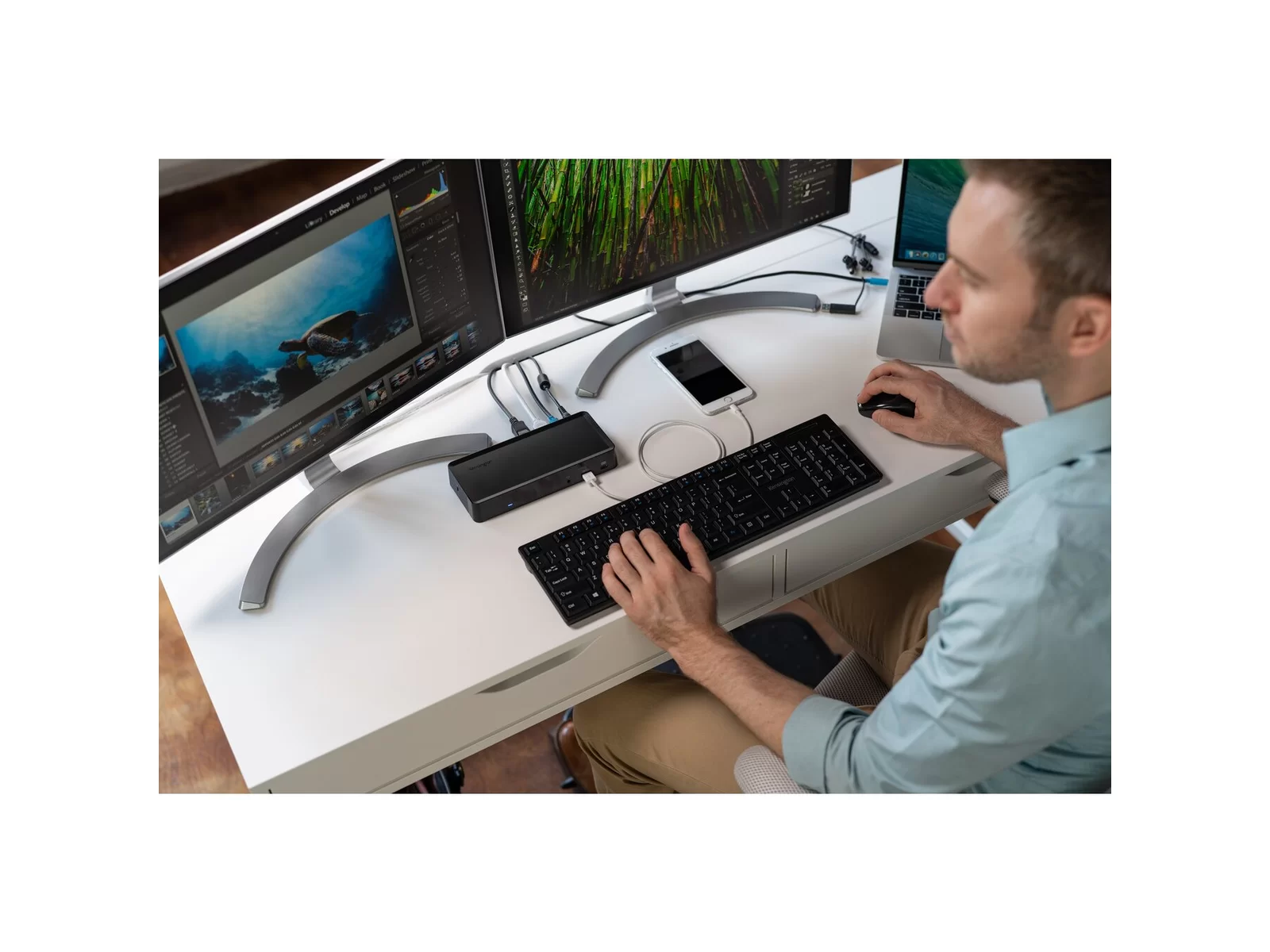
Refurbished Kensington SD4700P USB-C & USB-A Dual 2K Hybrid Dock
Kensington SD4700P USB-C & USB-A Dual 2K Hybrid Dock is a refurbished docking station from Buyer Area, from £39.99, 12-month warranty, free mainland UK delivery and 30-day returns.
Kensington SD4700P dual monitor docking station · From £39.99
12-month warranty · Free mainland UK delivery · Dispatched within 1–2 working days · 30-day returns · Secure data wipe
We deliver to mainland UK addresses only, not to Northern Ireland, the Scottish Highlands and Islands, the Isle of Man, the Channel Islands, the Isles of Scilly or PO boxes.
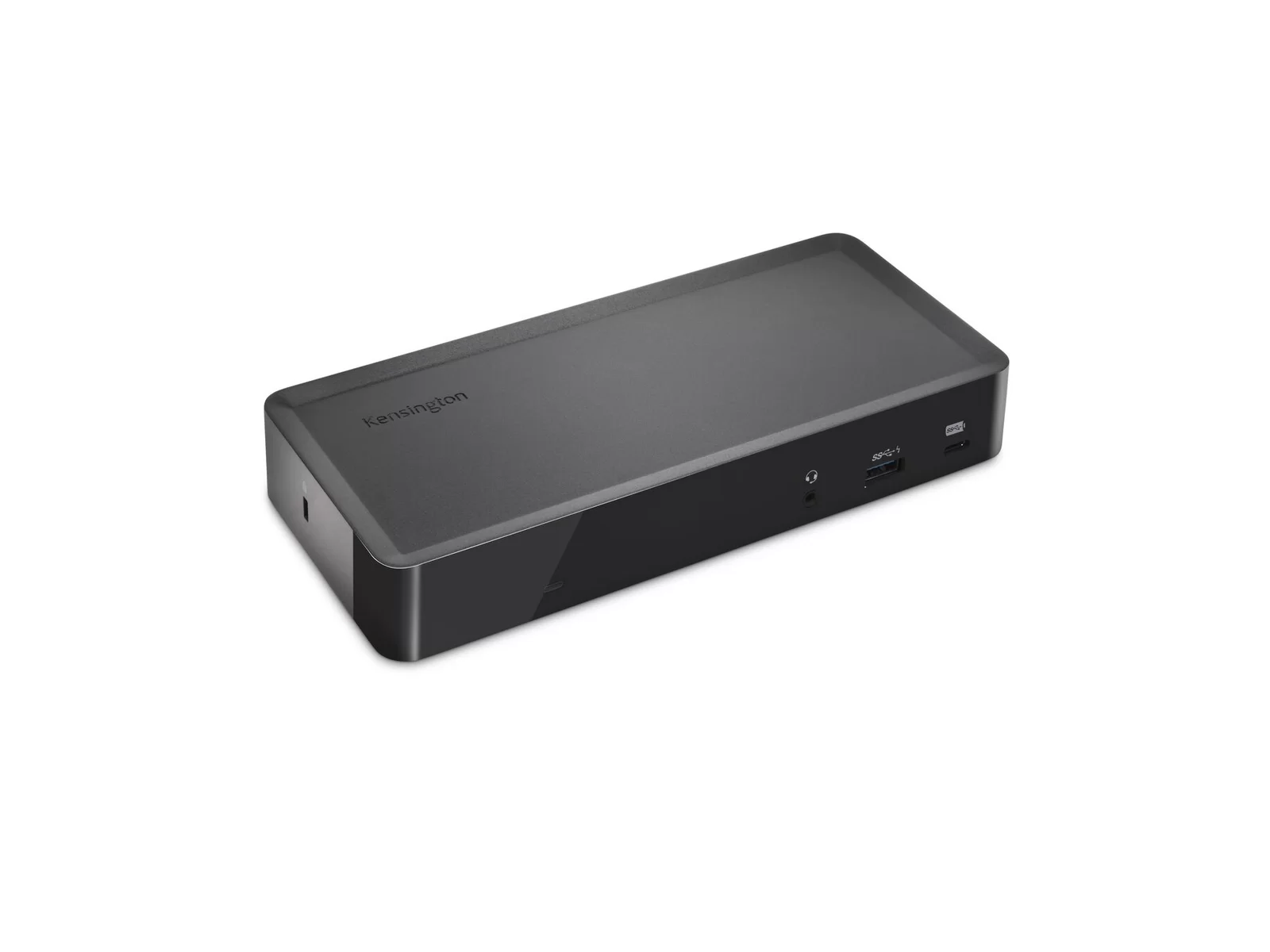
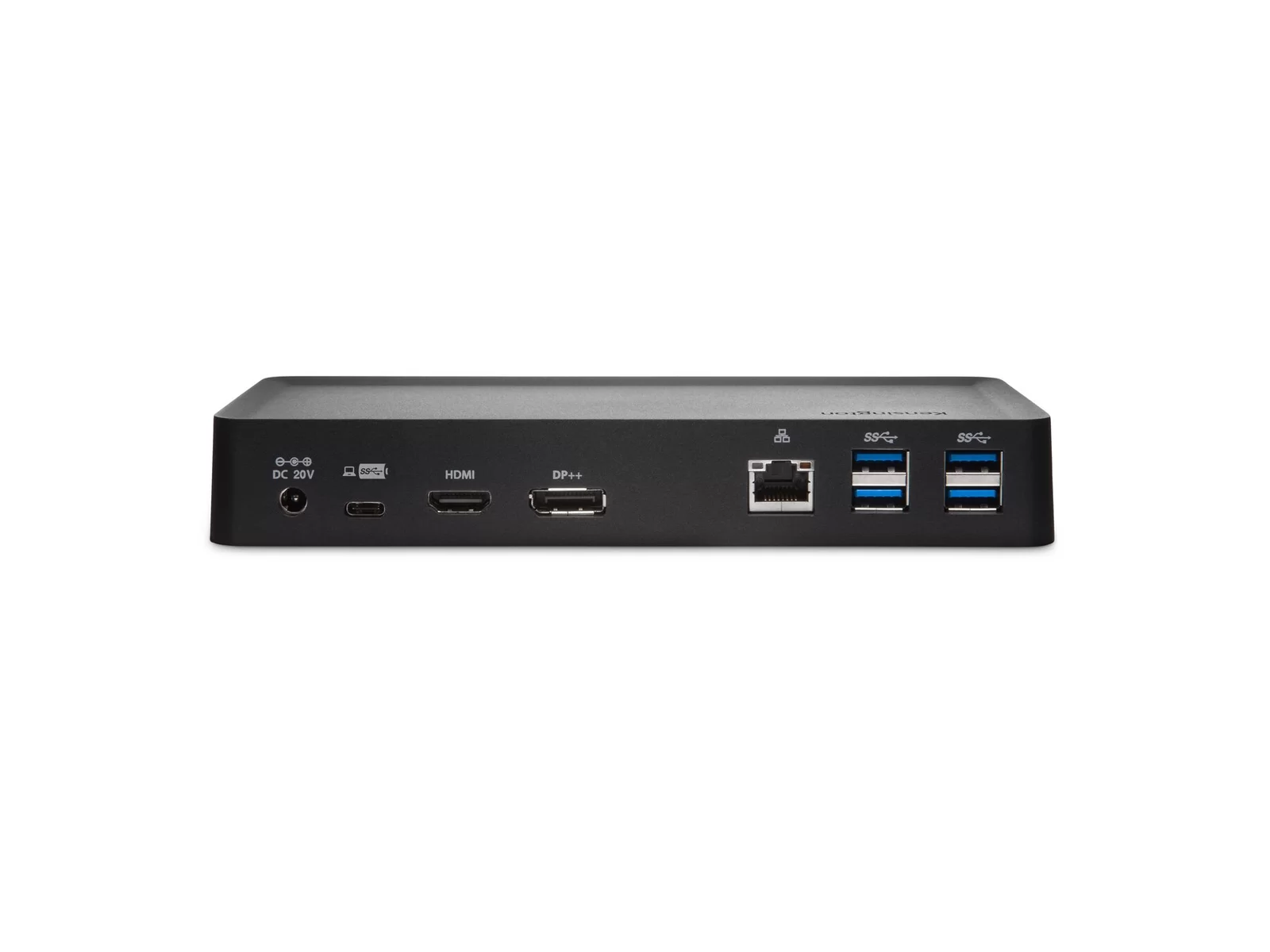
The Kensington SD4700P is a docking station that connects to your laptop via USB-C or USB-A, turning a single cable into a full desk setup. It supports dual monitors up to 2560x1600 resolution, along with five USB-A ports and Gigabit Ethernet for a proper office workstation. The 60W power delivery keeps most laptops charged while you work. This dock suits anyone who needs to connect multiple devices and displays without constantly plugging and unplugging cables. The combination of DisplayPort and HDMI outputs gives you flexibility when choosing which monitors to use. This docking station comes without a charger in the box.
Key specifications
Year: 2018
Host connectivity: USB-C or USB-A (hybrid)
Display support: Dual 2K (2560×1600)
Power delivery: 135W via USB-C
USB-A ports: 5× USB-A 3.2 Gen1 (5Gbps)
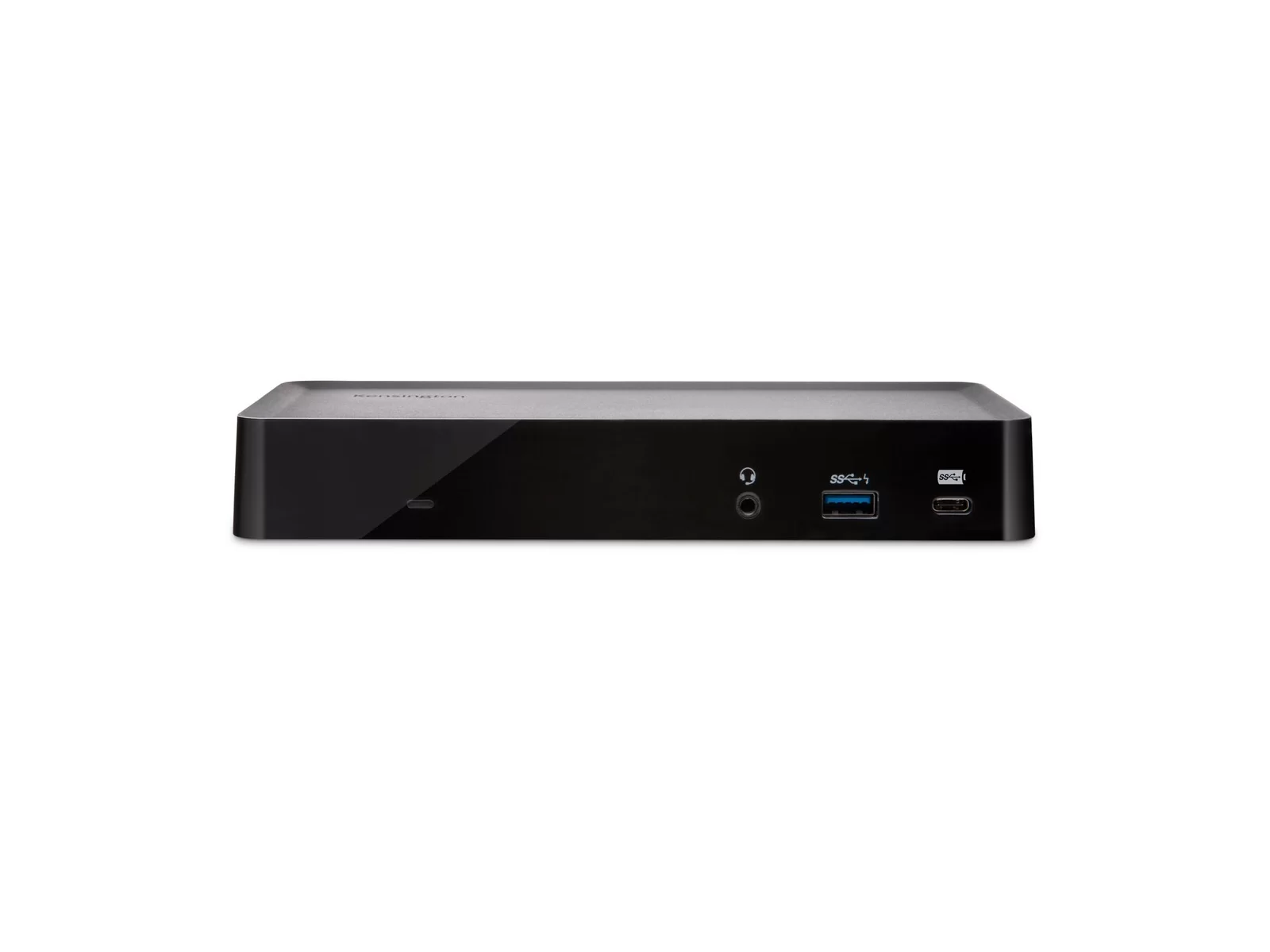
USB-C ports: 1× USB-C data
Network: Gigabit Ethernet (RJ45)
Audio: Combo audio jack (3.5mm)
Security: Kensington lock slot
Condition: Refurbished, Grade B
Best for
Accountants and finance teams: dual 2560×1600 displays for spreadsheets and reporting
Software developers: multiple high-resolution screens and Gigabit Ethernet for remote repositories
Designers and engineers: stable wired network and 135W charging for CAD and creative workloads
Hot-desking offices: Kensington lock slot and hybrid USB-C/USB-A for mixed laptop fleets
Home offices: single-cable docking for video calls, document work and charging
At a glance
Dual 2K (2560×1600) display support via USB-C and USB-A
Hybrid connectivity: works with USB-C and USB-A host devices
Kensington lock slot for physical security
12-month Buyer Area warranty
About this docking station
The Kensington SD4700P is a professional dual-monitor docking station designed for flexibility and power. Released in 2018, it combines USB-C and USB-A connectivity in one hybrid dock, letting you connect modern USB-C laptops or legacy USB-A machines without swapping hardware. With dual 2K display outputs, 135W charging and a full complement of data ports, it turns any desk into a complete workstation. Each unit is professionally refurbished, tested and graded, then backed by a 12-month Buyer Area warranty.
At the heart of the SD4700P is its hybrid design: a USB-C port and a separate USB-A port both act as host connections, so you choose which cable to use depending on your laptop. The dock delivers 135W of power through USB-C, enough to charge a 15-inch business laptop at full speed while running two external monitors at 2560×1600 resolution. Five USB-A 3.2 Gen1 ports handle peripherals—keyboards, mice, external drives—and Gigabit Ethernet provides wired network speeds for video calls and large file transfers. A combo audio jack and Kensington lock slot complete the feature set, making this dock equally suited to hot-desking offices, home studios and secure corporate environments.
Display and connectivity for dual-screen workflows
The SD4700P supports two displays simultaneously at 2560×1600 resolution, the native resolution of many 16:10 business monitors and all-in-one screens. Whether you're editing spreadsheets across two windows, comparing documents side by side or running a video call on one screen while presenting on another, the dual 2K outputs give you the desktop real estate to work efficiently. The dock connects to host devices via either USB-C or USB-A, so it bridges the gap between older ThinkPads, Latitudes or EliteBooks with USB-A and newer models with Thunderbolt or USB-C ports.
Power delivery and port expansion
With 135W power delivery over USB-C, the SD4700P charges compatible laptops at their maximum rate—no separate power brick needed when docked. The five USB-A 3.2 Gen1 ports (5Gbps transfer speed) handle everything from flash drives to webcams, and the single USB-C data port lets you connect newer accessories or even daisy-chain another USB-C hub. Gigabit Ethernet delivers stable wired network performance, essential for offices with congested Wi-Fi or for transferring large CAD files, video projects or database backups. The combo audio jack supports headsets with a single 3.5mm plug, keeping desk cables tidy.
Who the SD4700P suits
This dock is built for professionals who need reliable dual-monitor setups and can't afford downtime. Accountants, engineers, developers, designers and project managers who toggle between applications benefit from the dual 2K screens and the fast data ports. IT departments appreciate the hybrid USB-C and USB-A compatibility: one dock model serves the entire fleet, from legacy laptops still under warranty to the latest USB-C ultrabooks. The Kensington lock slot lets you secure the dock to a desk in shared offices, co-working spaces or university hot-desking areas. Because every unit is refurbished and graded, you get enterprise-class connectivity backed by the same 12-month warranty and 30-day returns as any other Buyer Area product.
Configurations and condition grades
All units currently in stock are graded B, meaning the dock is fully functional and tested but may show light cosmetic signs of previous use. The grade does not affect performance: every port, every display output and the power-delivery circuit are verified before dispatch. The SD4700P is supplied as a bare dock—you will need a 90W or higher power adapter (sold separately) to enable the 135W charging feature, and you will need your own DisplayPort or HDMI cables to connect monitors. Check the variant selector above for live stock and pricing.
This docking station comes without a charger in the box.
What is the difference between USB-C and USB-A host connections on the SD4700P?
The SD4700P has both a USB-C port and a USB-A port for connecting to your laptop, but you use only one at a time. If your laptop has USB-C or Thunderbolt, plug in the USB-C cable for the full 135W charging and fastest data speeds. If your laptop only has USB-A ports, use the USB-A cable instead—the dock will still work, but charging and data transfer will be limited by USB-A's lower power and bandwidth. This hybrid design means one dock serves both old and new machines.
Does the SD4700P come with a power adapter?
No. The SD4700P requires a 90W or higher power adapter to enable its 135W charging feature, and that adapter is not included. You will need to source a compatible power supply separately. The dock and host cables (USB-C and USB-A) are supplied in the box.
Can I connect two 4K monitors to this dock?
The SD4700P is specified for dual 2560×1600 (2K) displays. While it may drive two lower-refresh 4K monitors depending on your laptop's GPU and the dock's chipset, Kensington's official spec is dual 2K. For guaranteed dual 4K support, check Kensington's newer docking stations or consult the technical documentation for your specific laptop model.
What condition is Grade B, and will the dock work perfectly?
Grade A is excellent, with very light signs of use. Grade B is good, with light signs of use such as fine scratches. Grade C is fair, with clear signs of use. Every grade is fully tested and working.
Which laptops are compatible with the SD4700P?
Any laptop with a USB-C or USB-A port can connect to the SD4700P. For full functionality—including 135W charging—your laptop must support USB-C Power Delivery and have drivers for USB video output (DisplayLink or native USB-C Alt Mode). Most Windows business laptops from Dell, HP, Lenovo and Microsoft Surface released after 2016 are compatible. MacBooks with USB-C can also use the dock, but macOS driver support for DisplayLink varies by model and OS version.
Does this dock work with Windows 11?
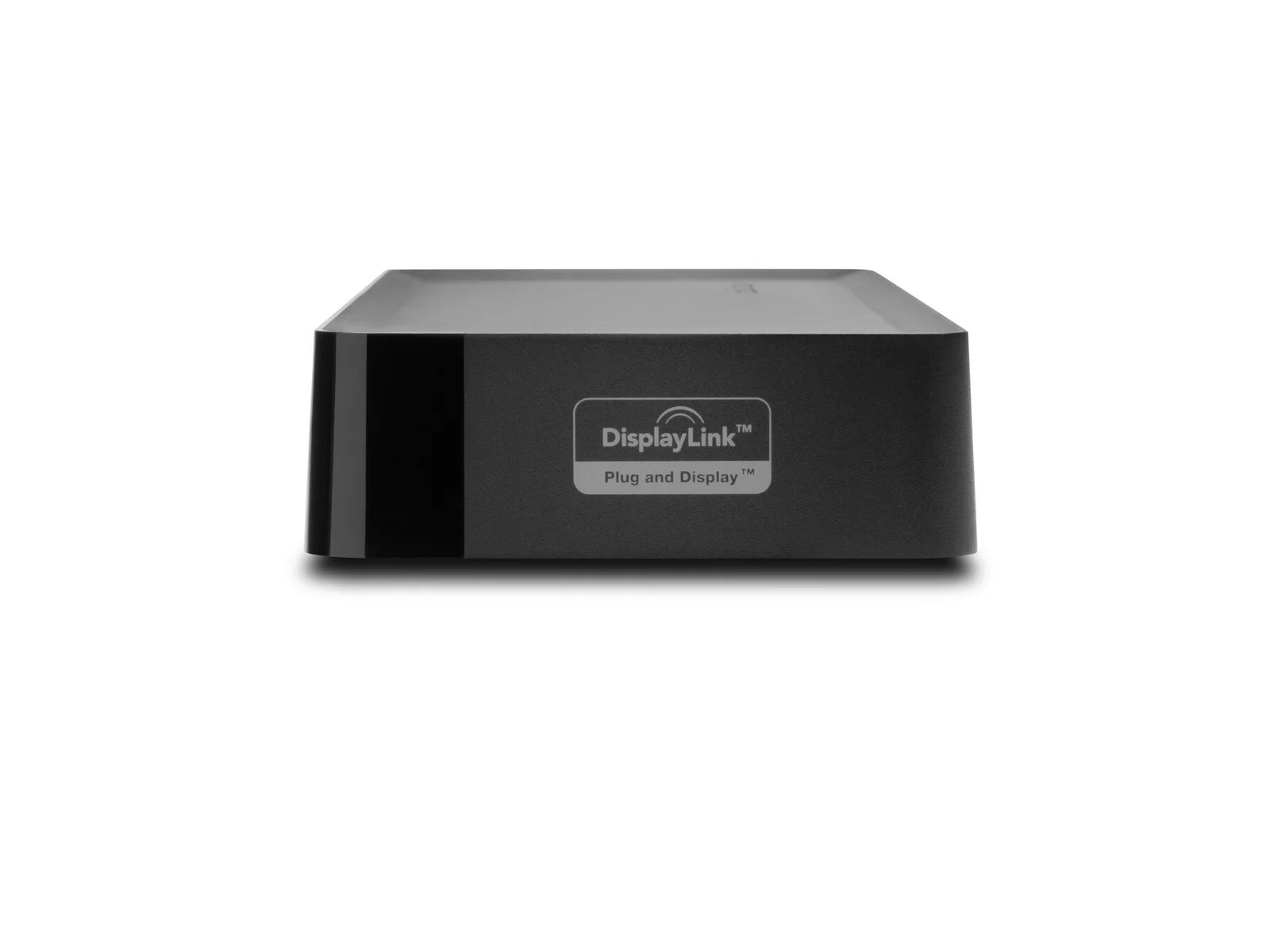
Yes. The SD4700P is compatible with Windows 11, Windows 10, macOS and some Linux distributions. You may need to install DisplayLink drivers (available free from Kensington or DisplayLink's website) for the display outputs to work. Gigabit Ethernet, USB ports and power delivery typically work without additional drivers on Windows 11.
What is the return policy if the dock does not work with my laptop?
All refurbished docking stations from Buyer Area come with a 30-day returns policy with a full refund. If the SD4700P does not meet your needs or is incompatible with your setup, you can return it within 30 days of delivery. The dock is also covered by a 12-month warranty for any functional defects.