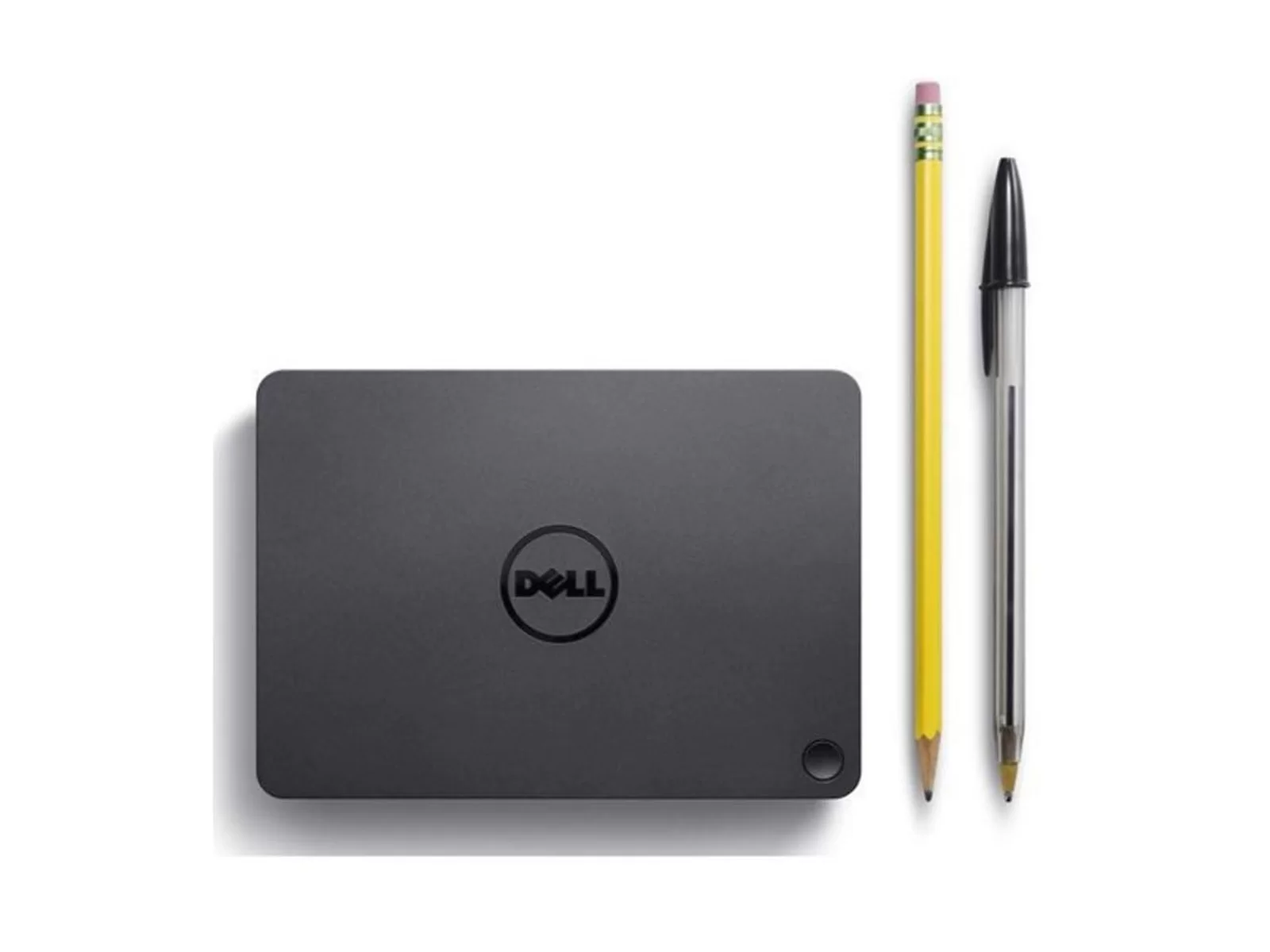
Dell Docking Station WD15 is a refurbished docking station from Buyer Area, from £15.99, 12-month warranty, free mainland UK delivery and 30-day returns.
Dell WD15 docking station · From £15.99
12-month warranty · Free mainland UK delivery · Dispatched within 1–2 working days · 30-day returns · Secure data wipe
We deliver to mainland UK addresses only, not to Northern Ireland, the Scottish Highlands and Islands, the Isle of Man, the Channel Islands, the Isles of Scilly or PO boxes.
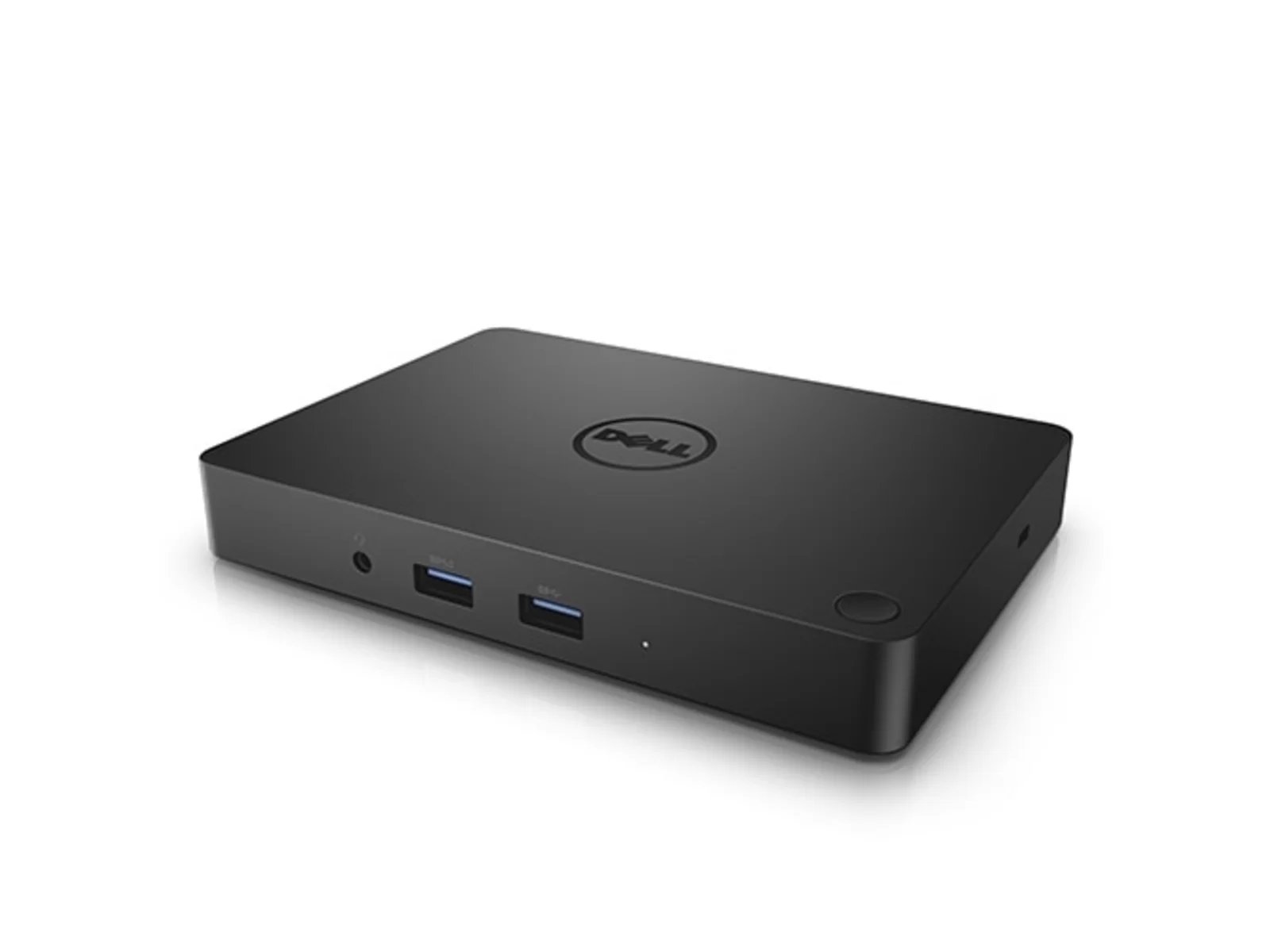
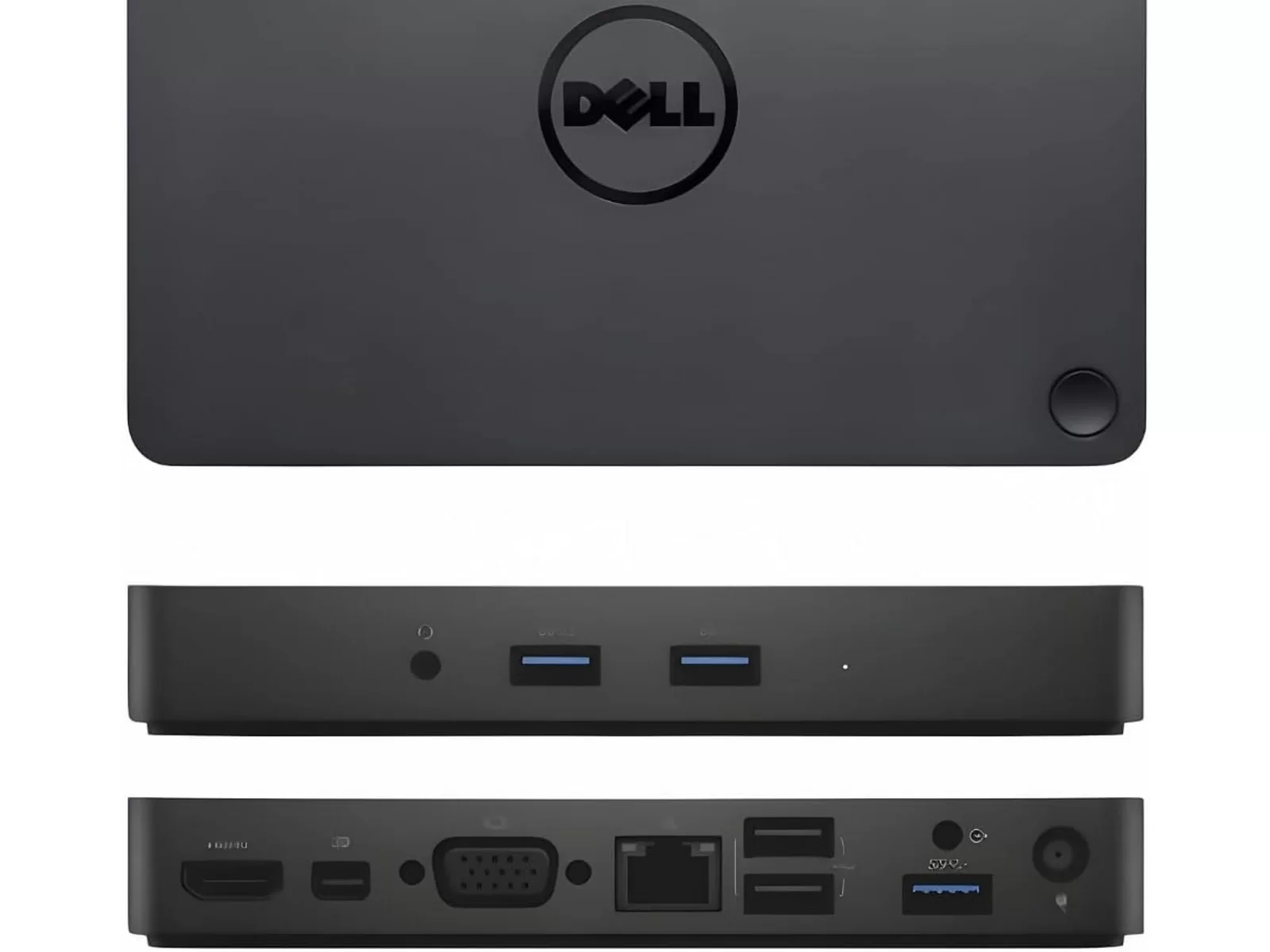
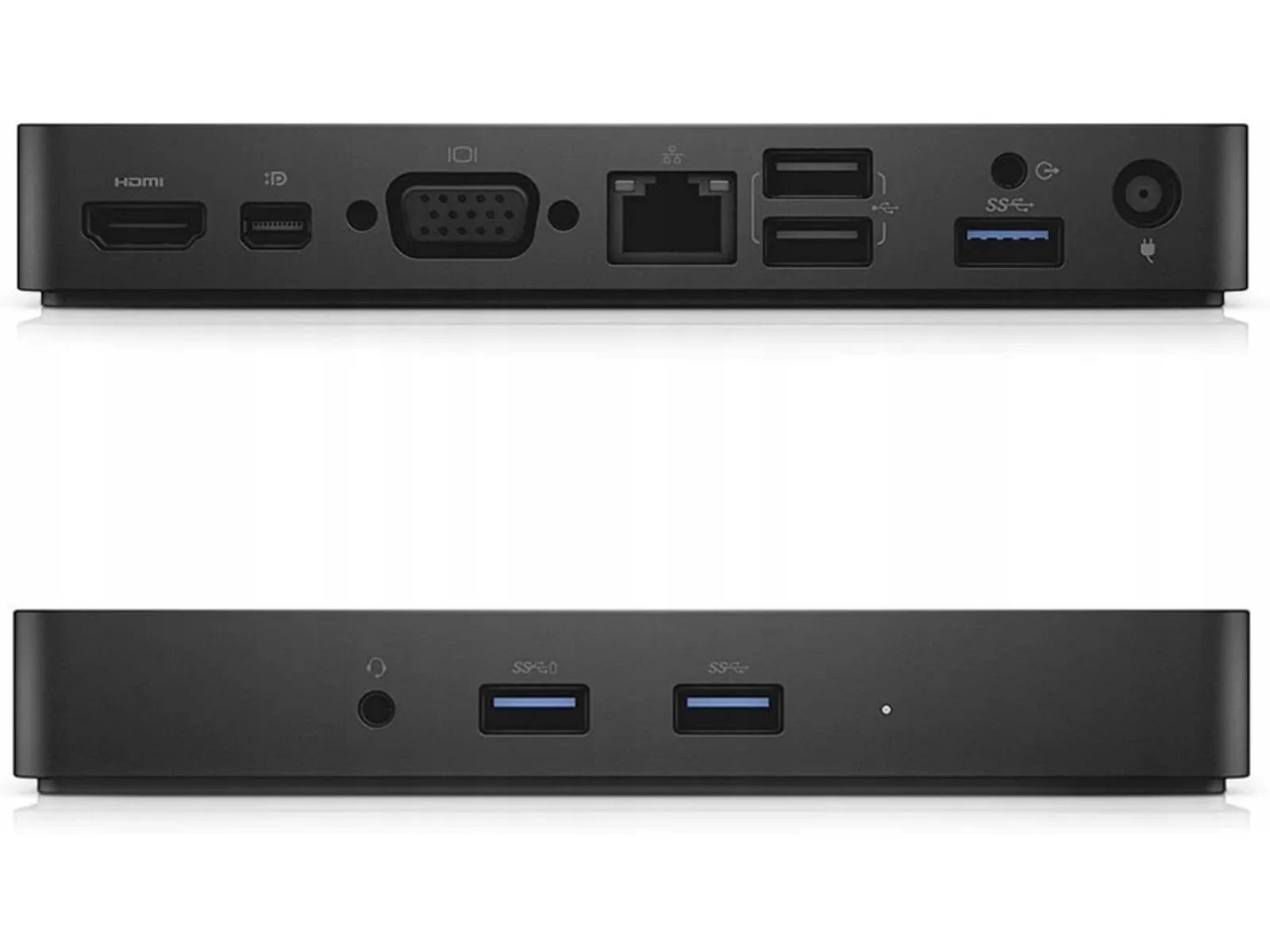
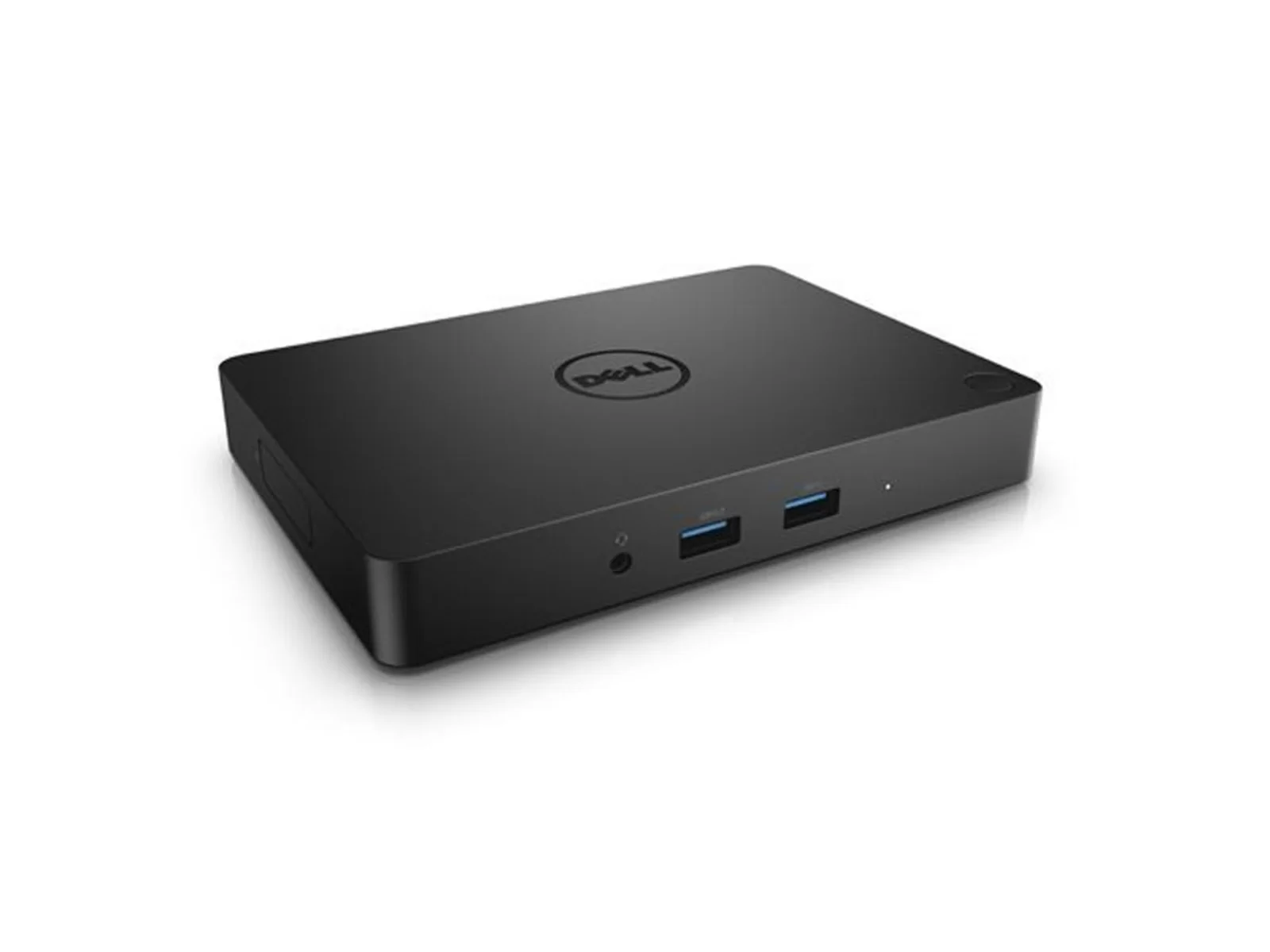
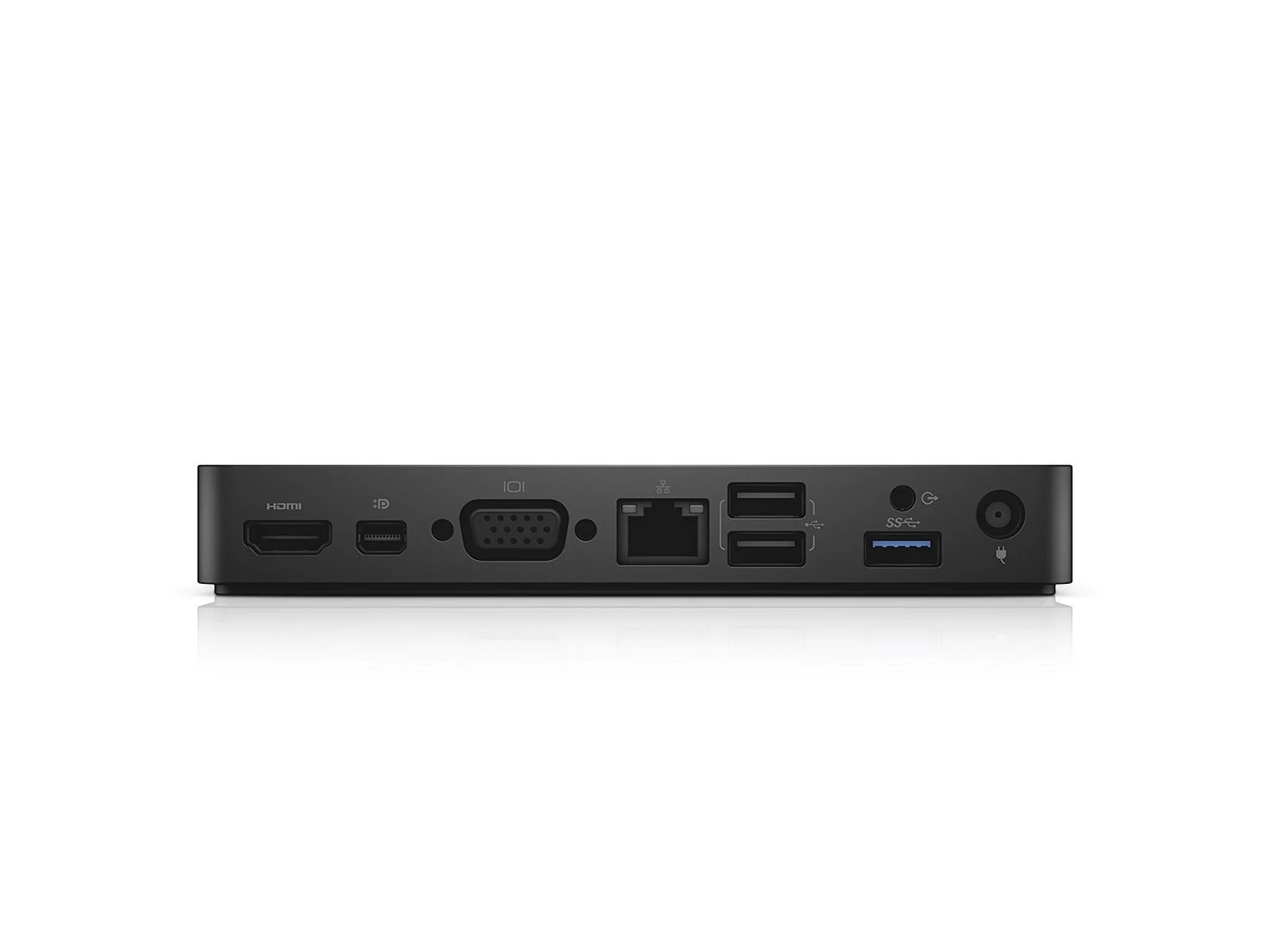
The Dell WD15 is a docking station that connects to your laptop or tablet via USB-C, turning a single cable into a full desk setup. It supports two displays simultaneously via its Mini DisplayPort, HDMI and VGA outputs, though 4K resolution is limited to 30Hz. You also get three USB-A ports, two USB 2.0 ports, and a Gigabit Ethernet connection for reliable wired internet. This suits anyone who needs to expand their connectivity at a desk without juggling multiple cables. The Ethernet port is particularly useful if you work from a fixed location and want a stable network connection. This docking station comes without a charger in the box. If you need one, you can add a matching charger to your order on this page when available.
Expands connectivity for Dell laptops and ultrabooks
Grade B refurbished condition
12-month warranty, 30-day returns, free mainland UK delivery
12-month Buyer Area warranty
About this docking station
The Dell WD15 docking station transforms a single cable connection into a full desktop setup. Released in 2016, this refurbished dock delivers fast data transfer through three USB-A 3.0 ports, reliable wired networking via Gigabit Ethernet, and legacy support through two USB 2.0 ports. It's built for professionals who need to connect multiple peripherals, external displays and wired networks without cluttering their workspace with individual cables. Every unit has been tested and graded to ensure the ports, Ethernet controller and USB hubs function correctly.
Connectivity sits at the heart of the WD15's design. The three USB-A 3.0 ports handle external drives, webcams and other high-speed peripherals, whilst the two USB 2.0 ports accommodate keyboards, mice and older accessories. Gigabit Ethernet provides stable wired network speeds up to 1000 Mbps, essential in offices where Wi-Fi congestion slows cloud backups and video calls. Separate headset and speaker-out jacks let you switch between private calls and desk speakers without unplugging cables. The dock suits Dell Latitude, Precision and XPS models that support USB-C or proprietary Dell docking, though you should verify compatibility with your specific laptop model before purchasing.
Configurations in stock
All units currently available are graded B. Grade B indicates the dock has been inspected and tested, with all ports and network functions verified. Minor cosmetic signs of previous use may be present on the casing, but these do not affect performance or connectivity. Each dock is supplied as a standalone unit; the compatible power adapter is sold separately and is required for operation.
Everyday use and workspace integration
The WD15 excels in hot-desking environments and home offices where a single-cable setup saves time. Plug your laptop into the dock in the morning, and your monitor, keyboard, mouse, external drive and Ethernet connection become instantly available. At the end of the day, disconnect one cable and take your laptop with you. The dock protects individual laptop ports and keeps cable management tidy. It works particularly well for users who move between meeting rooms and their desk, or who split time between home and office.
Who this refurbished docking station suits
Business users with Dell laptops will find the WD15 a practical addition to a fixed workspace. It's ideal for accountants, designers and remote workers who need multiple peripherals connected simultaneously—external monitors for spreadsheet work, a wired network for file transfers, USB storage for backups and a separate audio output for calls. Small offices can deploy several docks across hot-desking stations, giving every employee the same consistent setup. Home users who prefer wired Ethernet over Wi-Fi for video conferencing will appreciate the stable connection. The dock is less suited to users who need the very latest USB-C standards or 4K60 display outputs; newer docking stations offer those features, but the WD15 remains a capable choice for 1080p workflows and USB 3.0 peripherals.
This docking station comes without a charger in the box. If you need one, you can add a matching charger to your order on this page when available.
What’s in the box
1× Dell WD15 docking station
1× USB-C host cable — Connects dock to compatible laptop
Ports & connectivity
Port
Count
Notes
USB-A 3.0
3
High-speed data transfer for external drives, webcams, peripherals
USB 2.0
2
Keyboards, mice, printers and other standard-speed accessories
What comes with the refurbished Dell WD15 docking station?
You'll receive the Dell WD15 docking station and a USB-C host cable for connecting to your laptop. A power adapter is required for operation but is not included; you can purchase a compatible 90 W adapter separately from Buyer Area. No keyboard, mouse or other peripherals are supplied with the dock.
Is the Dell WD15 compatible with my laptop?
The WD15 was designed for Dell laptops that support USB-C docking, including many Latitude, Precision and XPS models from around 2015 onwards. Before purchasing, verify your laptop has USB-C with docking support or a proprietary Dell docking port. The dock may not function with non-Dell laptops or models that lack the required docking protocols. Check your laptop's specifications or Dell's compatibility documentation if you're unsure.
How many monitors can I connect to the WD15?
The Dell WD15 typically supports up to two external displays, depending on your laptop's graphics capabilities and the output ports available on the dock. Display outputs are not listed in the supplied specifications for this unit, so refer to Dell's official WD15 documentation or your laptop's user guide to confirm the exact monitor configuration supported by your hardware.
What does Grade B condition mean?
Grade A is excellent, with very light signs of use. Grade B is good, with light signs of use such as fine scratches. Grade C is fair, with clear signs of use. Every grade is fully tested and working.
Can I use the WD15 with a non-Dell laptop?
The WD15 is optimised for Dell laptops and relies on specific docking protocols that may not be present in other manufacturers' devices. While the USB-C cable might physically connect to a non-Dell laptop, the dock's ports and displays may not function. For reliable compatibility, use the WD15 with a Dell Latitude, Precision or XPS model that officially supports Dell docking stations.
What is the warranty and returns policy?
Every unit comes with a 12-month warranty covering faults. It excludes accidental damage and normal wear and tear.
Does the dock support fast charging for my laptop?
The WD15 can deliver power to charge your connected laptop when a compatible power adapter is attached to the dock. The exact charging wattage depends on the adapter you use; a 90 W adapter is typically recommended for most Dell business laptops. Check your laptop's power requirements to ensure the dock provides sufficient charging capacity during use.