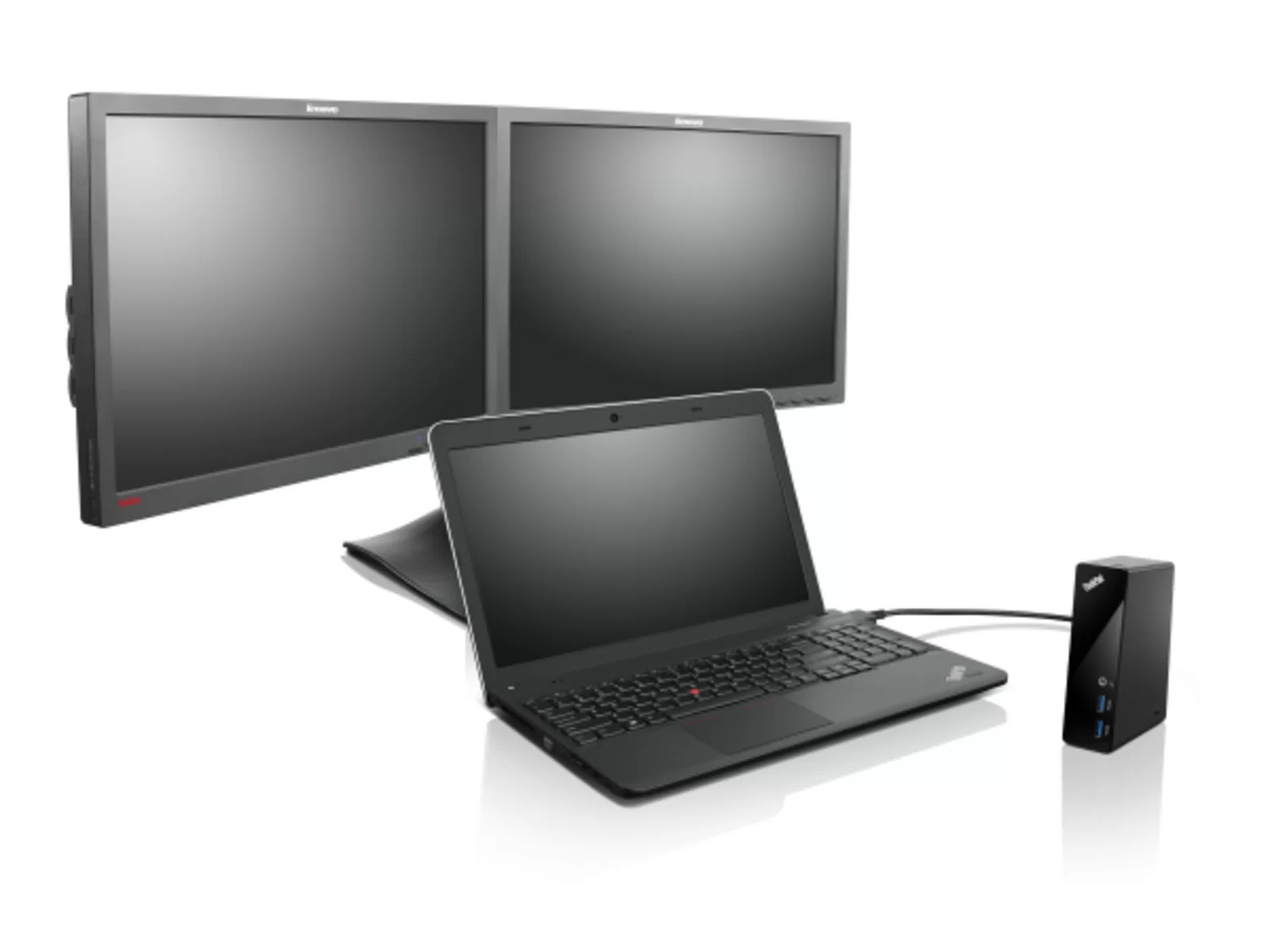
Lenovo ThinkPad OneLink Pro Dock is a refurbished docking station from Buyer Area, from £27.99, 12-month warranty, free mainland UK delivery and 30-day returns.
Lenovo ThinkPad OneLink Pro Dock · From £27.99
Free mainland UK delivery · Dispatched within 1–2 working days · 30-day returns
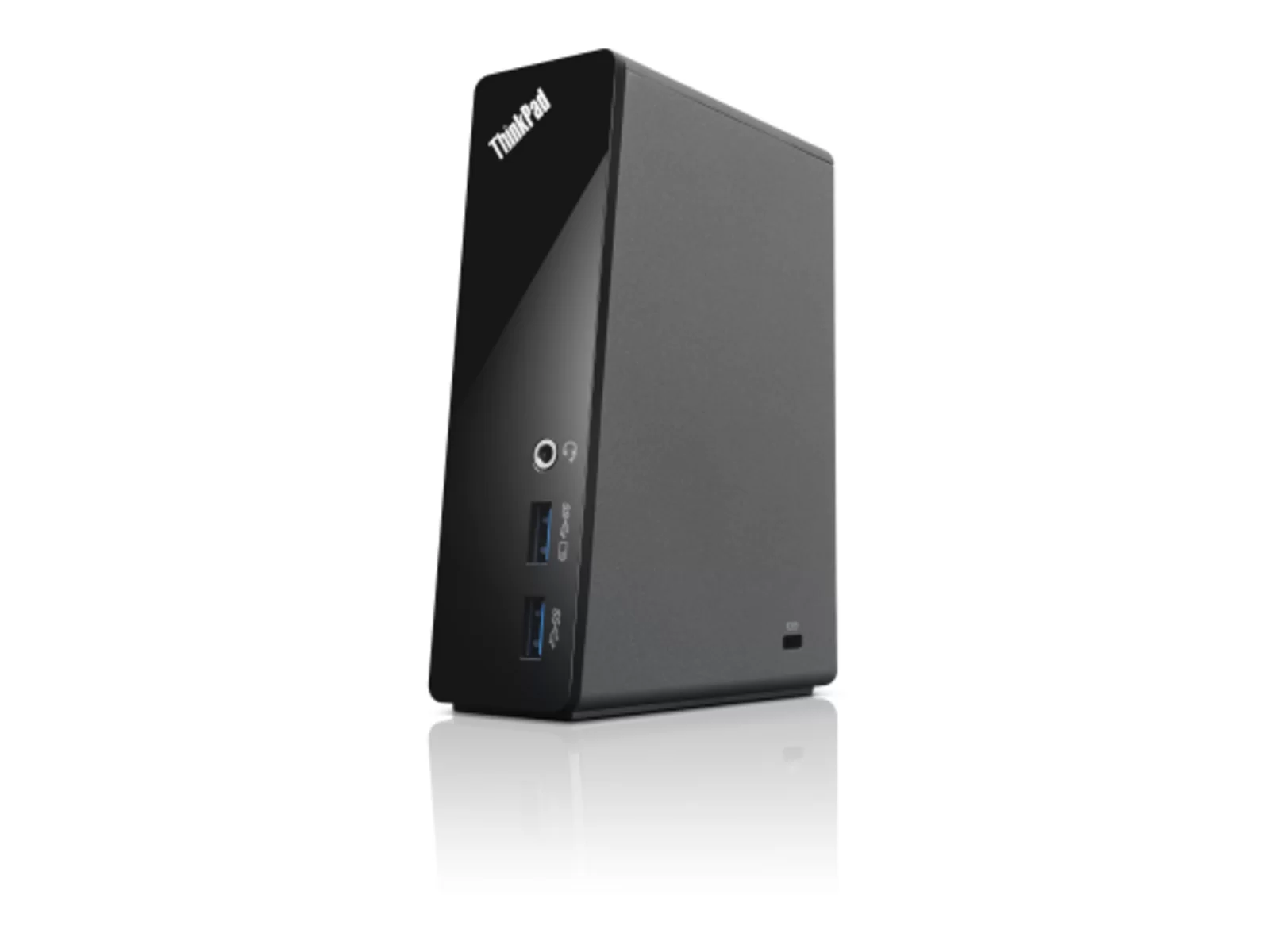
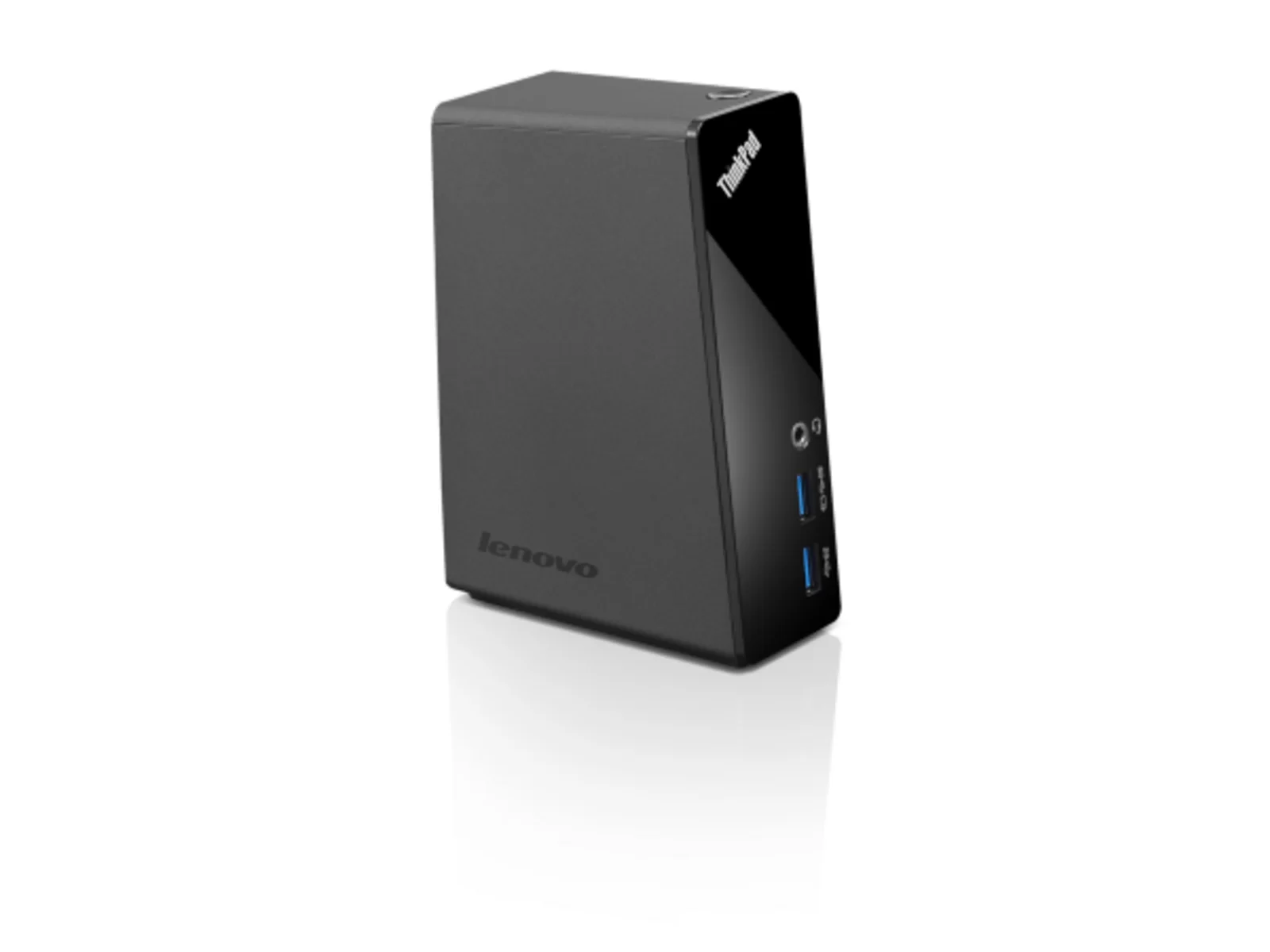
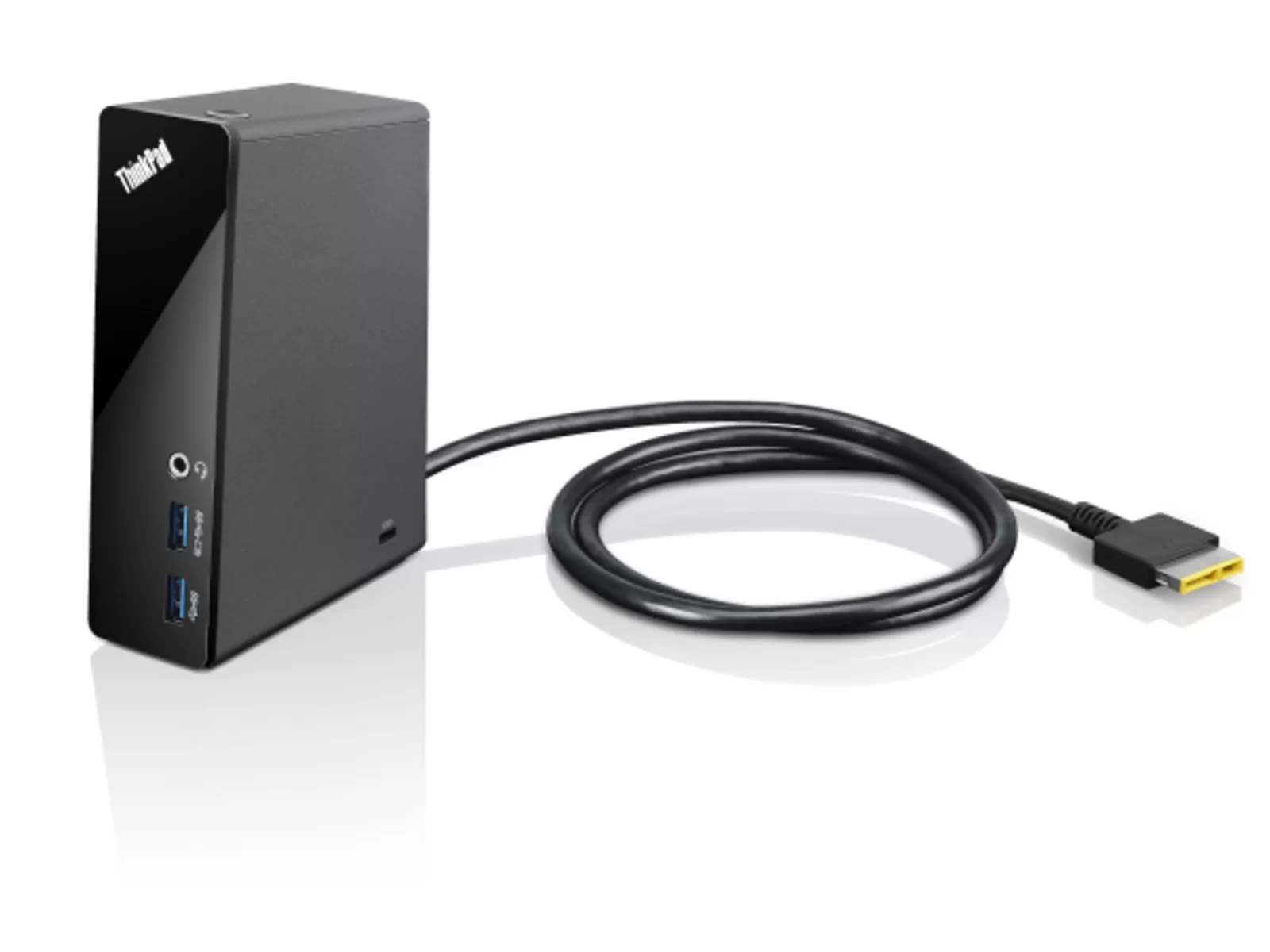
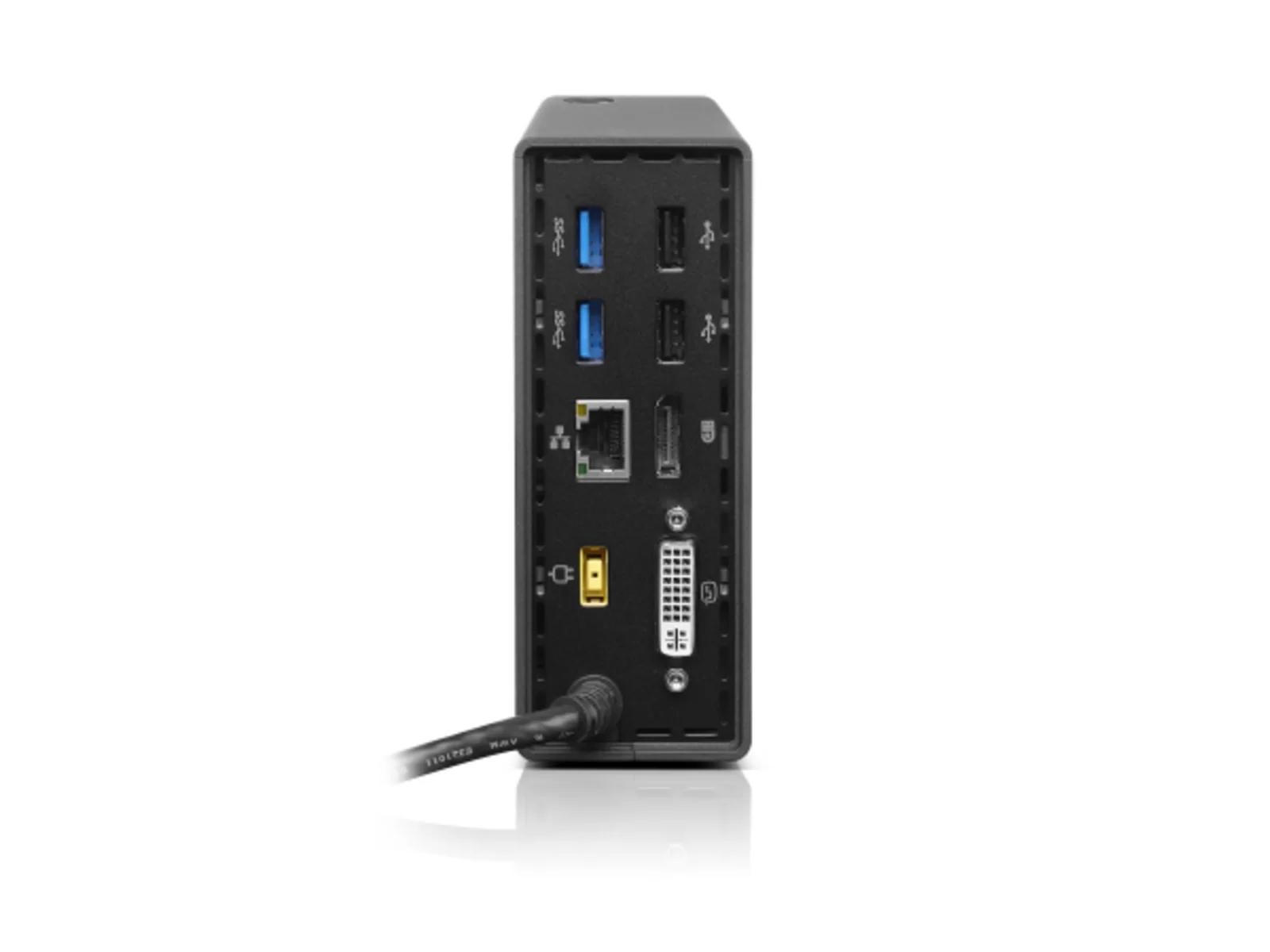
The Lenovo ThinkPad OneLink Pro Dock is a docking station that connects to compatible ThinkPad laptops via the proprietary OneLink connector, turning a single cable into a full desk setup. It supplies 90W of power to your notebook and offers dual video outputs supporting up to two displays at 1920x1200 resolution each, or a single display at 2560x1600. You also get four USB 3.0 ports, two USB 2.0 ports, Gigabit Ethernet, and a headset combo jack. This dock suits anyone who regularly docks their ThinkPad at a desk and wants to connect multiple peripherals without fumbling with cables. This docking station is sold on its own, with no power supply or cables in the box. If you need one, you can add a matching charger to your order on this page when available.
Key specifications
Brand: Lenovo
Year: 2014
Display output: 2560×1600
USB-A 3.0 ports: 4
USB 2.0 ports: 2
Gigabit Ethernet: Yes
Headset jack: Combo (audio + mic)
Power delivery: 90W (requires 90W adapter, sold separately)
Connector type: OneLink
Condition: Refurbished, Grade B
Best for
Business professionals: Gigabit Ethernet and 90W power delivery for stable desk setups
IT departments: Cost-effective refurbished docks for compatible ThinkPad fleets
Multi-peripheral workflows: Four USB-A 3.0 and two USB 2.0 ports for printers, drives and accessories
At a glance
Lenovo ThinkPad OneLink Pro Dock (2014) – refurbished docking station
2560×1600 display output with 90W power delivery
6× USB ports: 4× USB-A 3.0, 2× USB 2.0
Gigabit Ethernet and headset combo jack
12-month warranty and 30-day returns
12-month Buyer Area warranty
About this docking station
The Lenovo ThinkPad OneLink Pro Dock is a refurbished docking station from 2014 that transforms a compatible ThinkPad laptop into a full desktop workstation with a single-cable connection. Designed for business users who need fast, reliable connectivity at their desk, this dock delivers power to charge your laptop whilst simultaneously providing access to multiple displays, peripherals and wired networks. The OneLink Pro Dock is tested, graded and ready to extend the capabilities of your ThinkPad in the office, home workspace or hot-desk environment.
Built for productivity, the OneLink Pro Dock offers a comprehensive port selection that covers everyday business needs. You get four USB-A 3.0 ports for fast data transfer to external drives, printers and scanners, plus two additional USB 2.0 ports for keyboards, mice and other accessories. The dock supports a display output resolution of 2560×1600, ideal for detailed spreadsheets, CAD work and multi-window workflows on a high-resolution external monitor. Gigabit Ethernet ensures stable, high-speed wired network access, whilst the headset combo jack connects your headphones or microphone for calls and meetings. Power is delivered to your ThinkPad through the OneLink connector, eliminating cable clutter and keeping your workspace tidy.
Connectivity and expansion
The Lenovo ThinkPad OneLink Pro Dock is designed to simplify desk setups by consolidating power, display and data into one docking point. With four USB-A 3.0 ports, you can connect high-bandwidth peripherals such as external SSDs, USB hubs and docking-station-compatible monitors simultaneously. The two USB 2.0 ports handle lower-speed devices like wireless-keyboard receivers and charging cables. Gigabit Ethernet delivers reliable network performance for file transfers, cloud storage access and video conferencing, reducing reliance on Wi-Fi in busy office environments. The headset combo jack supports microphone and audio output, making this dock a practical hub for hybrid workers and remote teams who need a consistent desk experience.
Display and power delivery
This dock supports a maximum display resolution of 2560×1600, allowing you to connect a high-definition external monitor and work with crisp text and detailed visuals. Whether you're reviewing financial reports, editing images or managing multiple browser tabs, the OneLink Pro Dock provides the screen real estate and clarity you need. Power is delivered to compatible ThinkPad models through the OneLink connector, so you dock, charge and expand with a single cable—no need to plug in a separate power adapter at your desk. This one-cable solution streamlines setup and takedown, ideal for hot-desking and shared workspaces.
Who it suits
The Lenovo ThinkPad OneLink Pro Dock is aimed at business professionals, remote workers and office IT departments seeking a tested docking solution for compatible ThinkPad laptops. It suits roles that demand reliable wired connectivity, multiple USB peripherals and a clutter-free desk. This is a refurbished unit backed by a 12-month warranty and 30-day returns. Every dock is fully tested and working, graded according to its condition and tested to ensure all ports, power delivery and display output function as expected.
This docking station is sold on its own, with no power supply or cables in the box. If you need one, you can add a matching charger to your order on this page when available.
What’s in the box
1× Lenovo ThinkPad OneLink Pro Dock
No power supply or cables in the box
Ports & connectivity
Port
Count
Notes
USB-A 3.0
4
High-speed data transfer for external drives, printers and peripherals
USB 2.0
2
Keyboards, mice and lower-speed accessories
Gigabit Ethernet (GbE)
1
Wired network connection for stable, high-speed internet and file transfers
Headset combo jack
1
Combined audio output and microphone input for headsets and calls
Which ThinkPad laptops are compatible with the OneLink Pro Dock?
The Lenovo ThinkPad OneLink Pro Dock works with ThinkPad models that feature a OneLink connector, typically from the 2014–2016 generation. Check your laptop's specifications or connector layout to confirm compatibility. The dock uses a single OneLink cable to deliver power, display output and USB connectivity, so your ThinkPad must support the OneLink standard.
Does this dock come with a power adapter?
No, the Lenovo ThinkPad OneLink Pro Dock requires a 90W power adapter, which is sold separately. The dock itself does not include a power supply. You will need to purchase a compatible 90W adapter to enable the dock's power delivery and full functionality.
What display resolution does the OneLink Pro Dock support?
This dock supports a maximum display output resolution of 2560×1600, suitable for high-definition monitors and detailed work such as spreadsheets, design and multi-window productivity. The display connection is routed through the OneLink cable from your ThinkPad, so your laptop's graphics capabilities and the monitor's specifications will determine the final output quality.
What comes in the box with this refurbished dock?
The docking station is sold on its own, with no power supply or cables in the box. A power adapter is not included and must be purchased separately. Every dock is tested, graded and backed by a 12-month warranty and 30-day returns.
Can I use this dock for charging my ThinkPad and connecting peripherals at the same time?
Yes, the OneLink Pro Dock is designed for single-cable docking. It delivers up to 90W of power to charge your compatible ThinkPad whilst simultaneously providing access to USB ports, Gigabit Ethernet, display output and the headset jack. This setup reduces cable clutter and simplifies your desk routine.
What is the warranty and returns policy for this refurbished docking station?
Every unit comes with a 12-month warranty covering faults. It excludes accidental damage and normal wear and tear.